WPForms
Go to WPForms → All Forms and click Edit on the form you want to modify. This opens the drag-and-drop form builder.
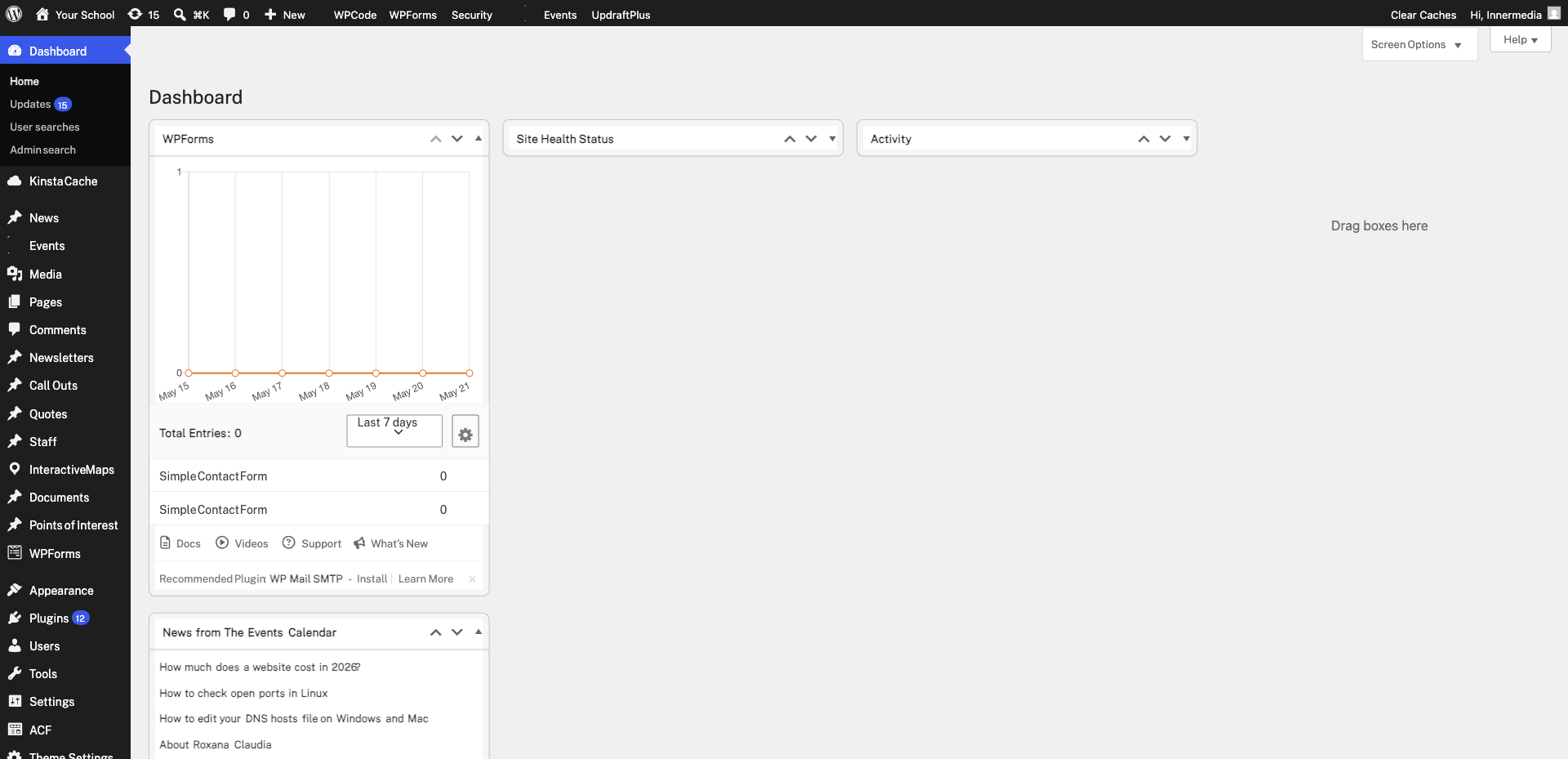
On the left panel, browse the available fields under Standard Fields (name, email, text, dropdown, checkbox) and Fancy Fields (phone, address, file upload, date/time). Click or drag any field to add it to your form.
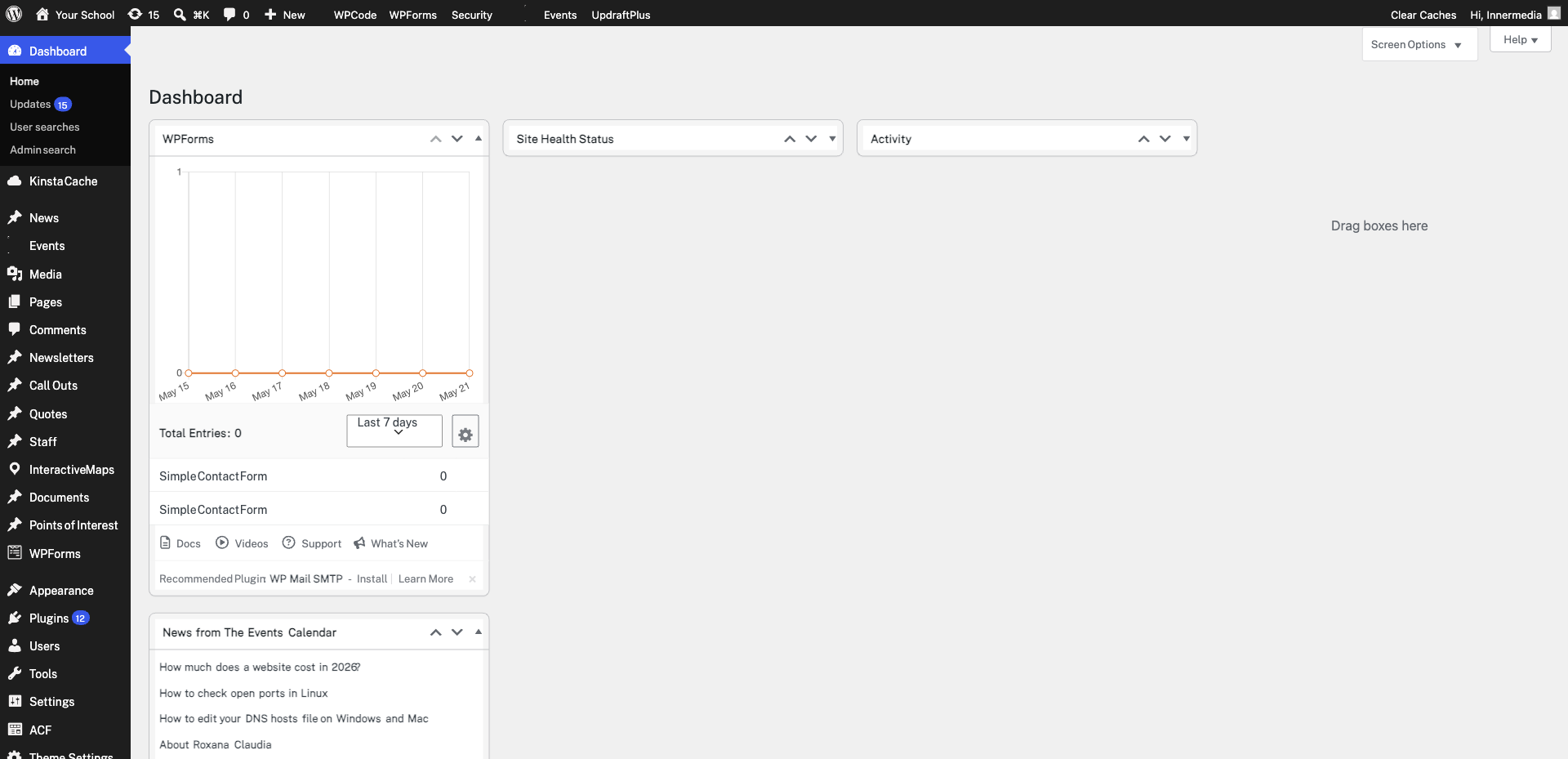
Click on the new field in the form preview to open its options. Set the Label, choose whether it’s Required, add placeholder text, and configure choices for dropdowns or checkboxes. Use the Advanced tab for CSS classes or conditional logic.
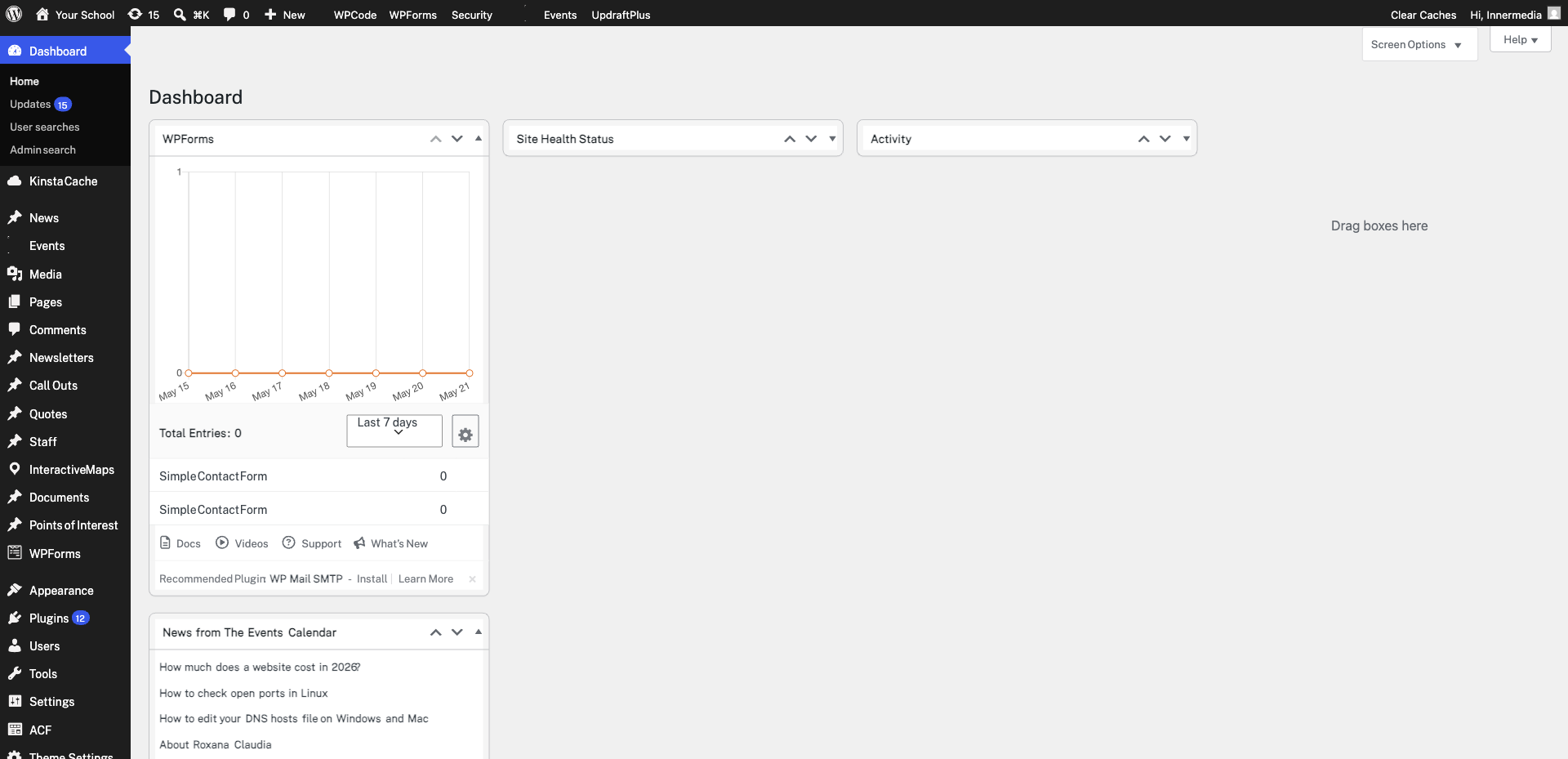
Click Save at the top of the builder. Then visit the page where the form is embedded and submit a test entry with the new field filled in. Check WPForms → Entries to confirm the data came through correctly.
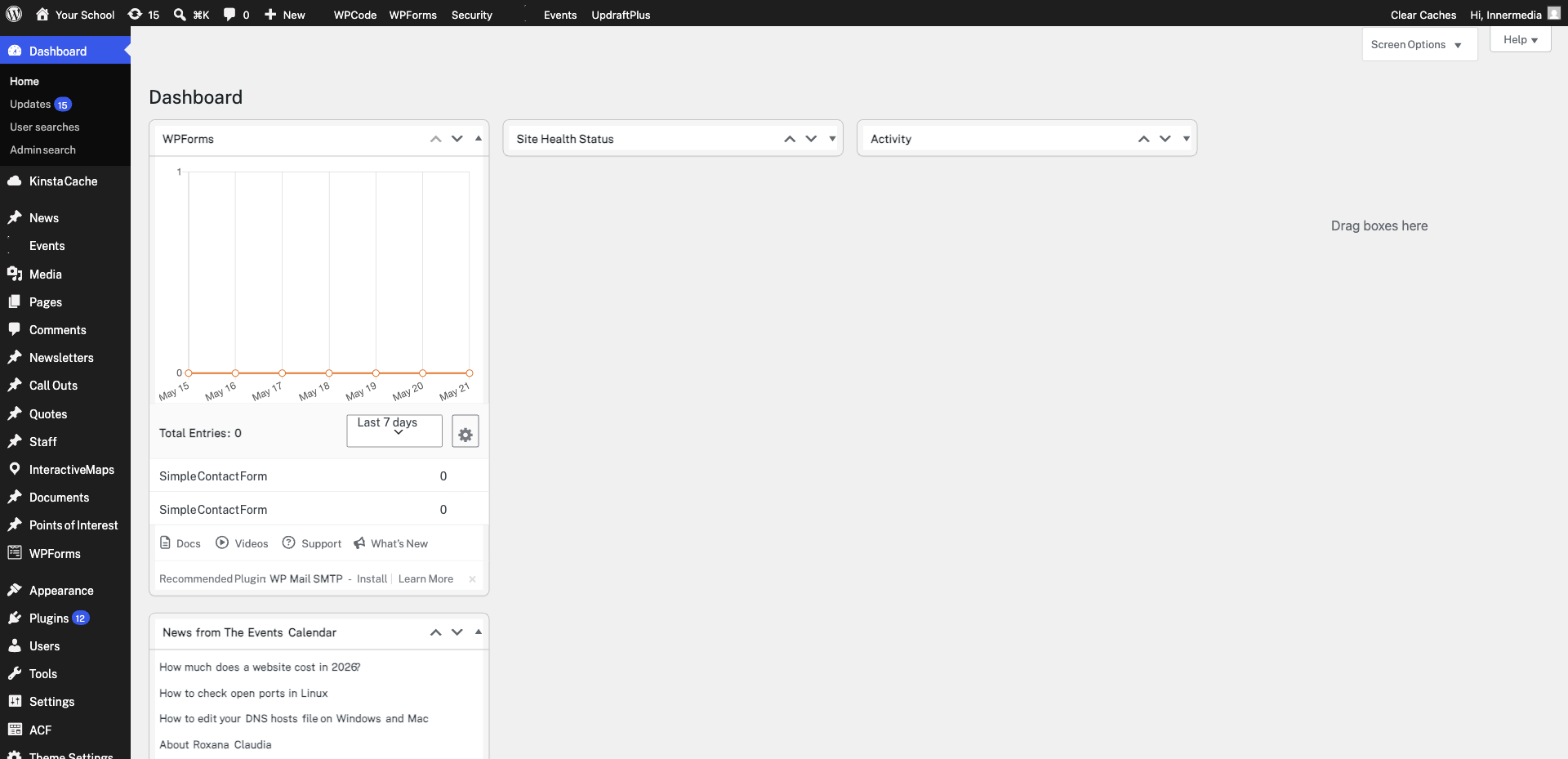
Completed
If you are still experiencing issues, our support team is here to help.
Was this article helpful?