Opening the Elementor Editor
From your WordPress dashboard, click Pages in the left-hand sidebar menu. This will show you a list of all the pages on your website.
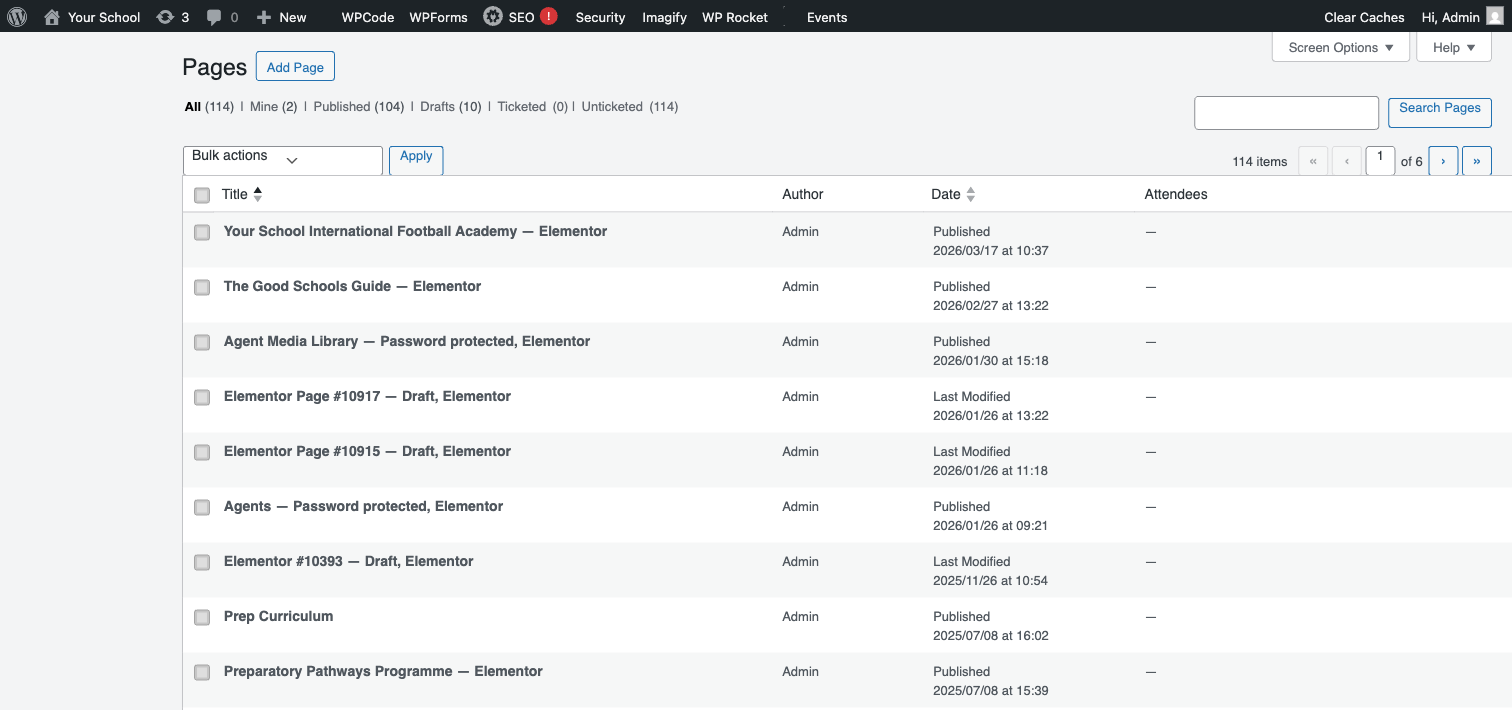
Hover over the page you want to edit. You will see a row of action links appear beneath the page title. Look for the Edit with Elementor link and click it. If you don’t see this link, the page may not have been built with Elementor — check with your Innermedia project manager.
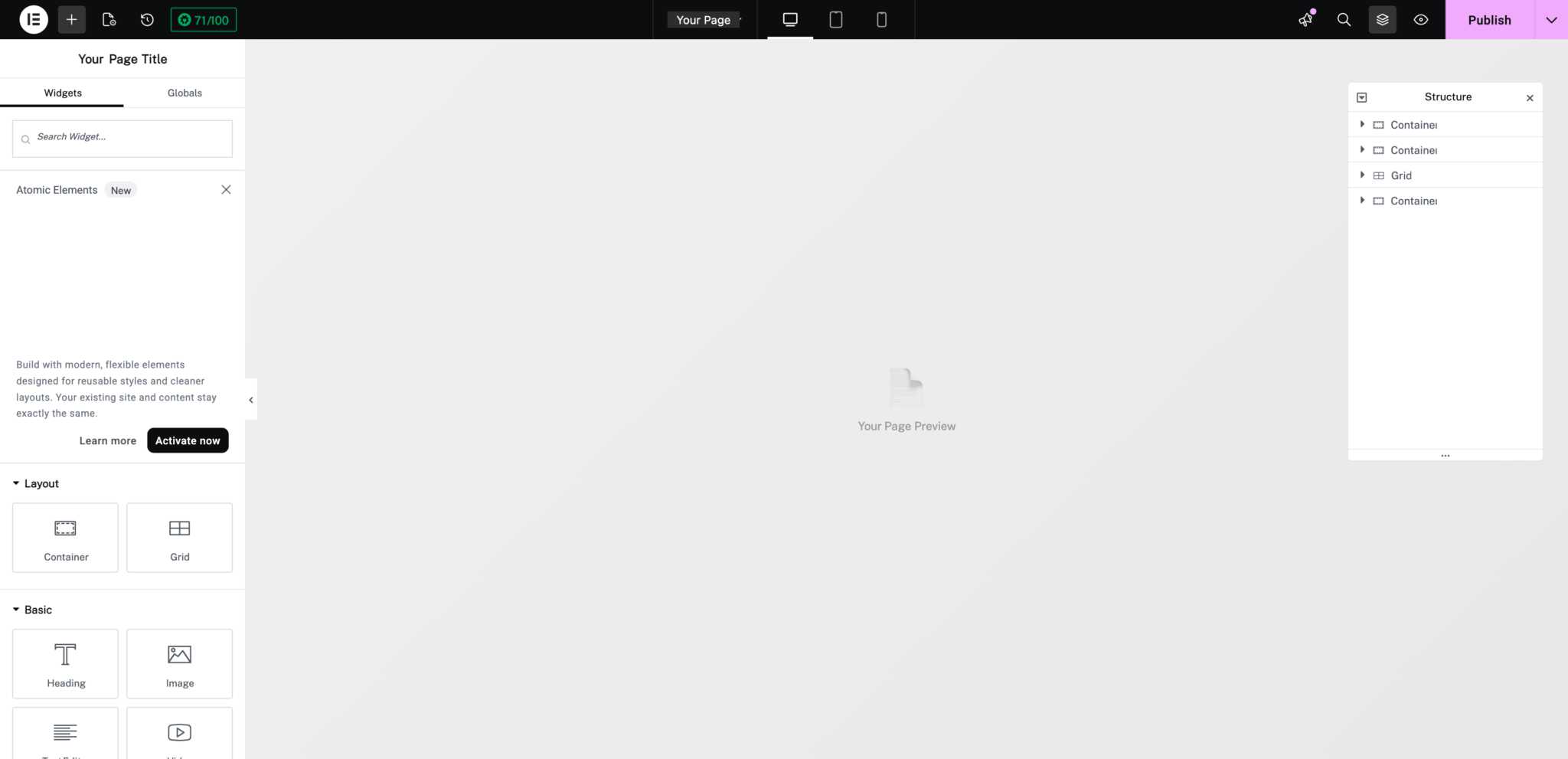
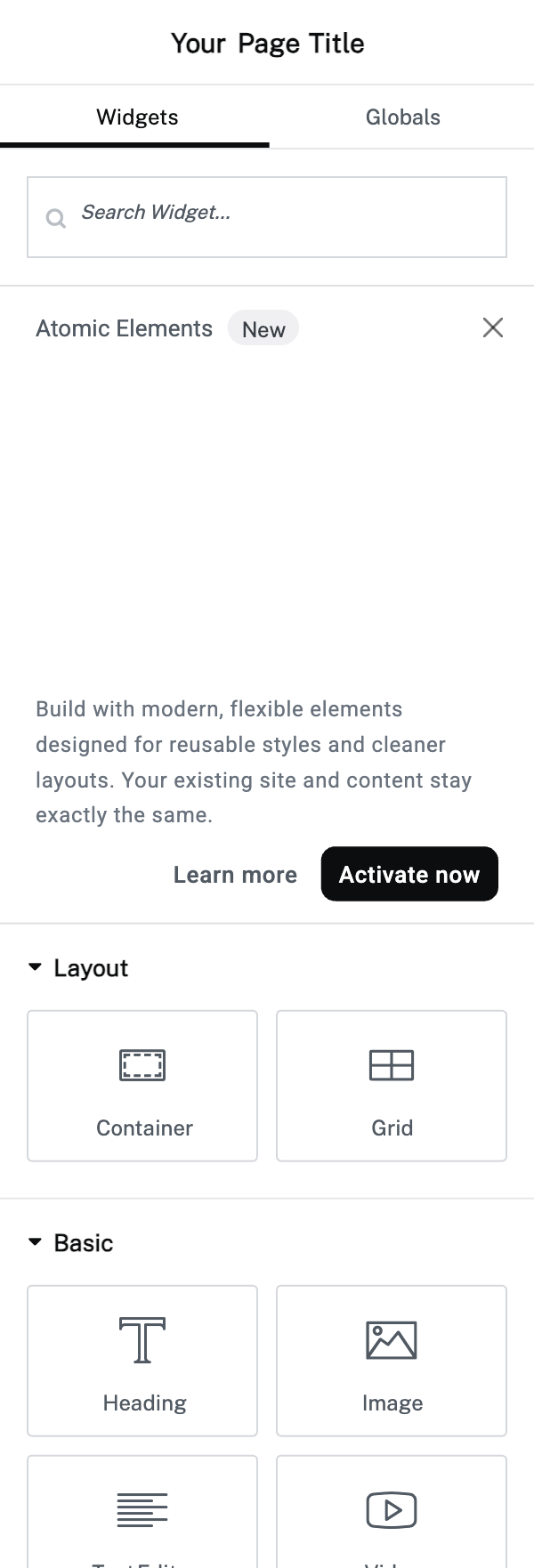
The Elementor editor will open in a new view. You’ll see a loading screen while it prepares your page. Once loaded, you’ll see the widget panel on the left side and your page preview in the centre. The top bar shows responsive preview options and the Publish/Update button on the right.
Completed
If you are still experiencing issues, our support team is here to help.
Was this article helpful?