INNERMEDIA
Contact Support
Support Base
Blog, News & Events
Scheduling Posts for Later
Step 0 of 3 completed
1
Write Your Post
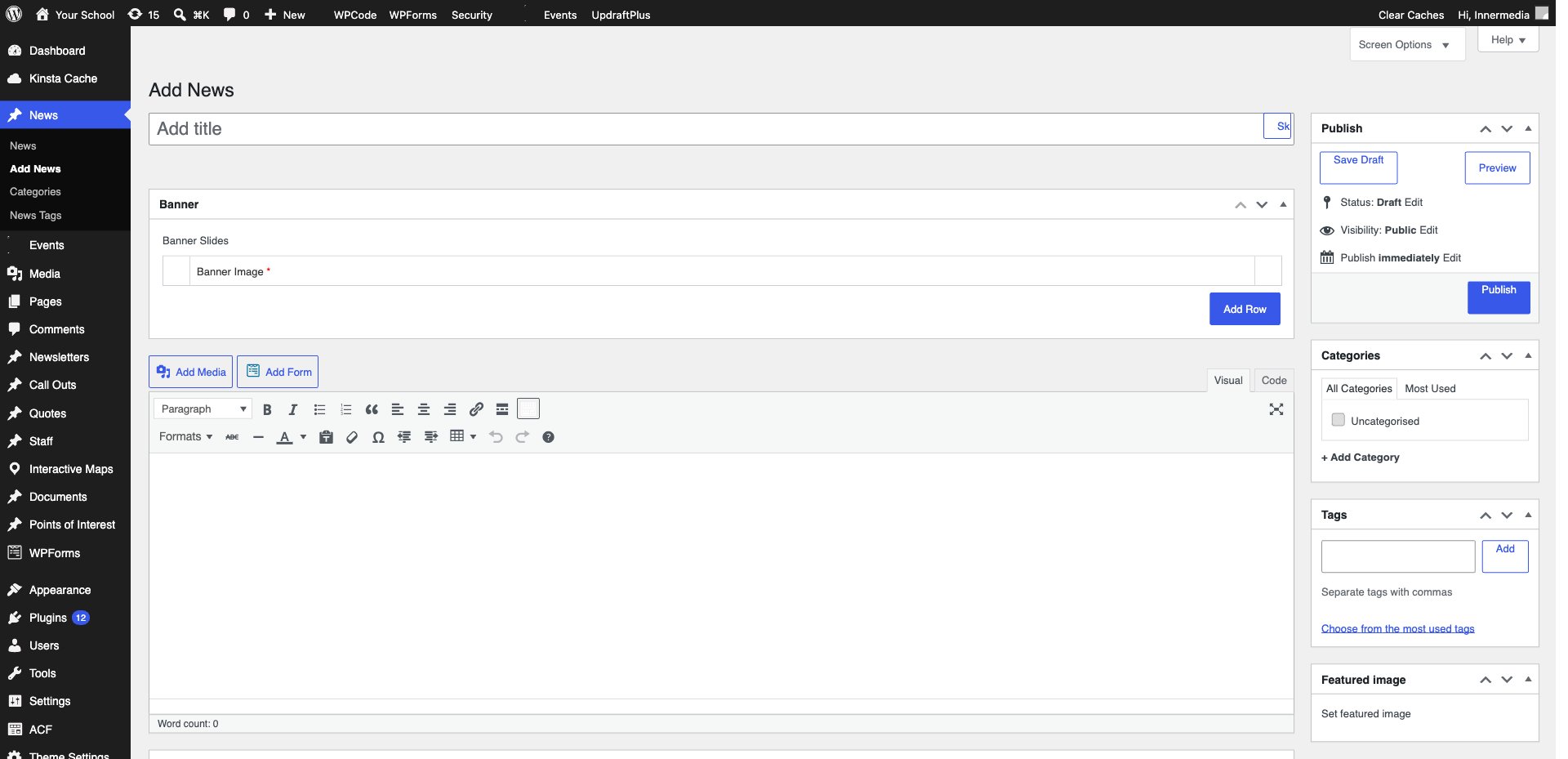
Create and write your post as normal in Posts → Add New.
2
Set the Date
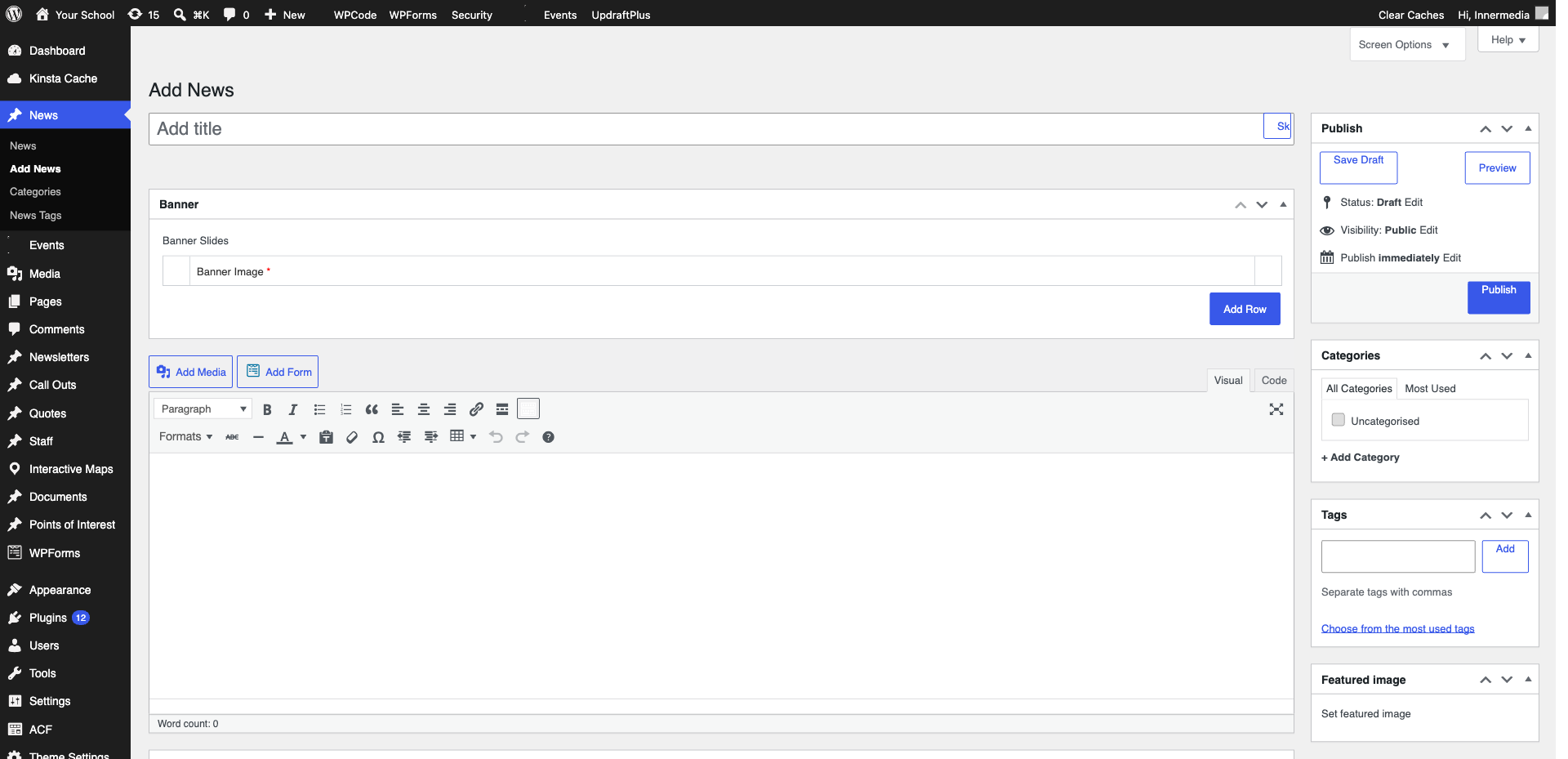
In the right sidebar, click the ‘Publish’ date/time. Change it to a future date and time when you want the post to go live. The button changes from ‘Publish’ to ‘Schedule’.
Pro Tip
Schedule posts for when your audience is most active — typically Tuesday to Thursday mornings for school audiences. 3
Schedule It
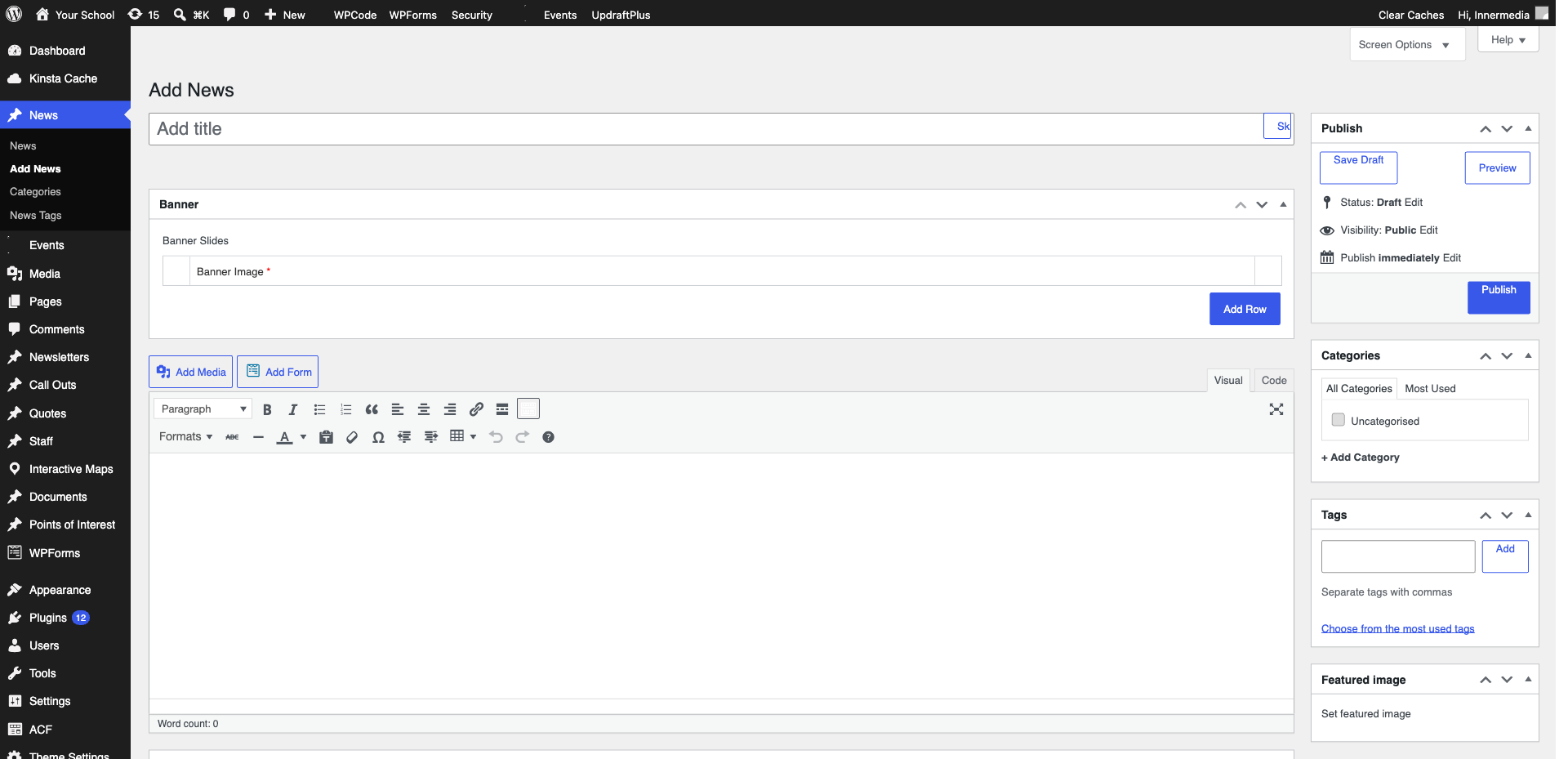
Click ‘Schedule’. The post status changes to ‘Scheduled’. WordPress will automatically publish it at the set time. You can edit or reschedule at any time before publication.
Completed
If you are still experiencing issues, our support team is here to help.
Was this article helpful?