INNERMEDIA
Contact Support
Support Base
Blog, News & Events
Adding Events to Your Calendar
Step 0 of 4 completed
1
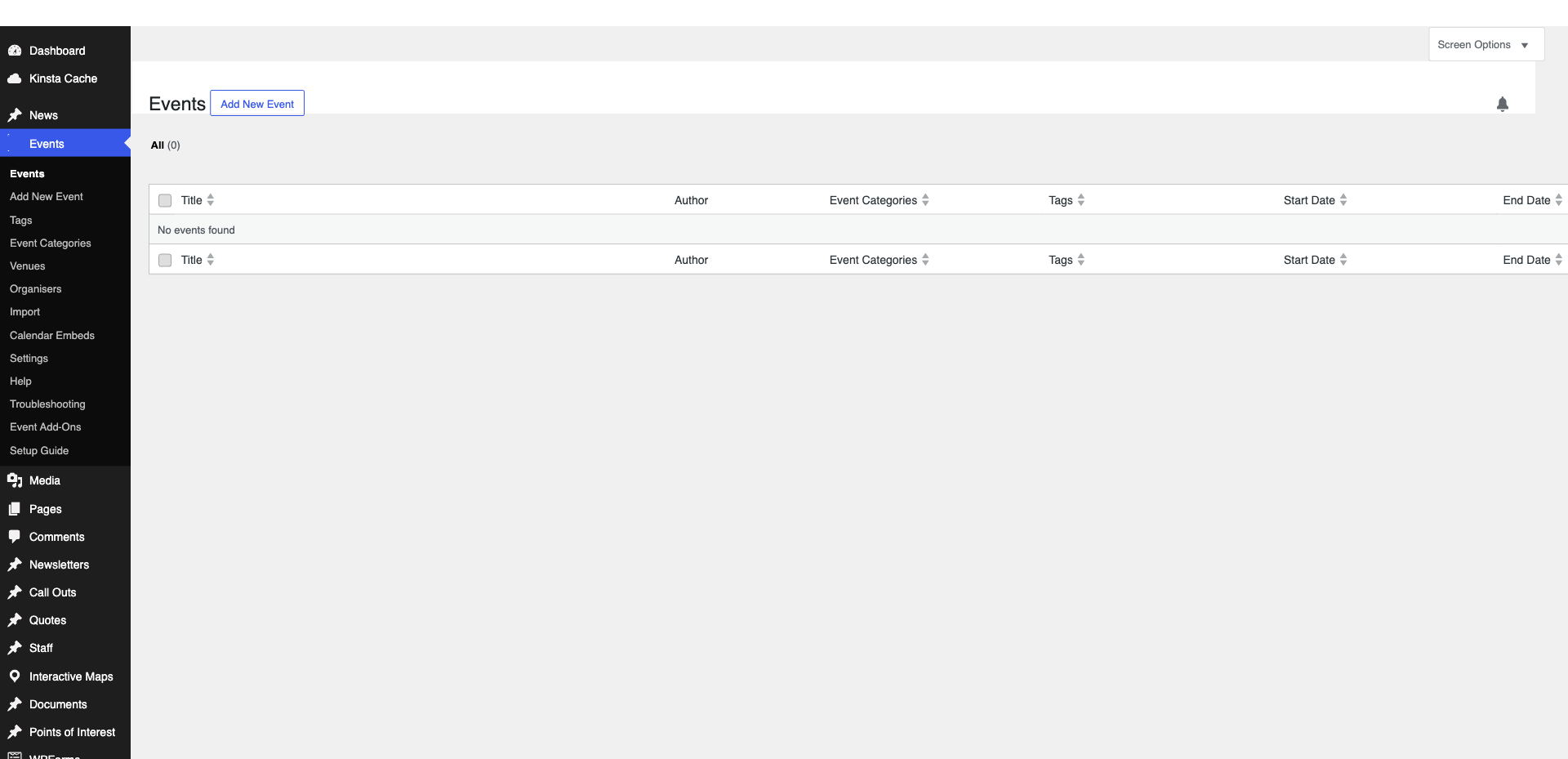
Access the Events Section
Navigate to Events in the WordPress sidebar (the exact label depends on your events plugin — common ones are The Events Calendar, EventON, or a custom solution).
2
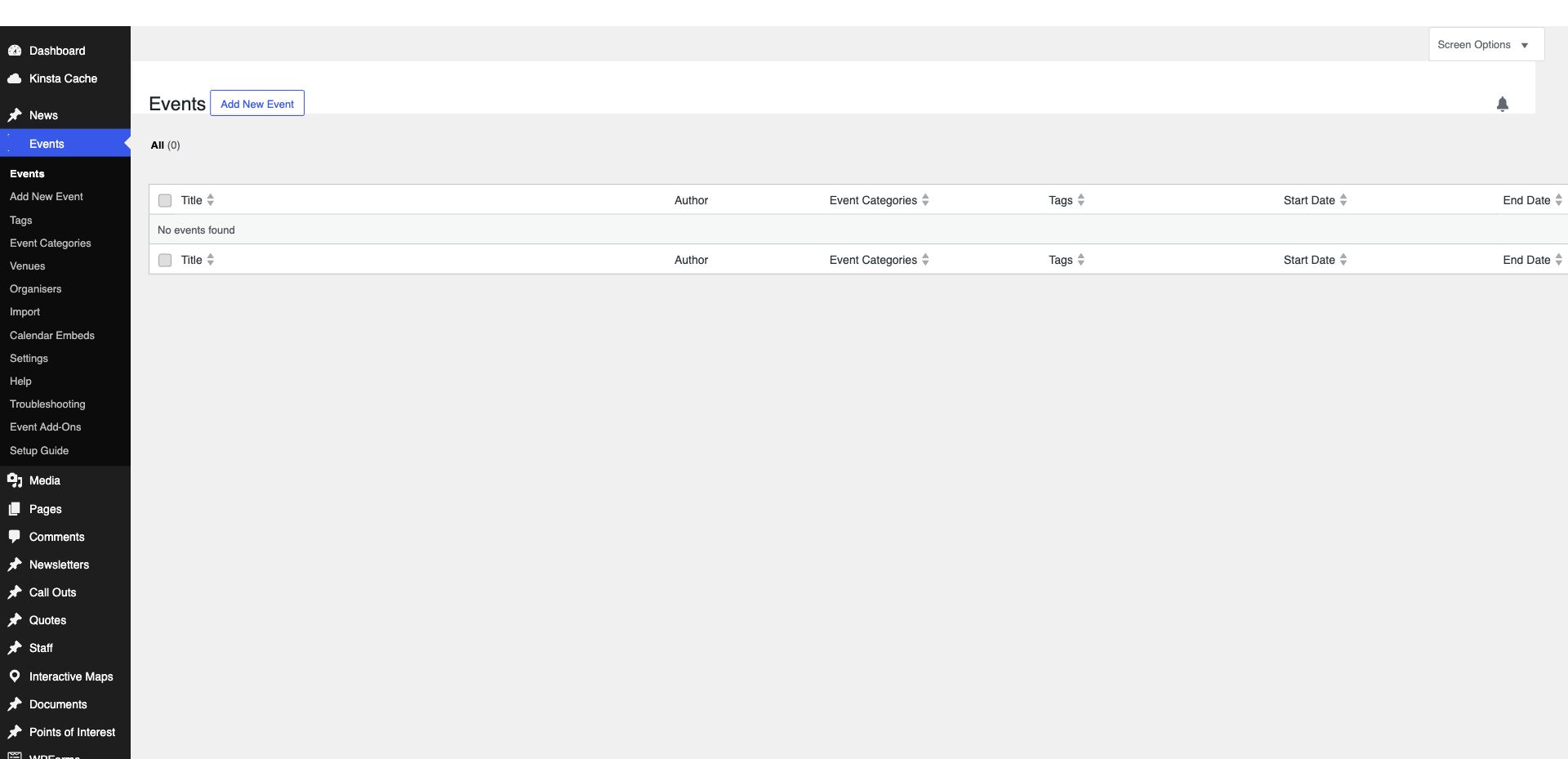
Add a New Event
Click ‘Add New’. Enter the event title, description, and details. Set the start date/time and end date/time. Add a venue/location if applicable.
3
Set Event Details
Add a featured image, select an event category (Open Day, Sports, Academic, etc.), and enter any ticket/booking information. Add the event to recurring if it repeats.
Pro Tip
Include all practical information: date, time, location, dress code, what to bring, parking details. 4
Publish
Click ‘Publish’. The event will appear on your site’s calendar page and in any event listings.
Completed
If you are still experiencing issues, our support team is here to help.
Was this article helpful?