INNERMEDIA
Contact Support
Support Base
Integrations & Feeds
Adding Social Media Links & Icons
Step 0 of 3 completed
1
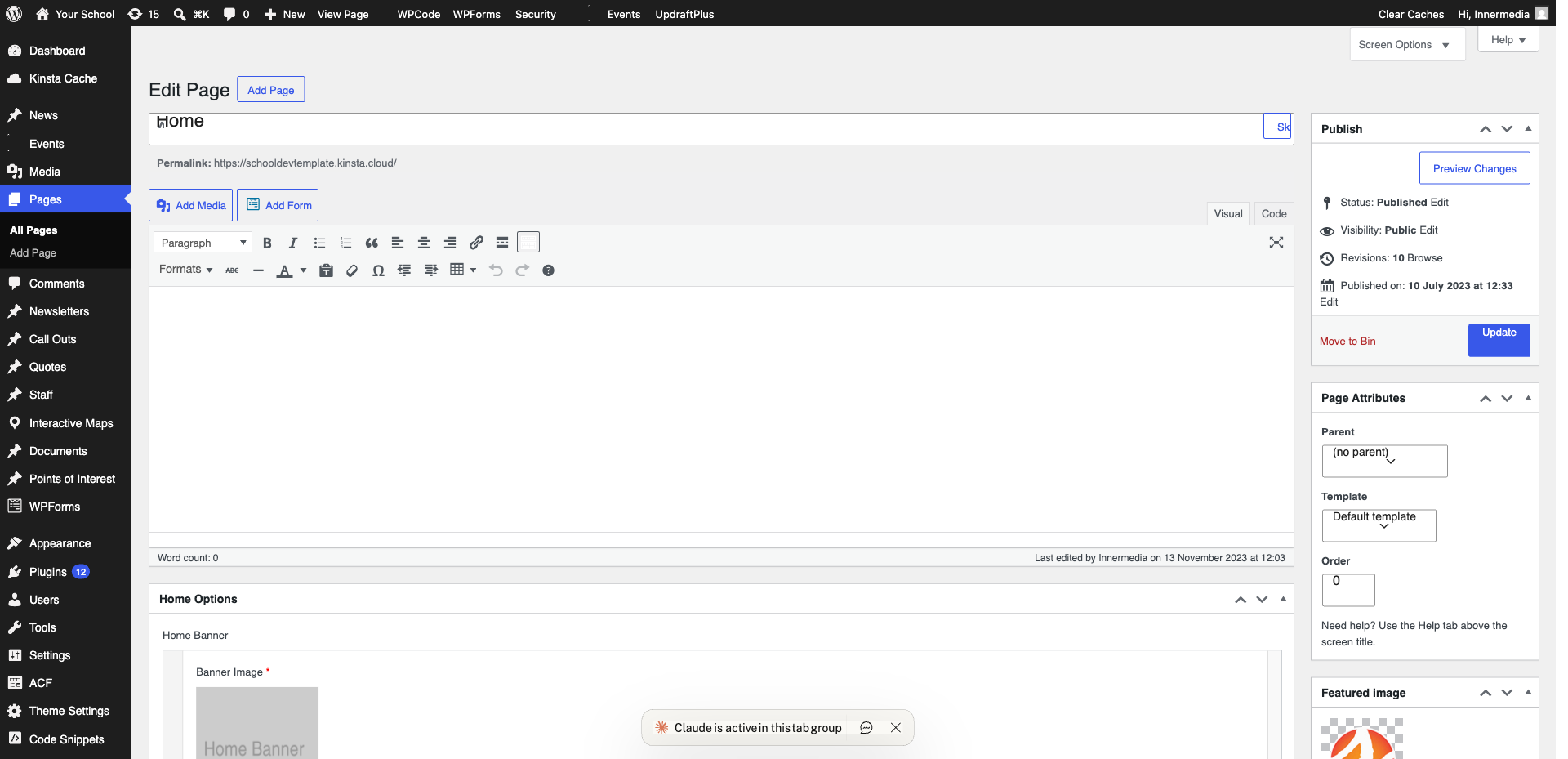
Go to the Customiser
Navigate to Appearance → Customise. Look for a ‘Social Media’, ‘Social Links’, or ‘Footer’ section — the location depends on your theme.
2
Enter Your URLs
Paste the full URL for each social media profile — Facebook, Instagram, Twitter/X, LinkedIn, YouTube, etc. The theme will automatically display the correct icon for each platform.
3
Publish
Click ‘Publish’. Social media icons will appear in your header, footer, or both (depending on your theme settings). Check that each link opens the correct profile in a new tab.
Completed
If you are still experiencing issues, our support team is here to help.
Was this article helpful?