INNERMEDIA
Contact Support
Support Base
Integrations & Feeds
Adding Third-Party Embed Codes
Step 0 of 3 completed
1
Get the Embed Code
From the third-party service (e.g. Google Maps, Calendly, Typeform, JotForm), find the ‘Embed’ or ‘Share’ option and copy the HTML embed code. It usually looks like an <iframe> or <script> tag.
2
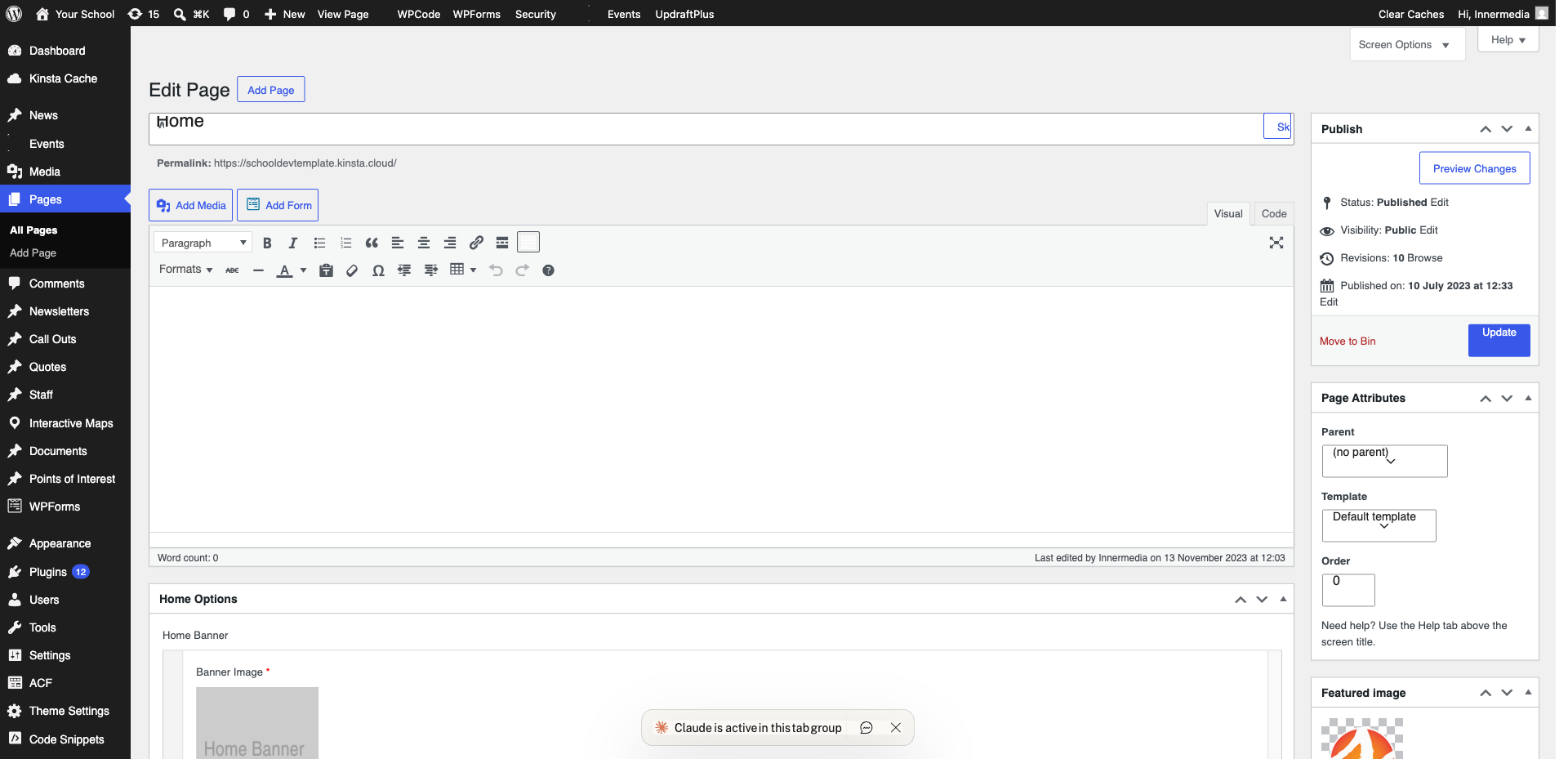
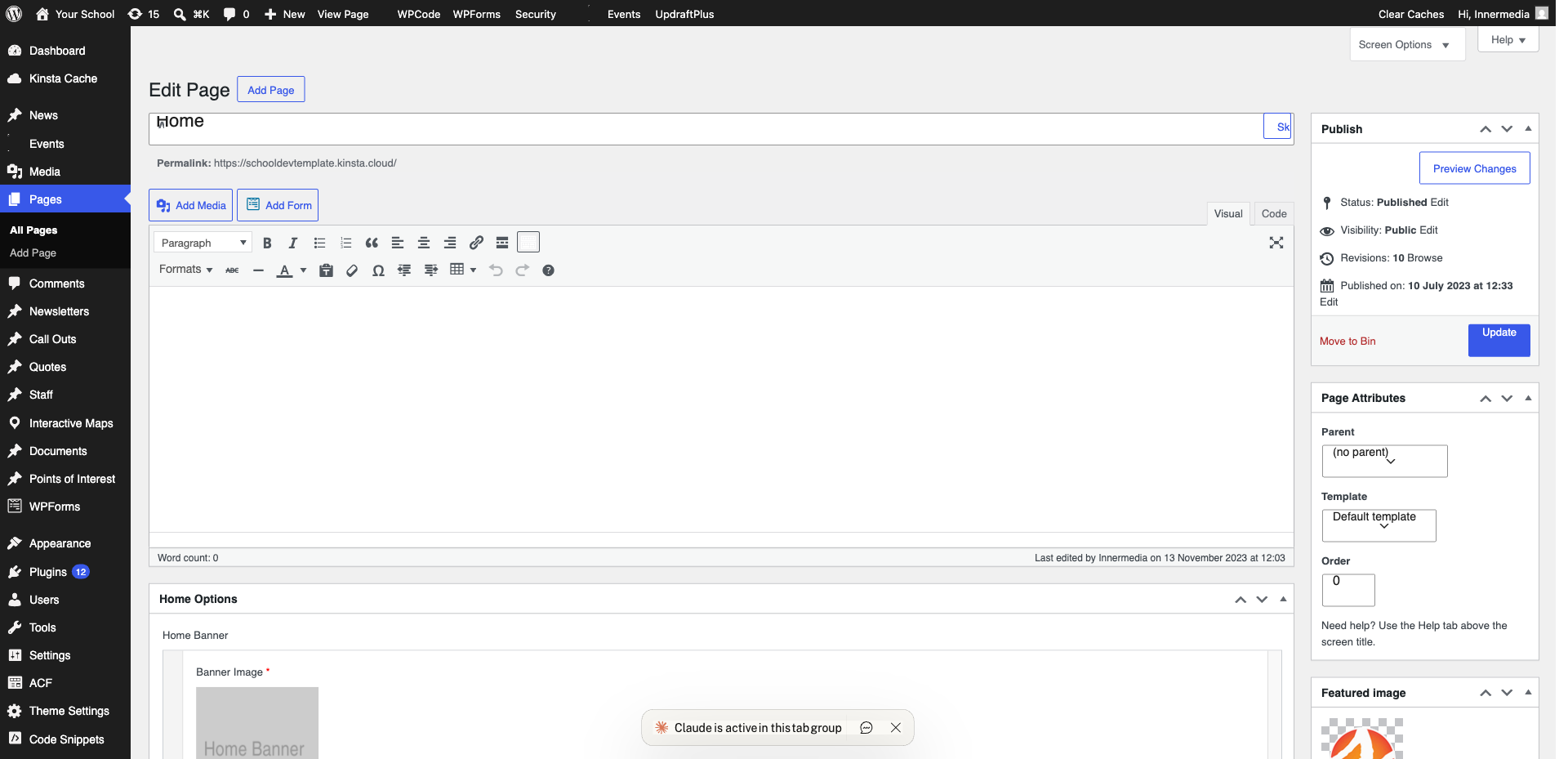
Add a Custom HTML Block
In the WordPress editor, add a Custom HTML block (type /html or click + and search). Paste the embed code into the block.
Pro Tip
Switch to the 'Preview' tab in the Custom HTML block to see how it will look before publishing. 3
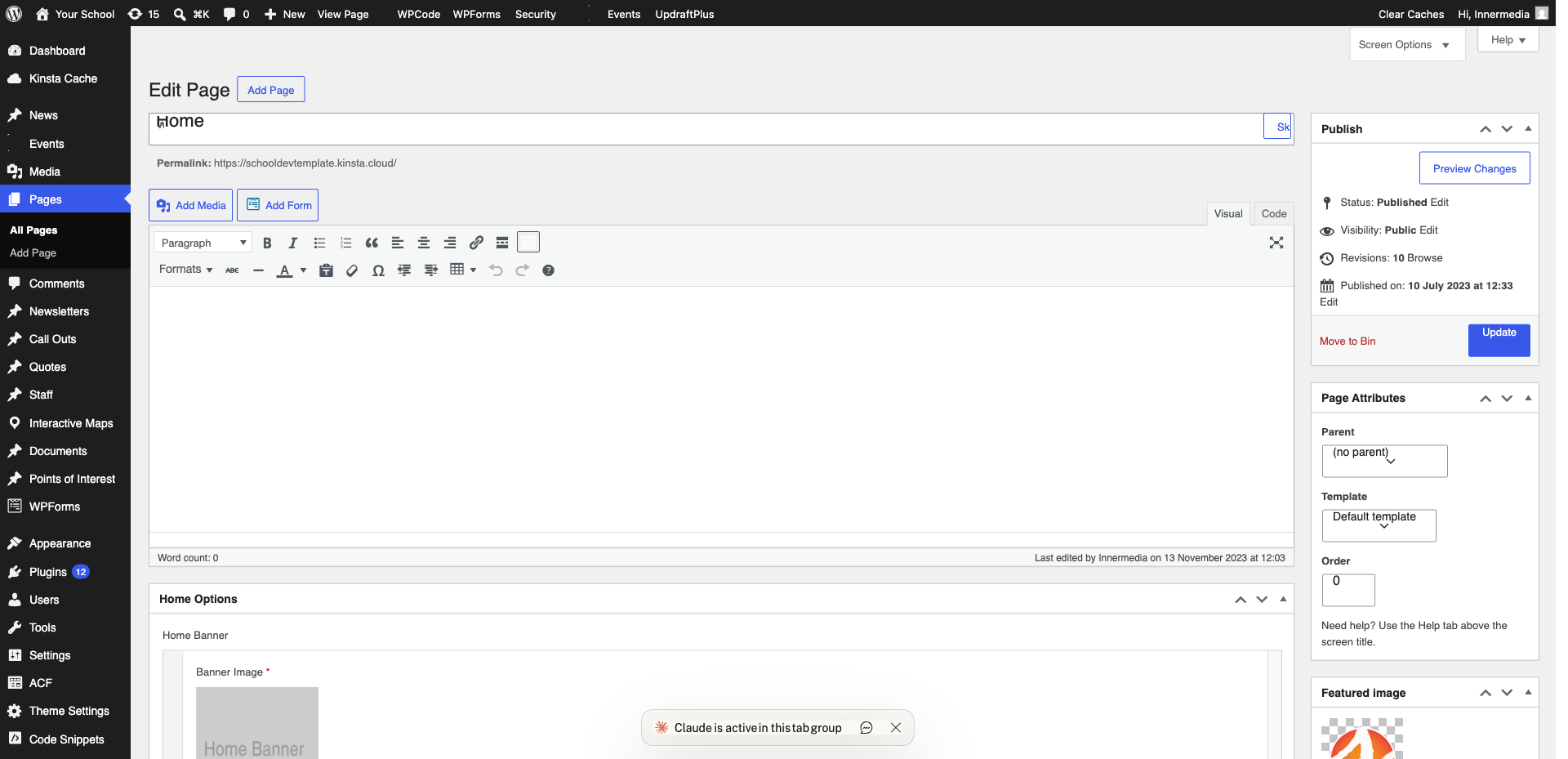
Adjust and Publish
Some embeds need width adjustments. Set width=”100%” in the iframe code to make it responsive. Adjust the height as needed. Click ‘Update’ to publish and check the live page.
Completed
If you are still experiencing issues, our support team is here to help.
Was this article helpful?