INNERMEDIA
Contact Support
Support Base
Integrations & Feeds
Embedding Twitter / X Feeds
Step 0 of 3 completed
1
Get the Embed Code
Go to publish.twitter.com and paste your school’s Twitter/X profile URL. Choose either a timeline embed (shows recent tweets) or a single tweet embed. Customise the appearance and copy the embed code.
2
Add to WordPress
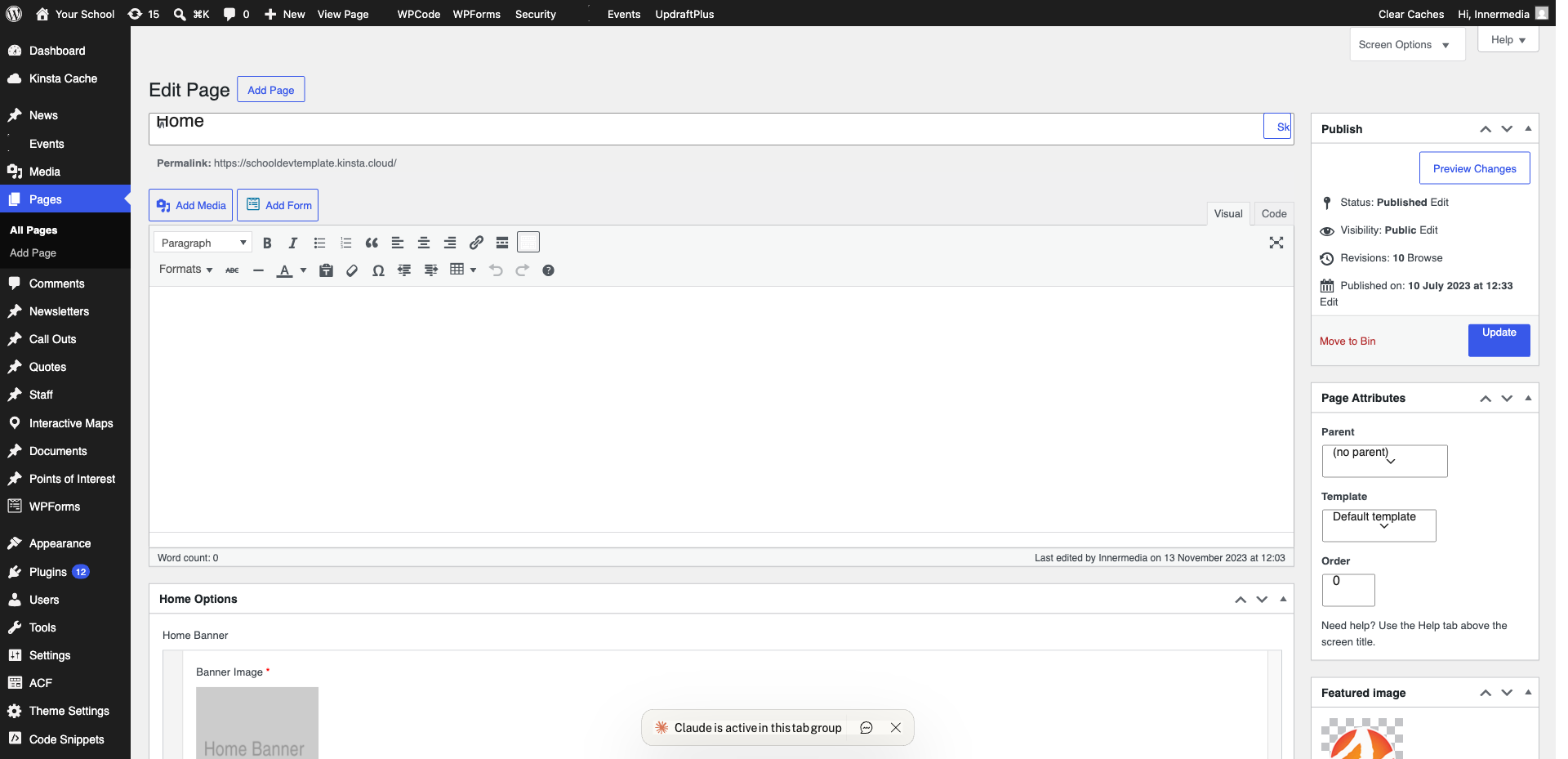
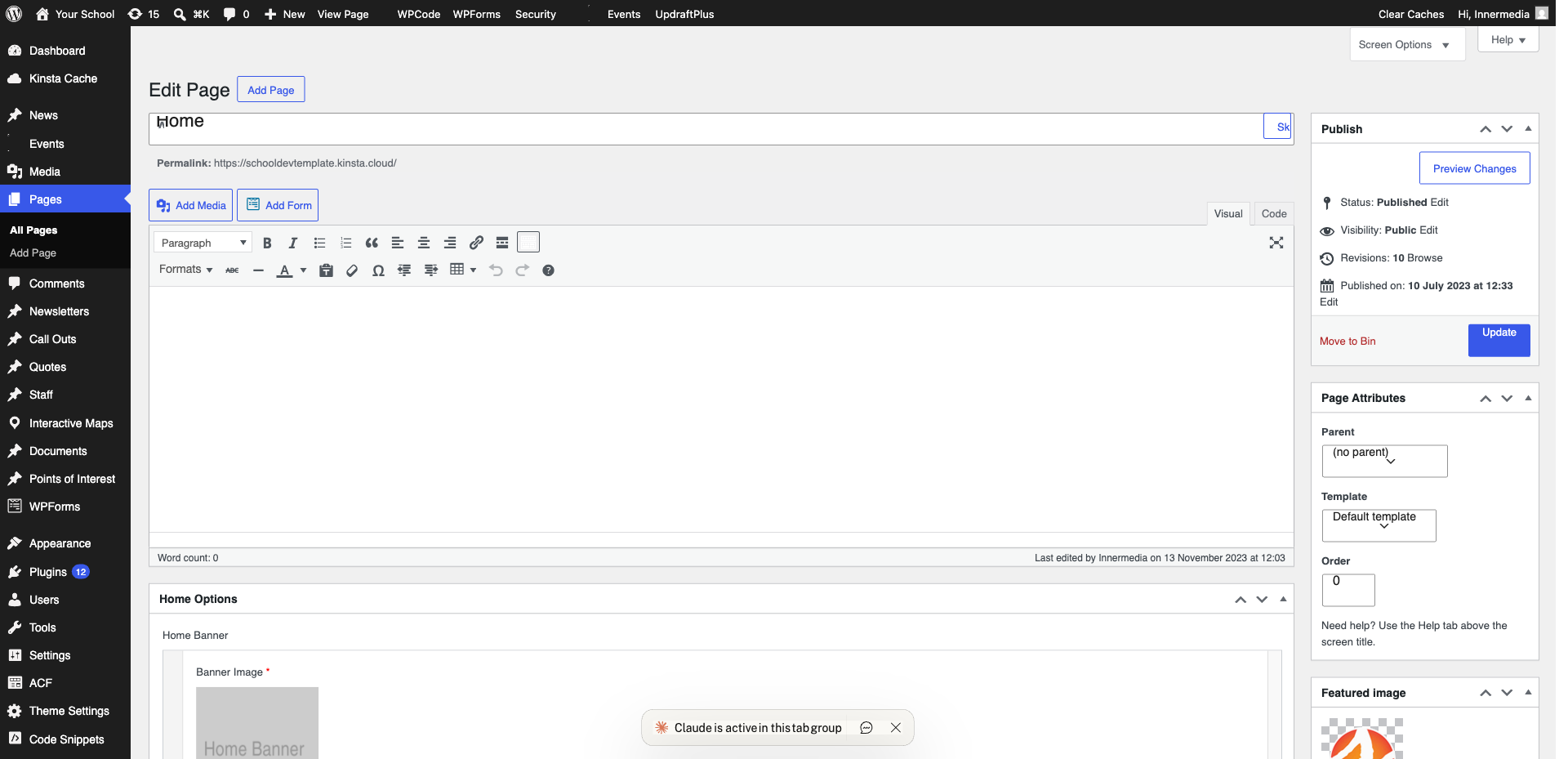
In the page editor, add a Custom HTML block (type /html). Paste the embed code you copied. The preview in the editor may not look right, but it will display correctly on the live page.
Pro Tip
Alternatively, type /twitter to use the dedicated Twitter block. Paste your profile URL and WordPress will create the embed automatically. 3
Adjust and Publish
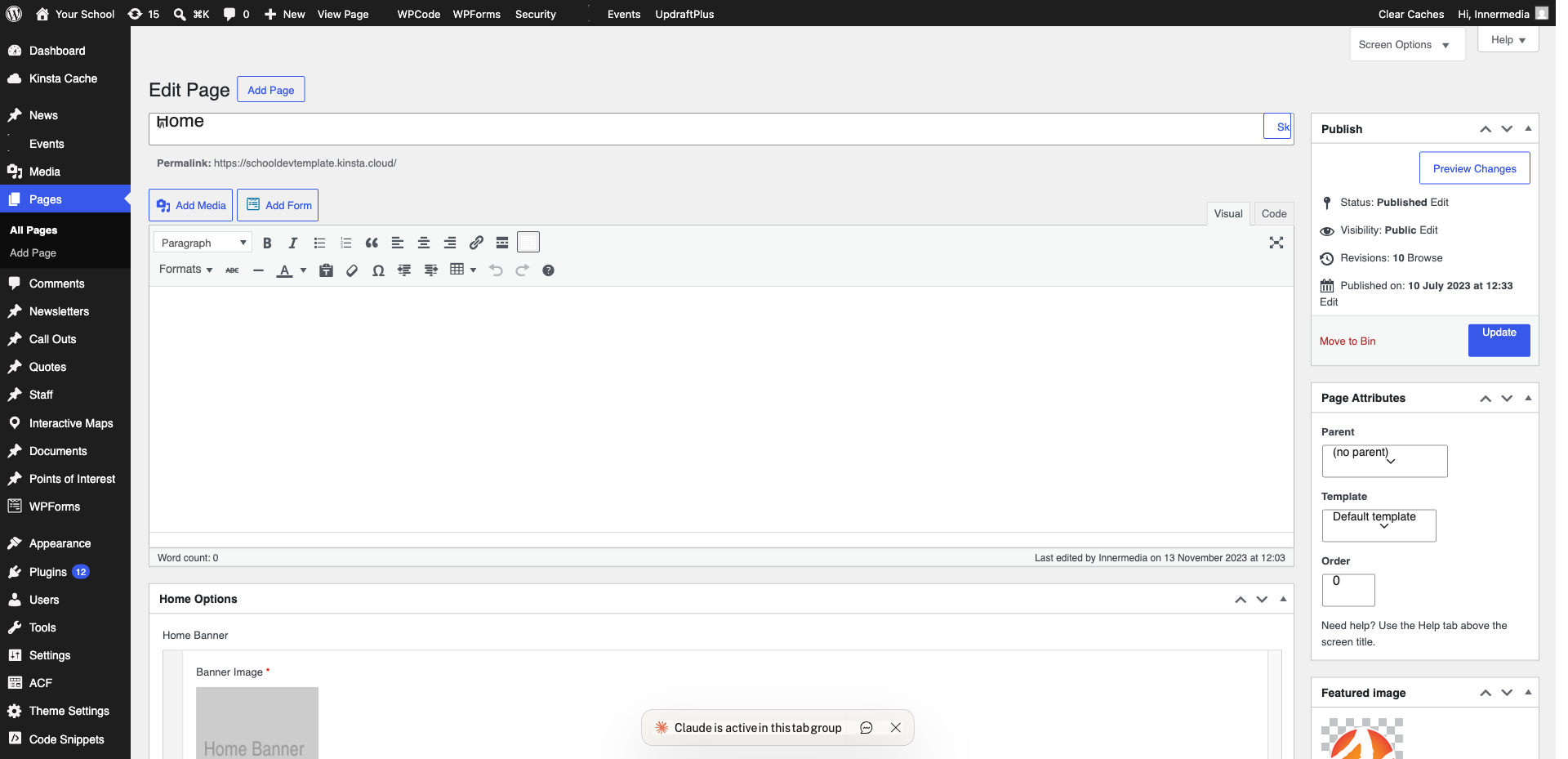
Set the block width and alignment. Click ‘Update’ to publish. Check the live page to ensure the feed is loading correctly.
Completed
If you are still experiencing issues, our support team is here to help.
Was this article helpful?