INNERMEDIA
Contact Support
Support Base
Getting Started
How to Log In to WordPress
Step 0 of 3 completed
1
Find Your Login URL
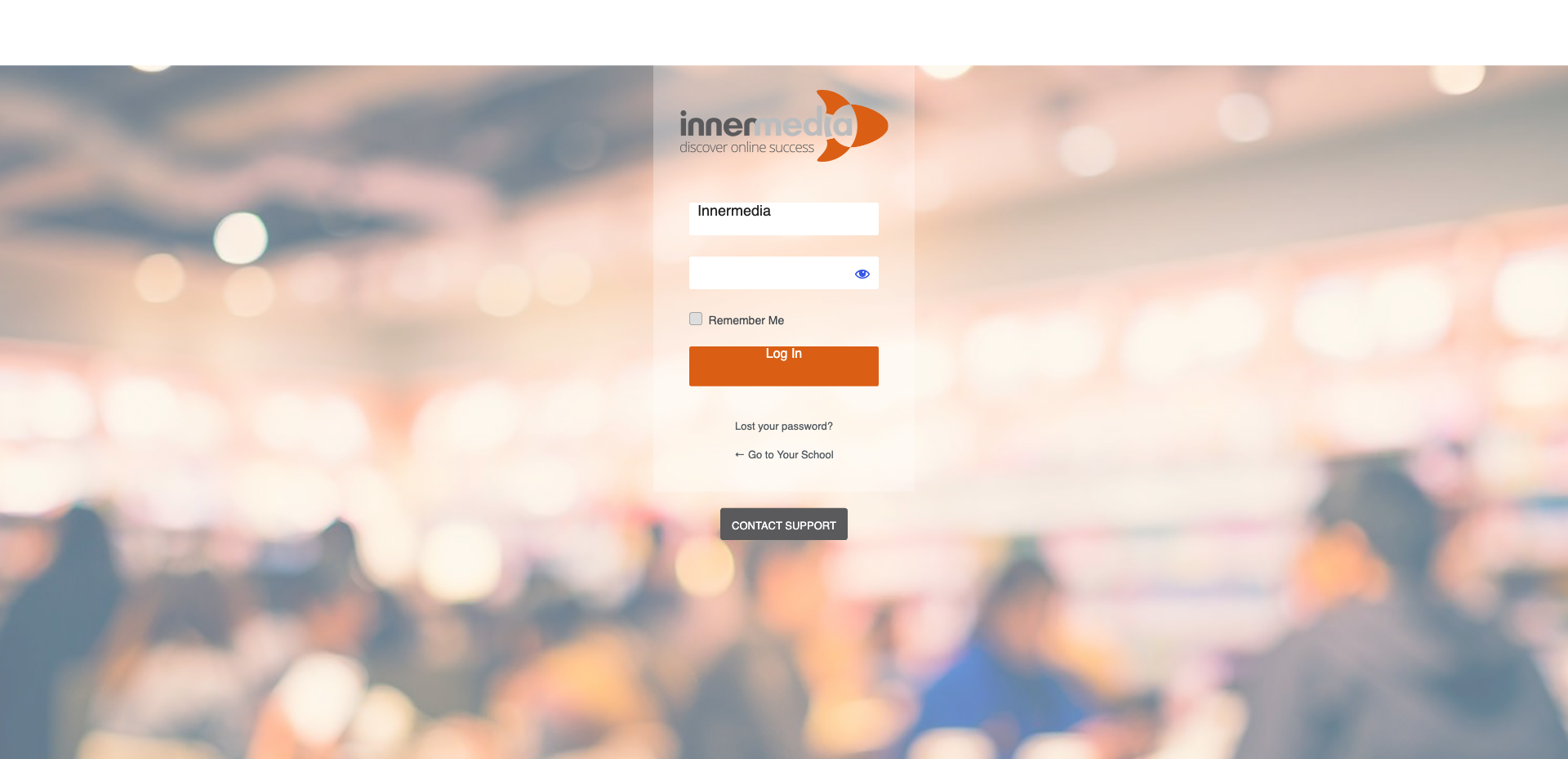
Your WordPress login page is usually at yoursite.co.uk/wp-admin or yoursite.co.uk/wp-login.php. Bookmark this page for quick access in the future. If you are unsure of your exact URL, check the welcome email we sent when your site launched.
Pro Tip
If your site uses a custom login URL for security, it may be different. Check your welcome email or contact us. 2
Enter Your Credentials
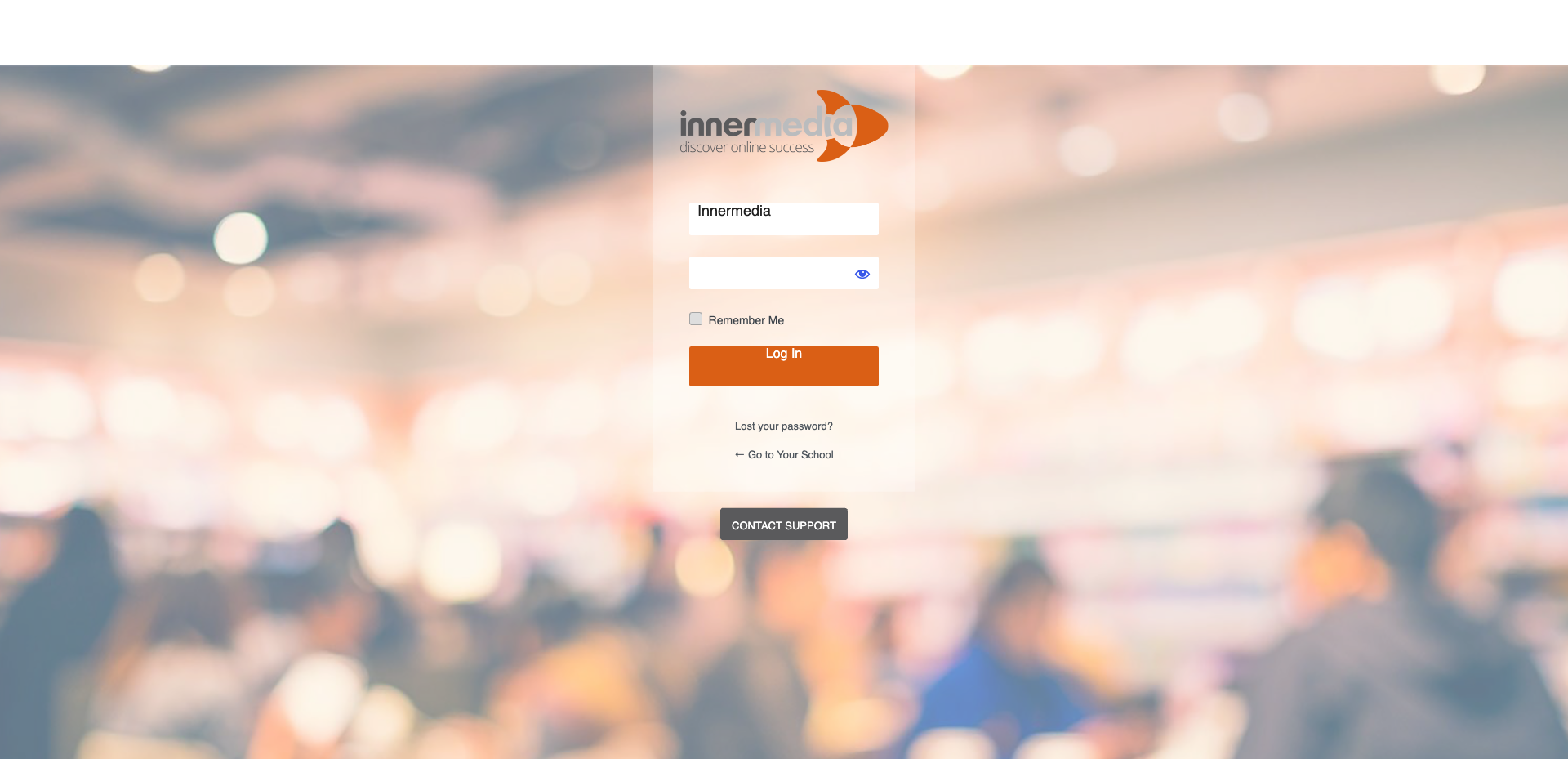
Type in your username or email address and your password. These were provided in your initial setup email. If you cannot find them, use the ‘Lost your password?’ link below the form.
Pro Tip
Tick the 'Remember Me' checkbox if you are on your own computer — this keeps you logged in for 14 days. 3
Access the Dashboard
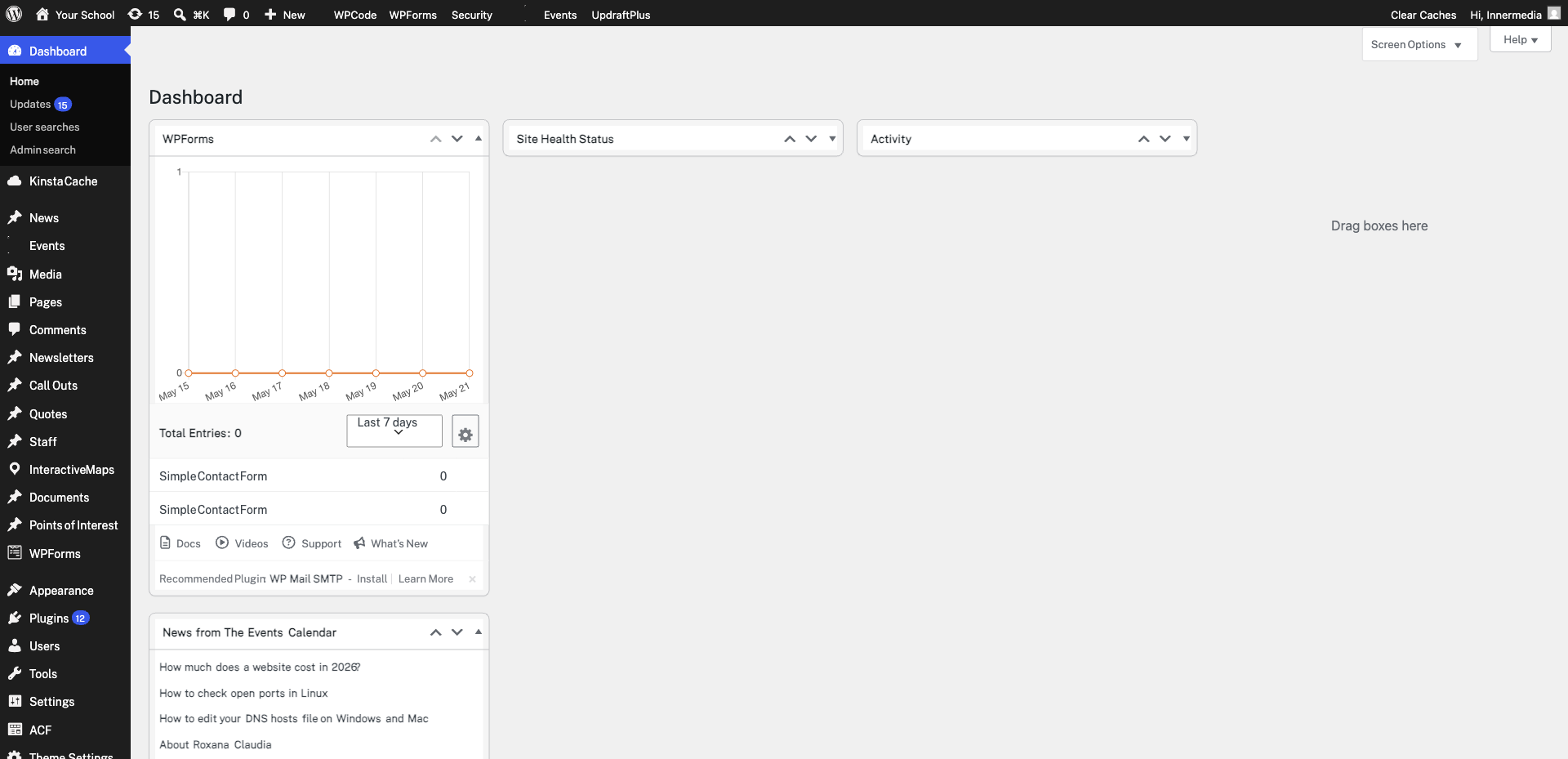
Once logged in, you will see the WordPress Dashboard. This is your control panel for managing pages, posts, media, and settings. The left-hand sidebar contains all the main menu items you will need.
Pro Tip
If you see a 'minimal' dashboard, your user role may be limited. Ask your site administrator to check your permissions. Completed
If you are still experiencing issues, our support team is here to help.
Was this article helpful?