Publishing, Saving & Revisions in Elementor
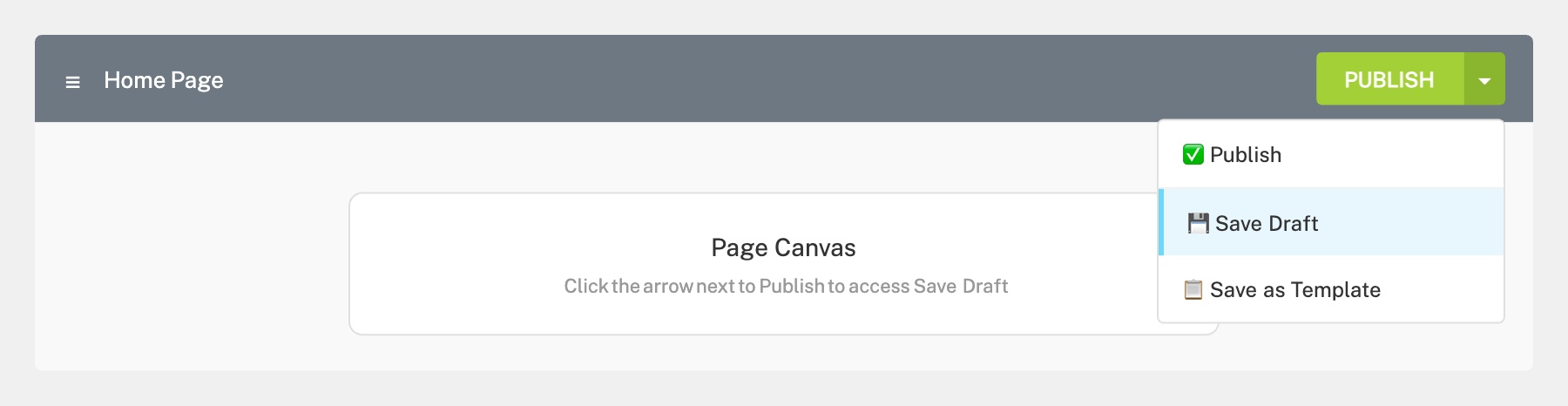
If you want to save your work without making it live, click the small arrow next to the Publish/Update button at the bottom of the left panel. This opens a dropdown menu where you can select Save Draft. Your changes will be saved but won’t be visible to visitors until you publish.
Elementor also auto-saves periodically, so you won’t lose work if your browser closes unexpectedly.
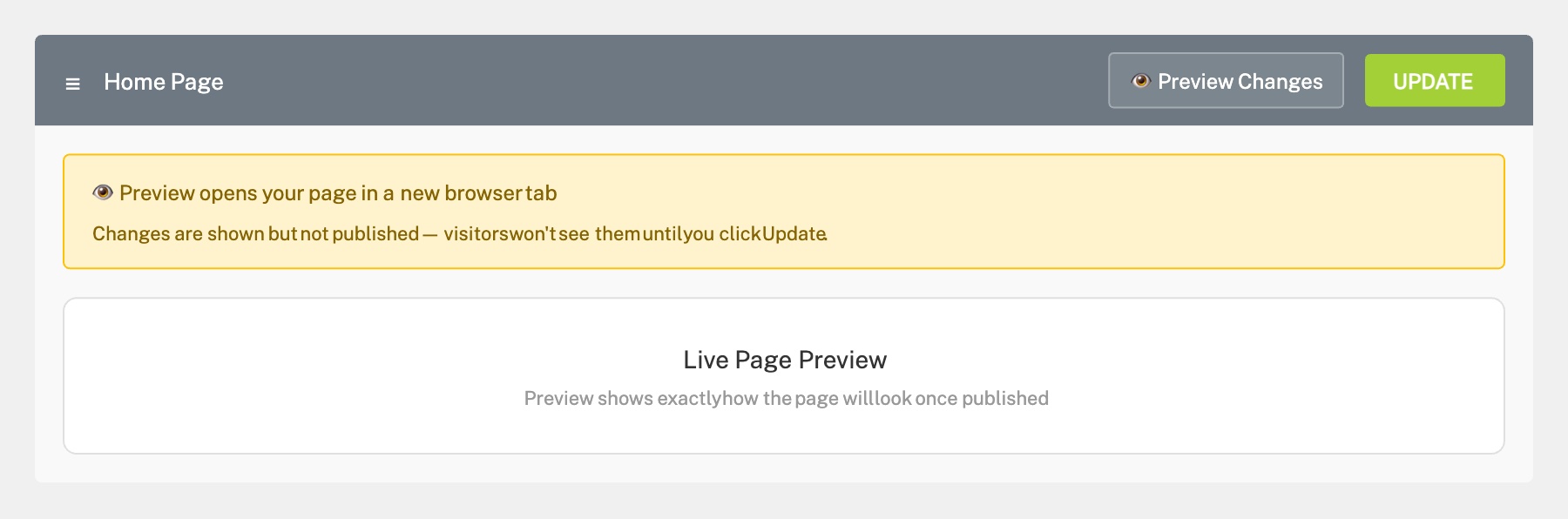
Click the eye icon (Preview Changes) in the bottom toolbar of the left panel. This opens a preview of your page in a new browser tab, showing exactly how it will look to visitors. Check the page on both desktop and mobile (resize your browser window) before publishing.
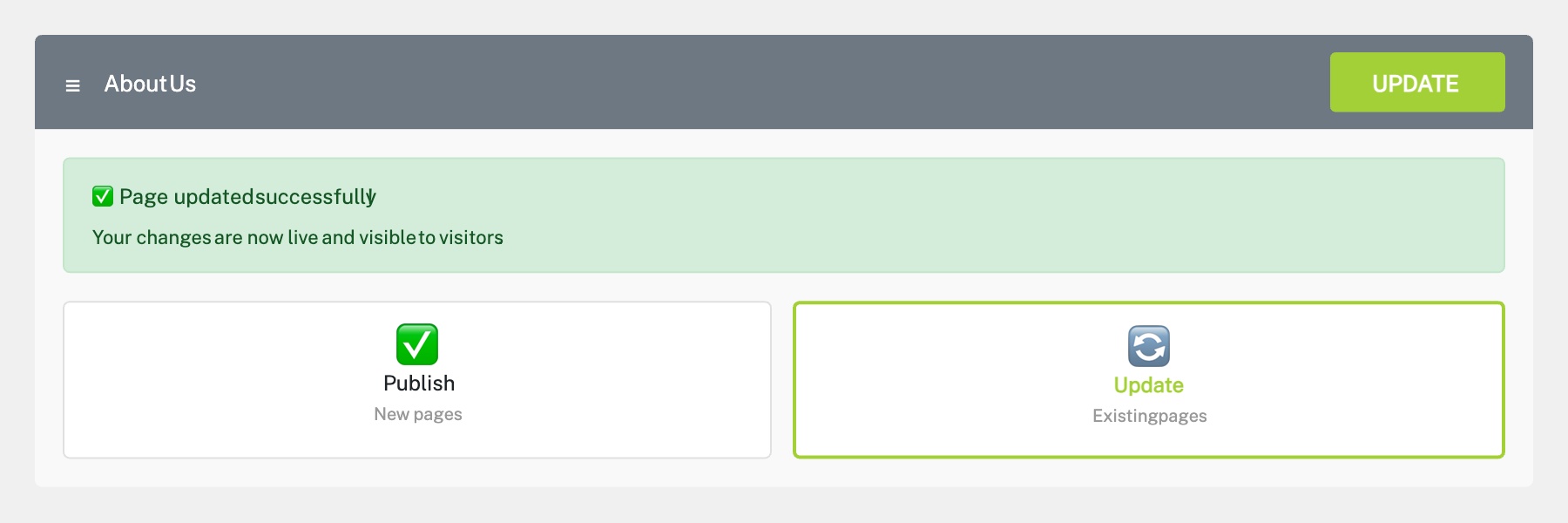
When you’re ready to make your changes live, click the green Update button (or Publish for new pages). The button will briefly show a loading spinner, then confirm the update. Your changes are now live and visible to visitors immediately.
Tip: If you’re making major changes, consider asking your Innermedia project manager to set up a staging environment where you can test changes before they go live.
If something goes wrong, you can undo changes or restore a previous version:
Undo/Redo — Use Ctrl + Z (Cmd + Z on Mac) to undo recent changes, or Ctrl + Shift + Z to redo.
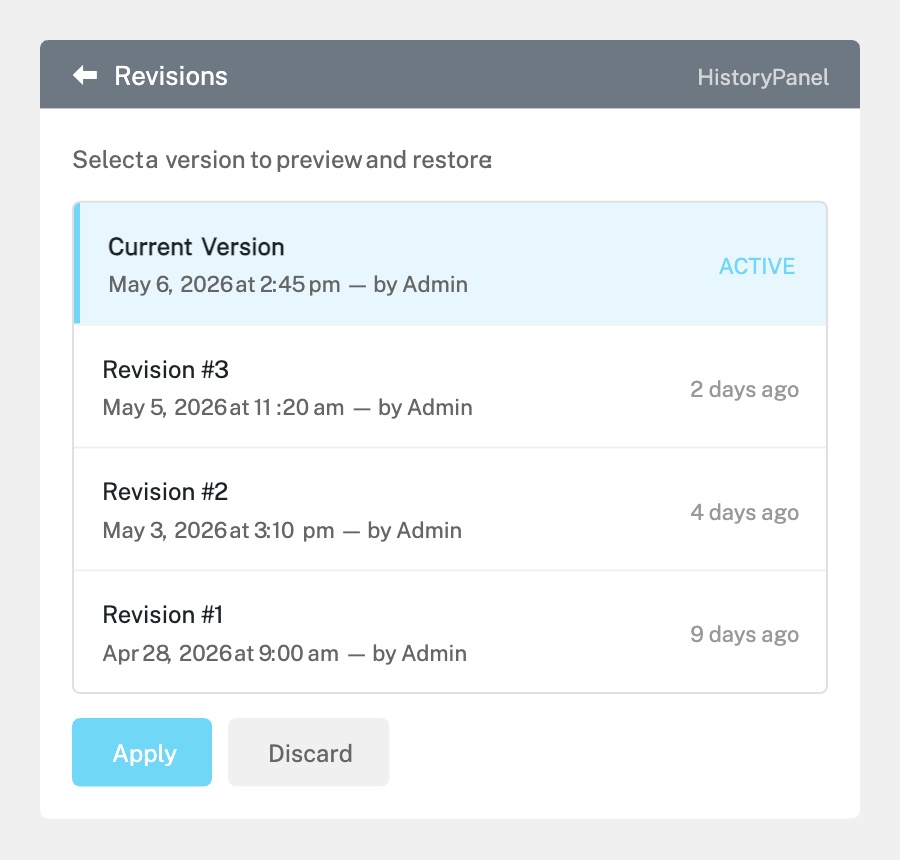
Revision History — Click the clock icon (History) at the bottom of the left panel. You’ll see two tabs: Actions shows recent edits in this session, and Revisions shows saved versions of the page. Click any revision to preview it, then click Apply to restore it.
Revisions are saved each time you publish/update, so you can always go back to a previous version.
Completed
If you are still experiencing issues, our support team is here to help.
Was this article helpful?