INNERMEDIA
Contact Support
Support Base
Pages & Content
Embedding Videos on a Page
Step 0 of 3 completed
1
Copy the Video URL
Go to YouTube or Vimeo and copy the URL from the browser address bar. You do not need the embed code — just the regular page URL.
2
Paste Into the Editor
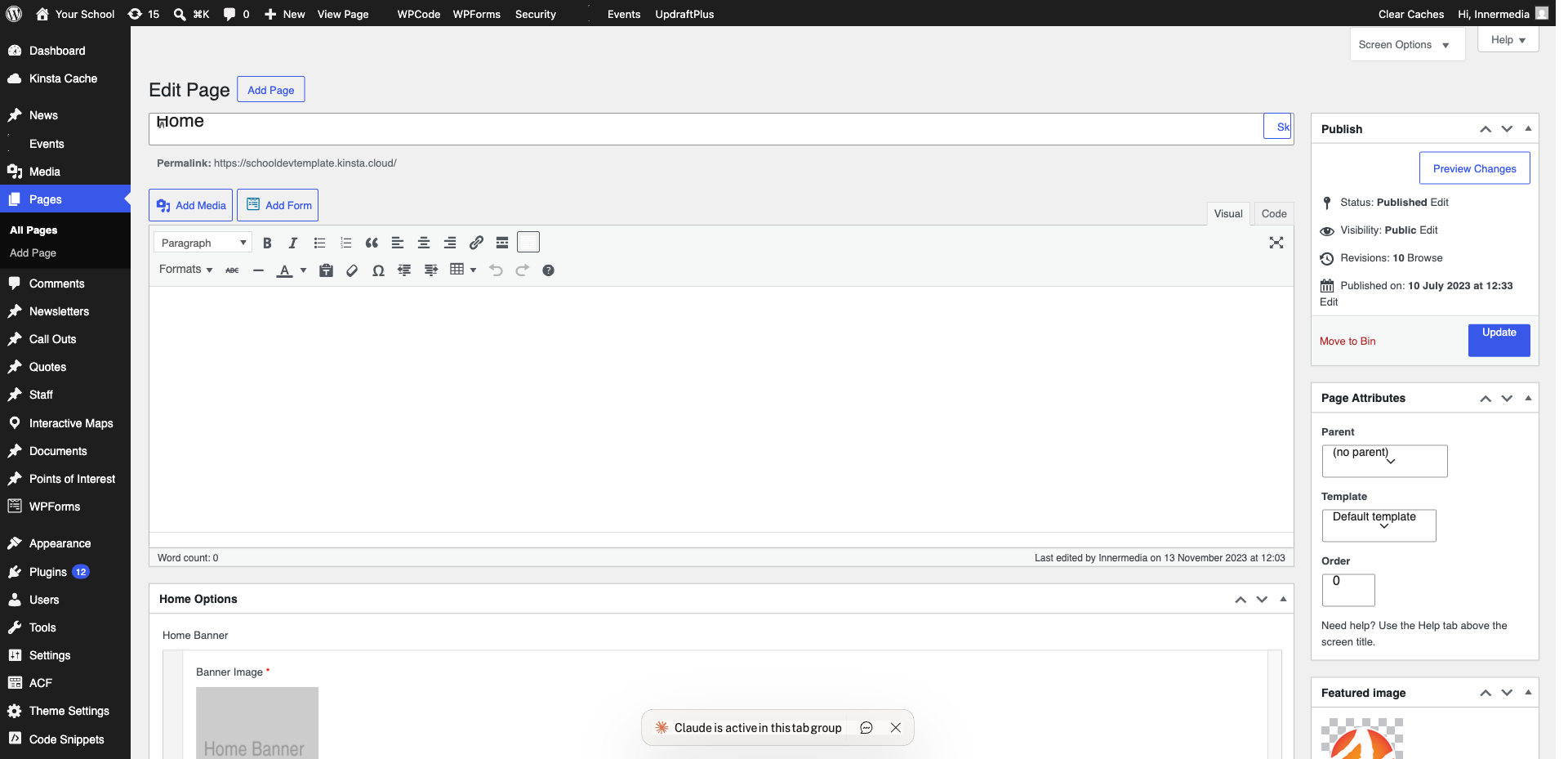
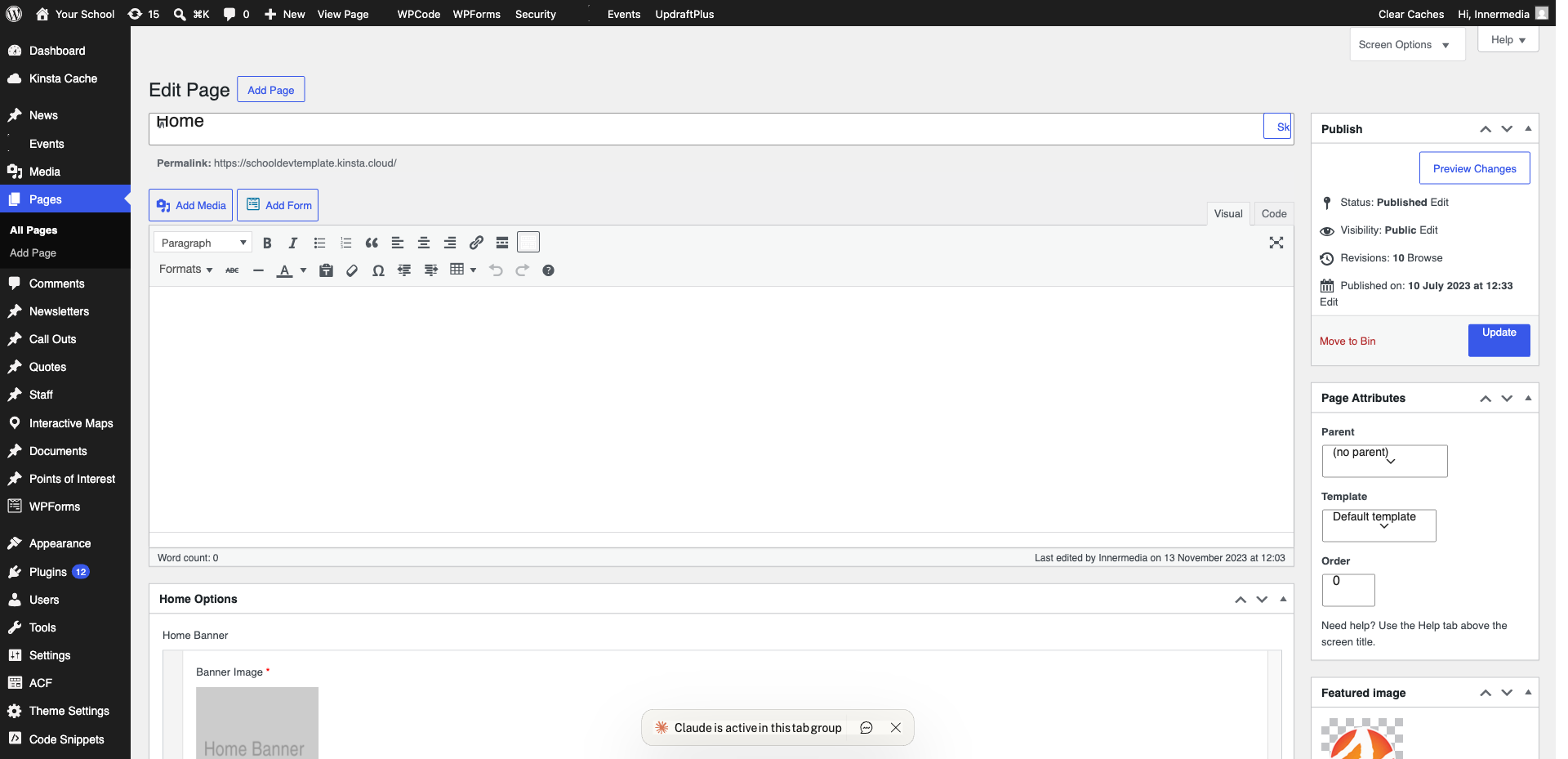
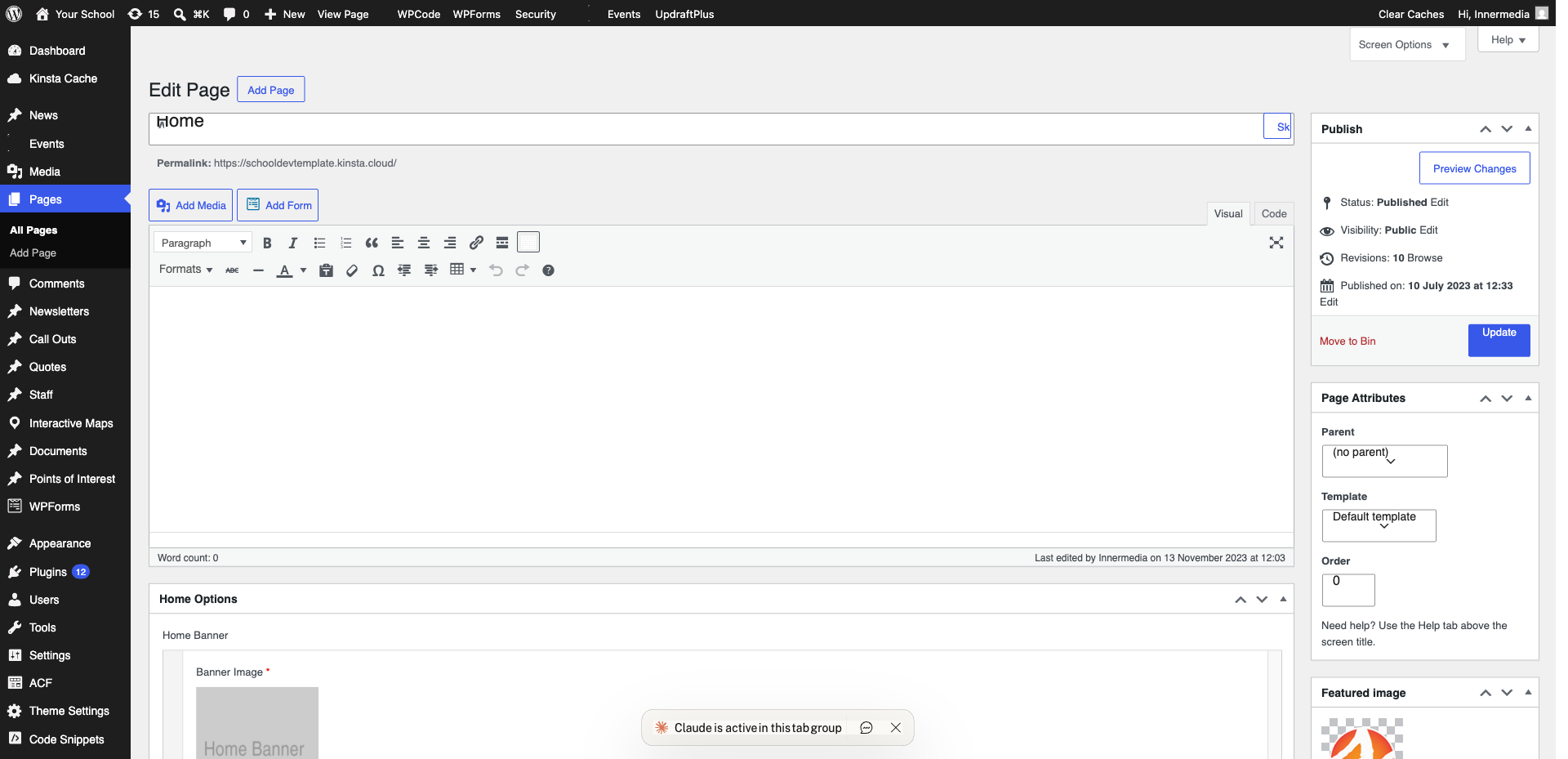
In the WordPress editor, paste the URL on its own line. WordPress will automatically convert it into an embedded video player.
Pro Tip
If auto-embed does not work, try the YouTube or Vimeo block (/youtube or /vimeo). 3
Adjust the Size
Click on the embedded video and use the alignment options to set it to wide or full width.
Completed
If you are still experiencing issues, our support team is here to help.
Was this article helpful?