INNERMEDIA
Contact Support
Support Base
Pages & Content
How to Add an FAQ
Step 0 of 4 completed
1
Add an FAQ row
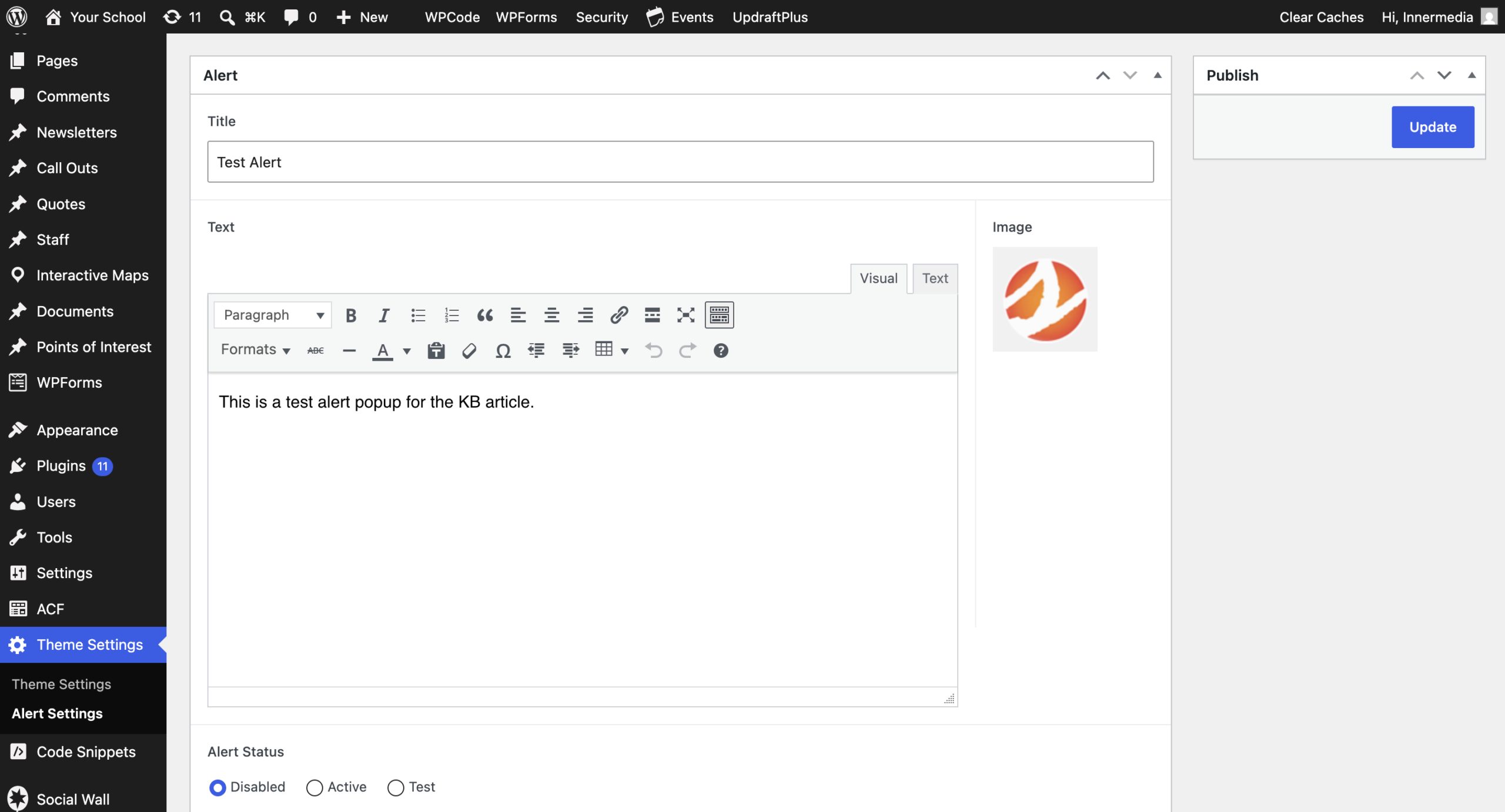
Edit the page and scroll to the Central Column content builder. Click Add Row and choose the FAQ layout from the list.
Pro Tip
This is the correct block to use for an accordion-style expand/collapse section — there isn't a separate 'Accordion' or 'Tabs' block on our sites. 2
Add a section title
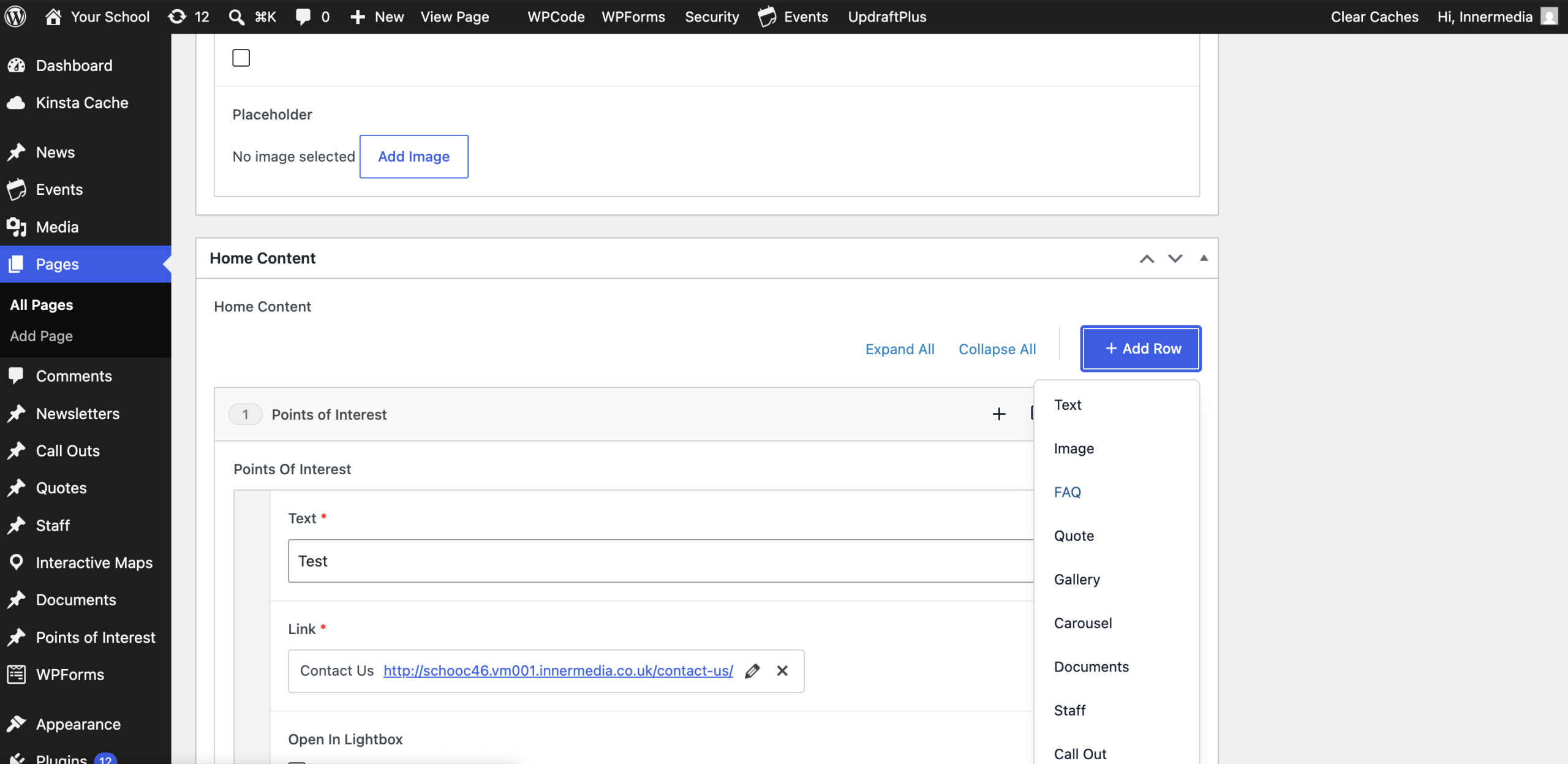
Enter a Section Title for the FAQ block, e.g. “Frequently Asked Questions”.
3
Add your questions and answers
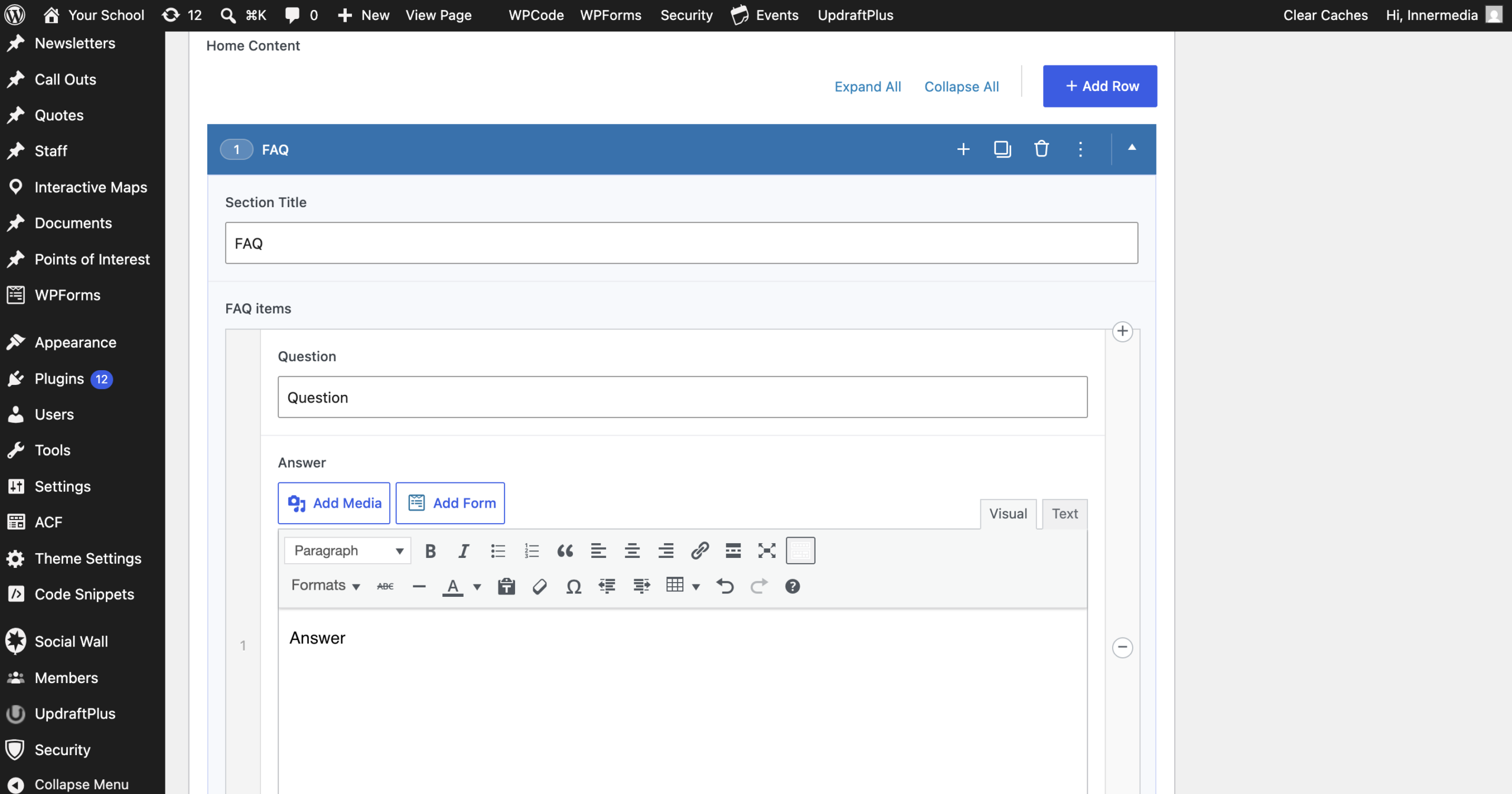
Each FAQ item has a Question and an Answer. Click Add FAQ to add another question, and repeat for as many as you need.
4
Publish and check it
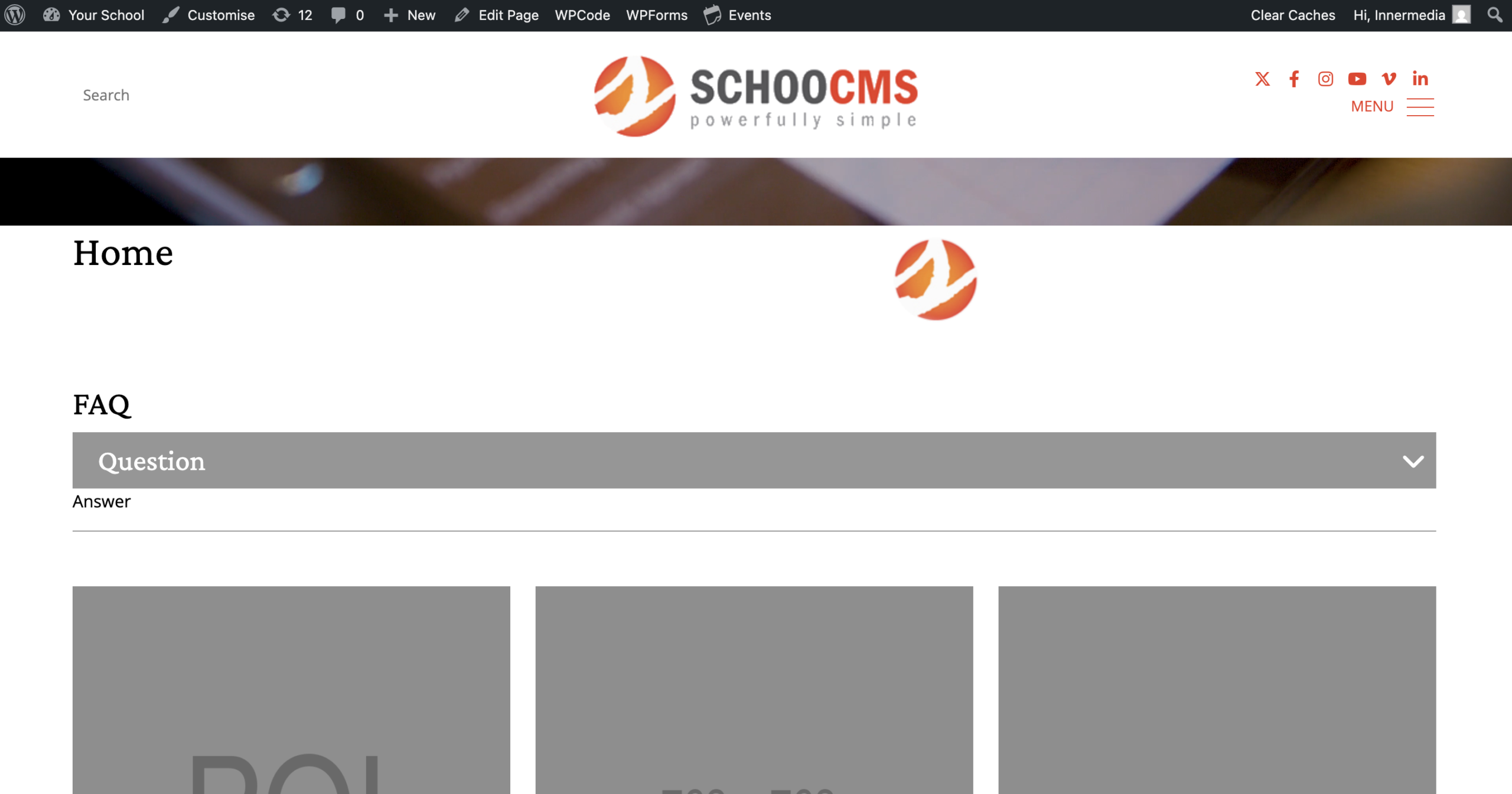
Click Update, then view the page. Each question should show as a clickable header that expands to reveal its answer.
Completed
If you are still experiencing issues, our support team is here to help.
Was this article helpful?