INNERMEDIA
Contact Support
Support Base
Pages & Content
Customising Page Banners
Step 0 of 4 completed
1
Find the Banner Settings
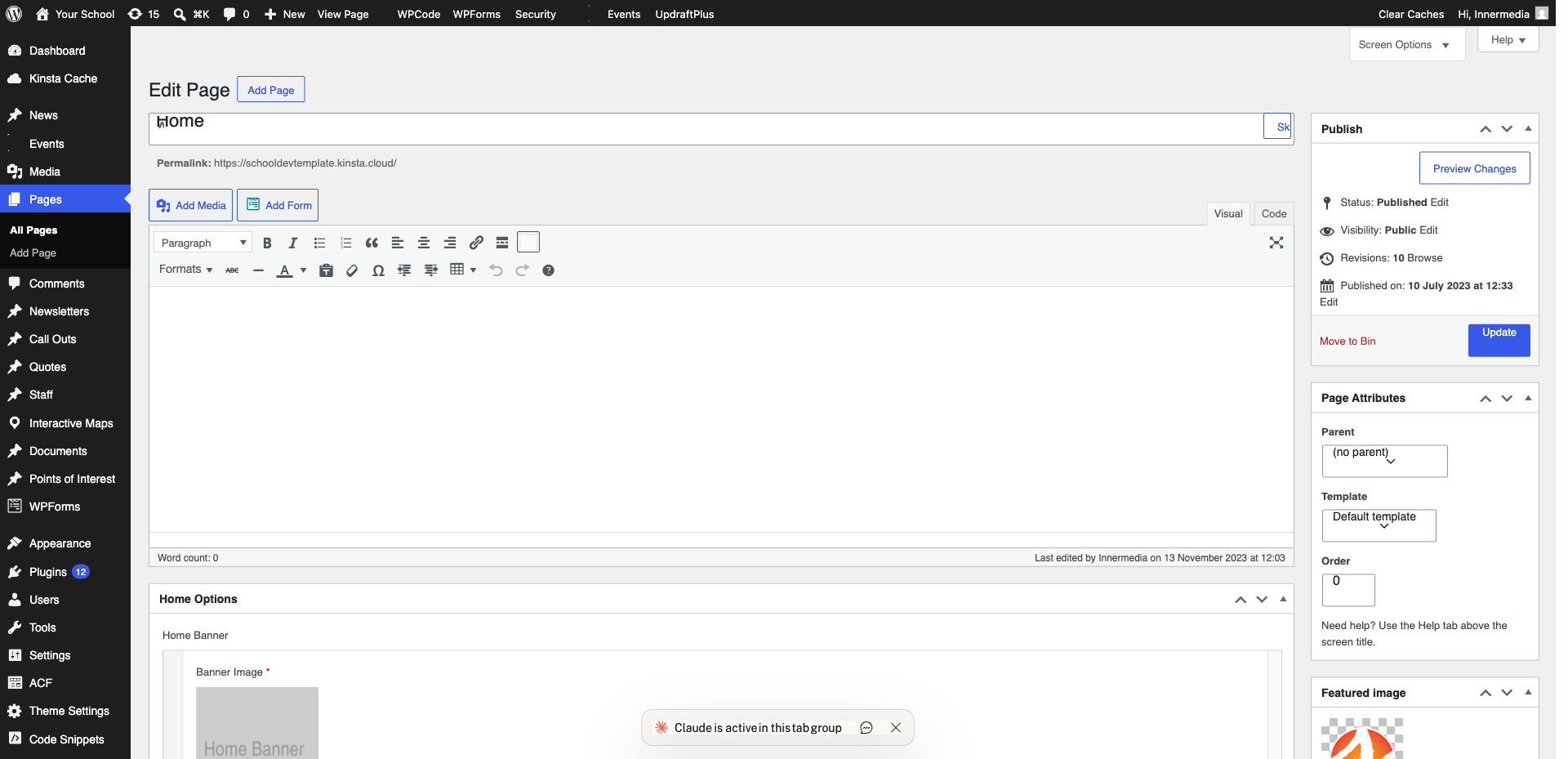
Open the page. Look for banner settings at the top of the editor or in a settings panel below.
Pro Tip
If you don't see banner fields, check the right sidebar under 'Featured Image'. 2
Change the Banner Image
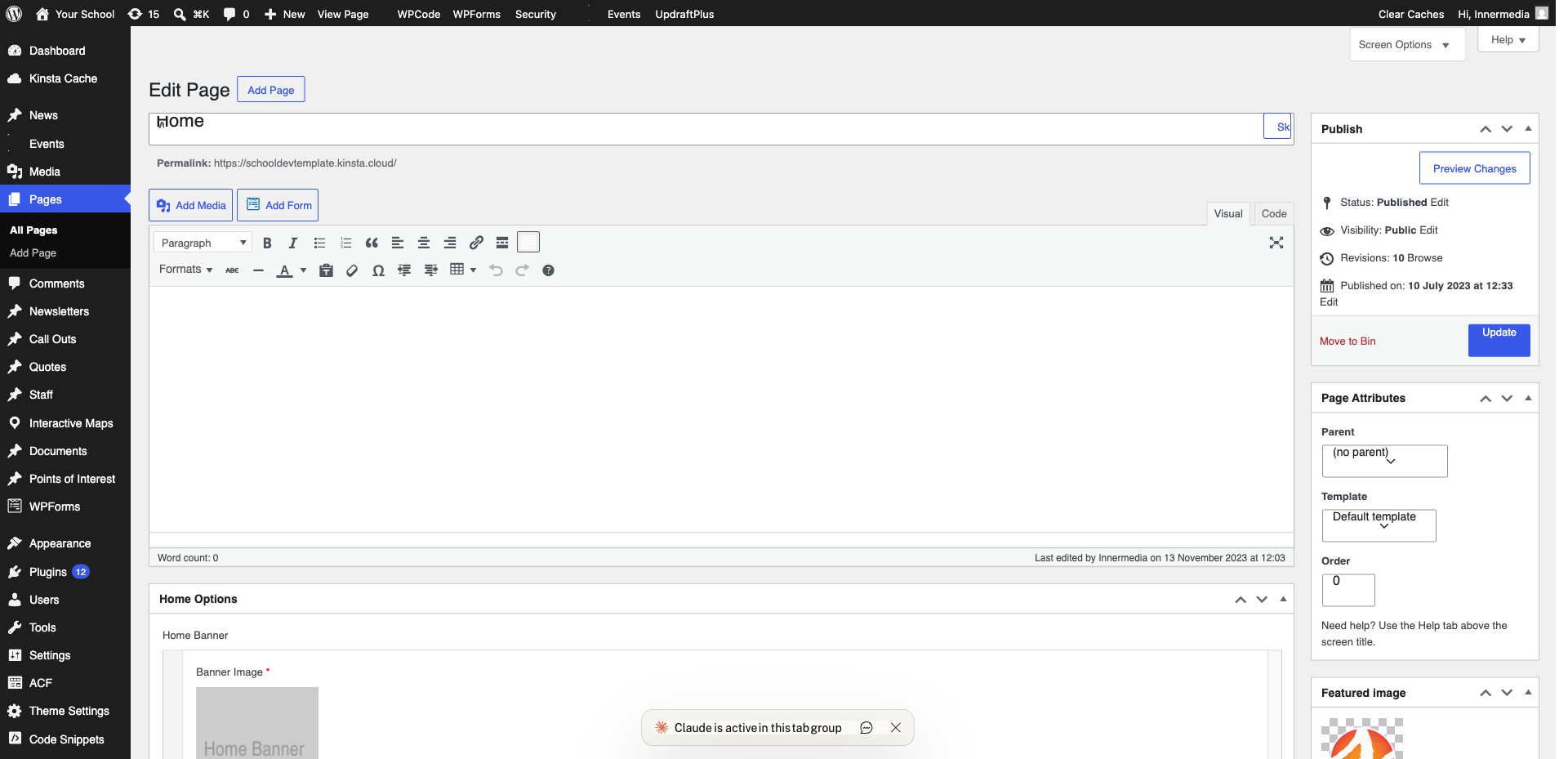
Click on the current banner image to open the Media Library. Choose an existing image or upload a new one. Use at least 1920 x 600 pixels.
3
Update Banner Text
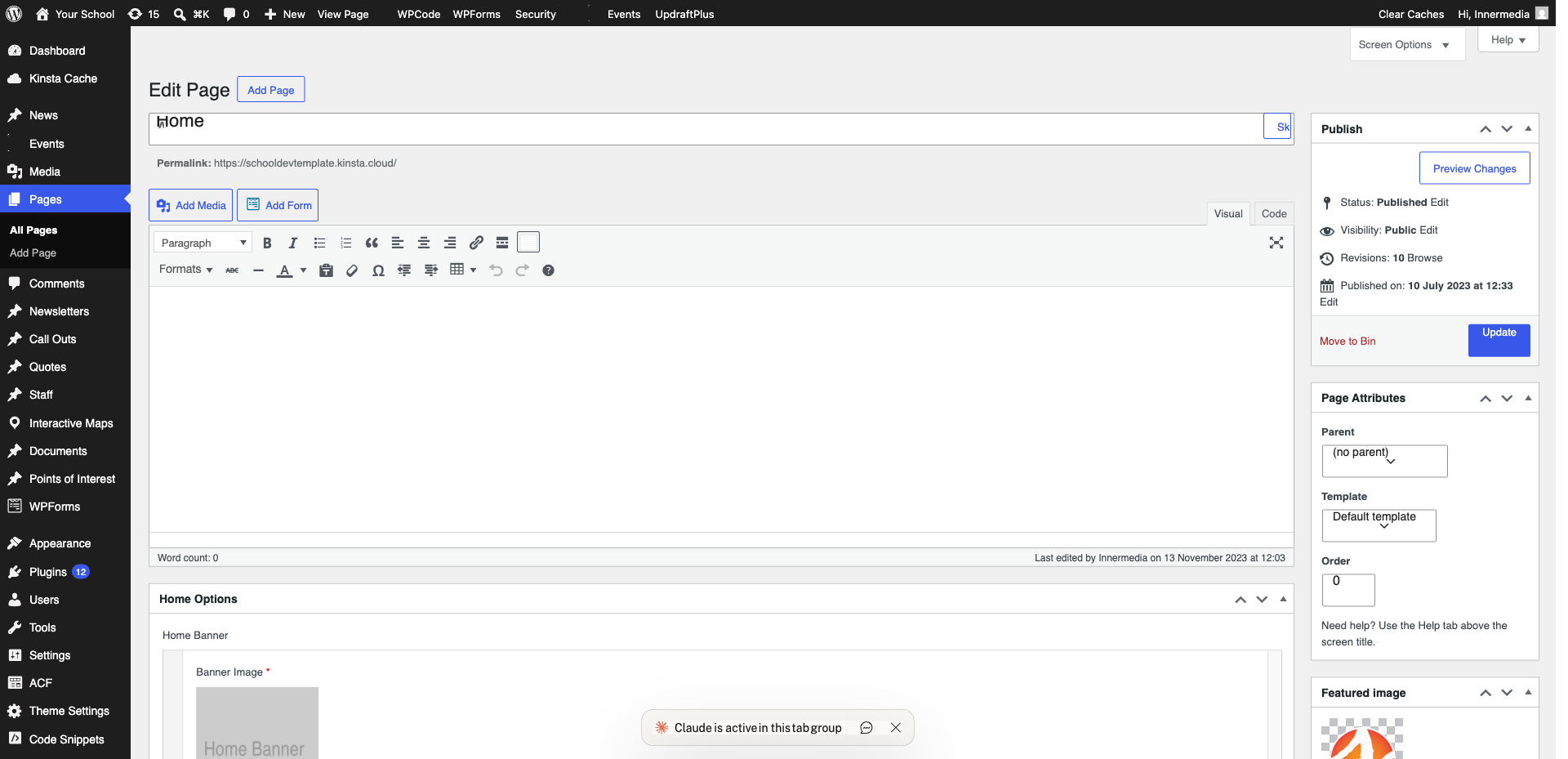
Edit the banner title and subtitle. Keep titles short and impactful.
4
Save Changes
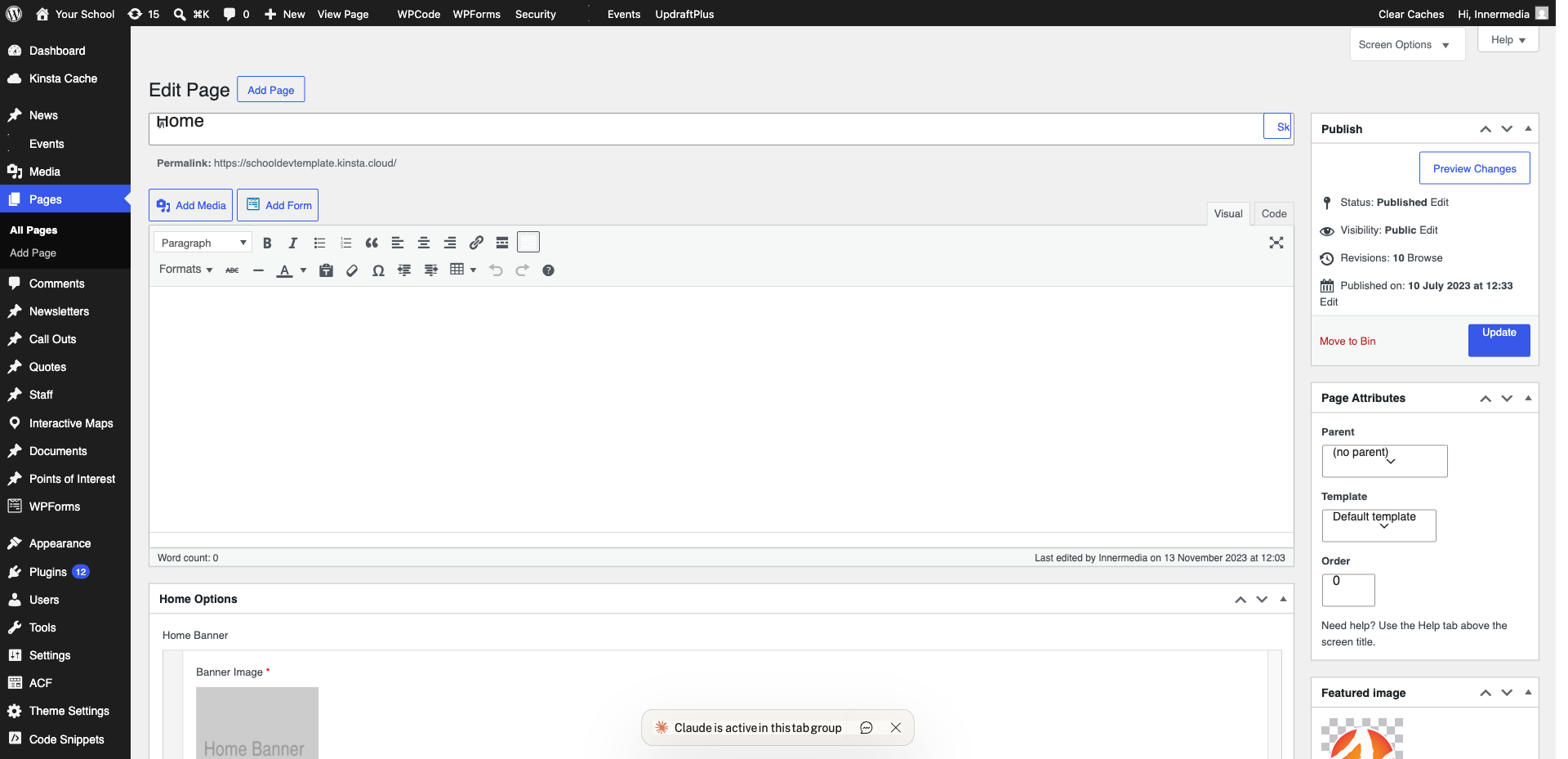
Click ‘Update’ and check the live page to ensure the image displays correctly.
Completed
If you are still experiencing issues, our support team is here to help.
Was this article helpful?