INNERMEDIA
Contact Support
Support Base
Images & Media
Uploading PDFs & Documents
Step 0 of 3 completed
1
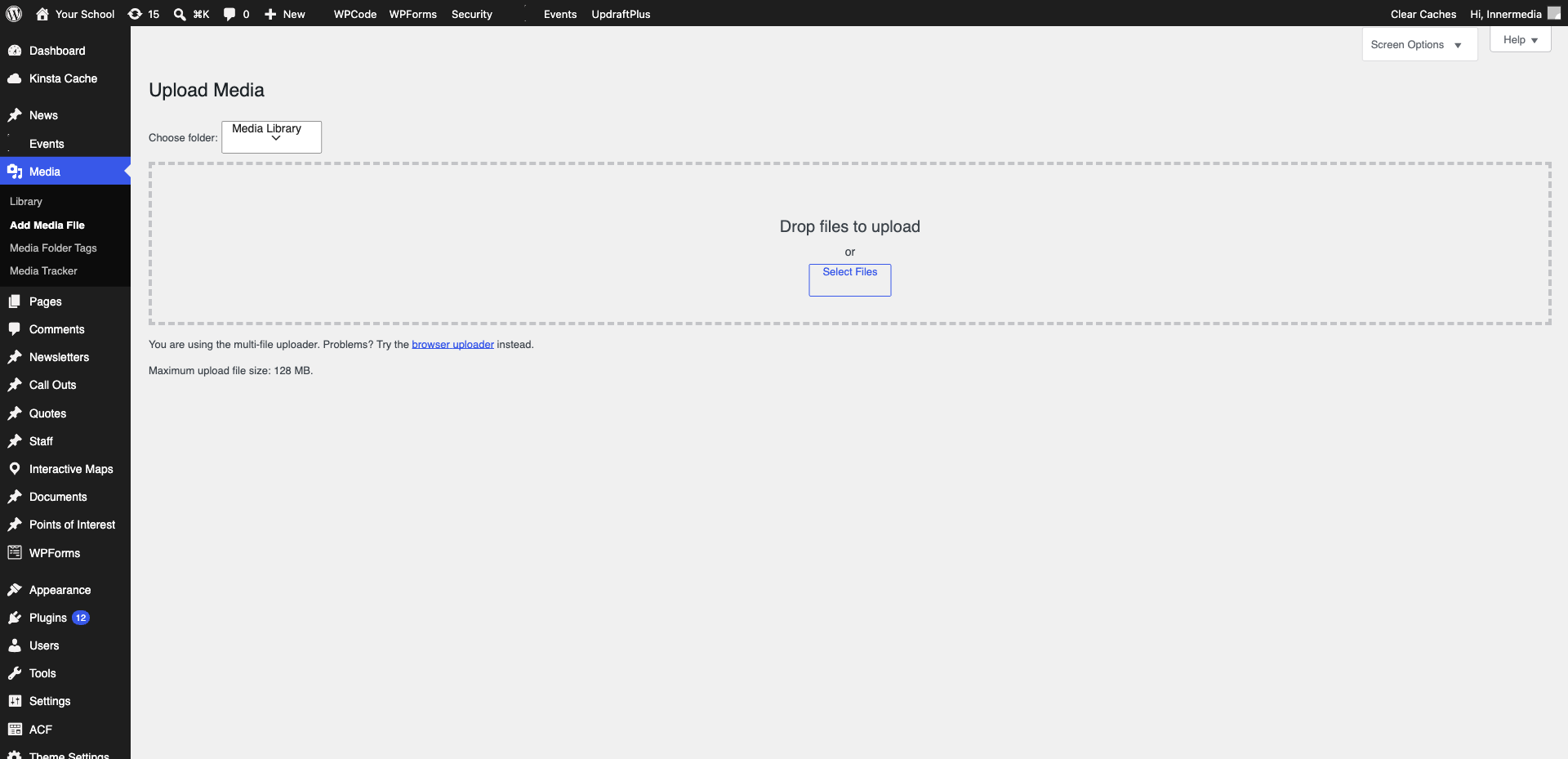
Upload the File
Go to Media → Add New and drag your file in. Accepts PDF, DOC, DOCX, XLS, XLSX, PPT, PPTX.
2
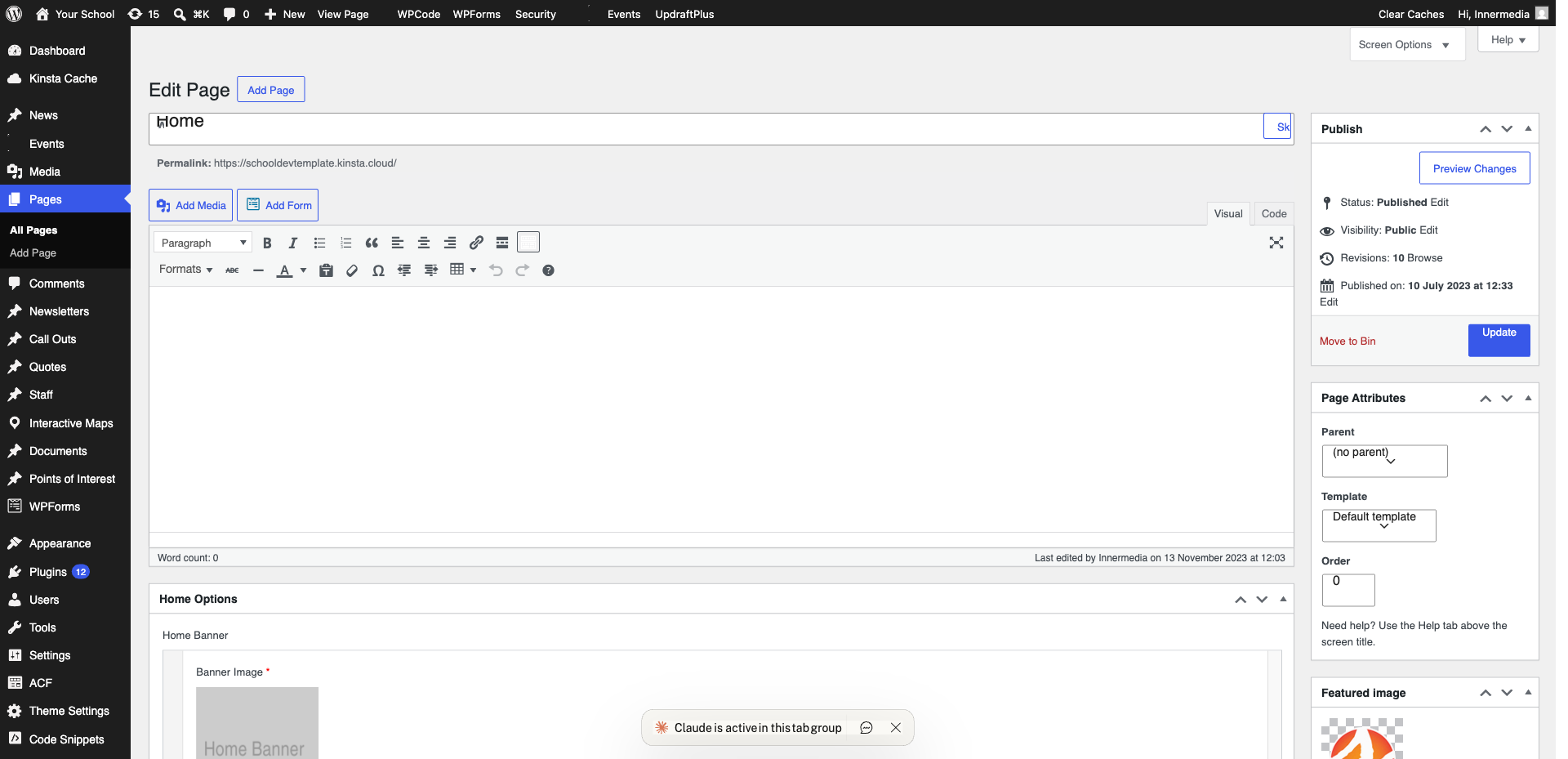
Link to the File
Add a File block (/file) and select your document. WordPress creates a download link automatically.
Pro Tip
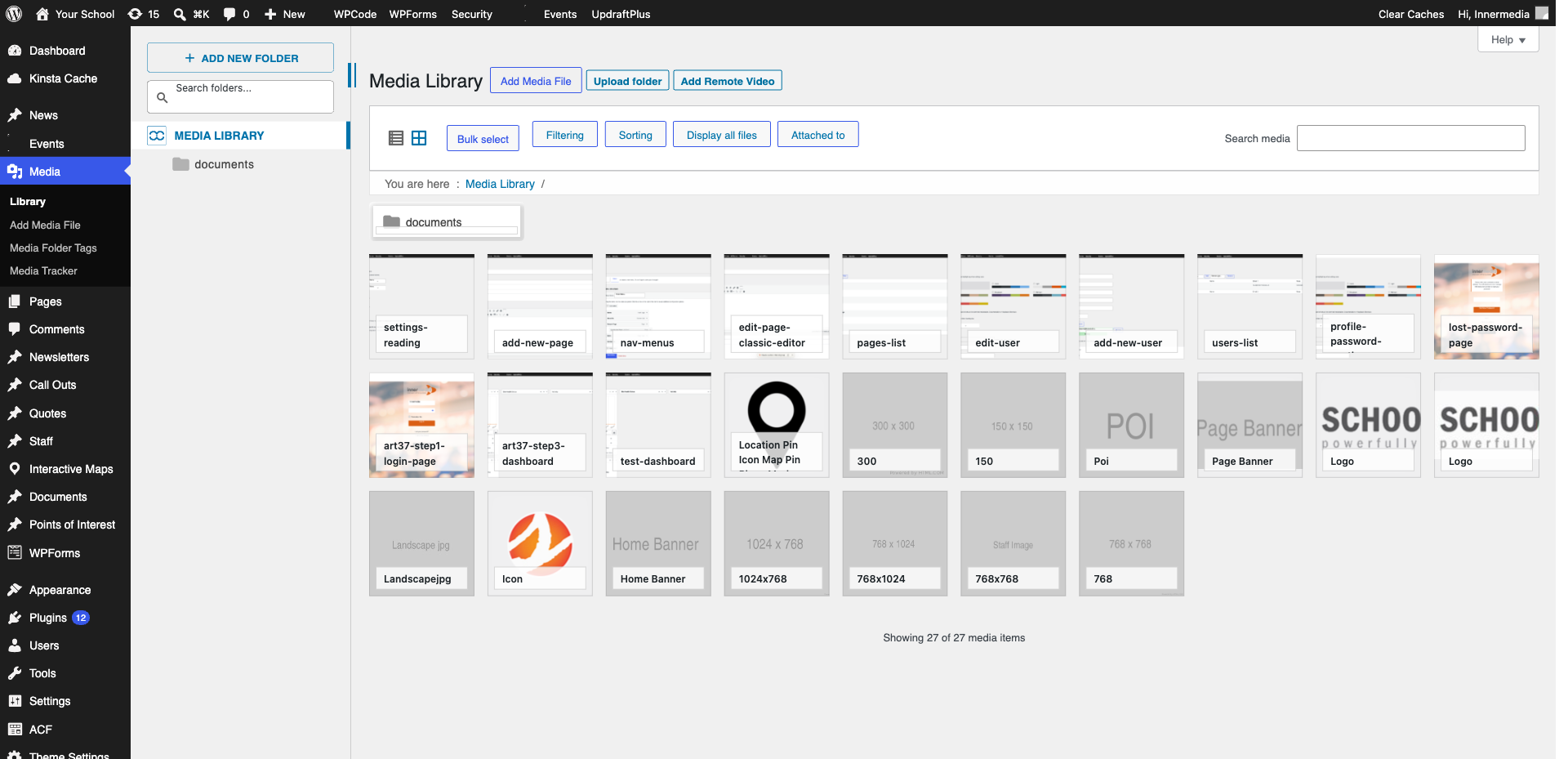
You can also copy the file URL from Media Library and paste as a link. 3
Embed a PDF Viewer
Use a Custom HTML block with an iframe to display PDFs inline on the page.
Completed
If you are still experiencing issues, our support team is here to help.
Was this article helpful?