INNERMEDIA
Contact Support
Support Base
Pages & Content
How to Add a New Page
Step 0 of 4 completed
1
Create the Page
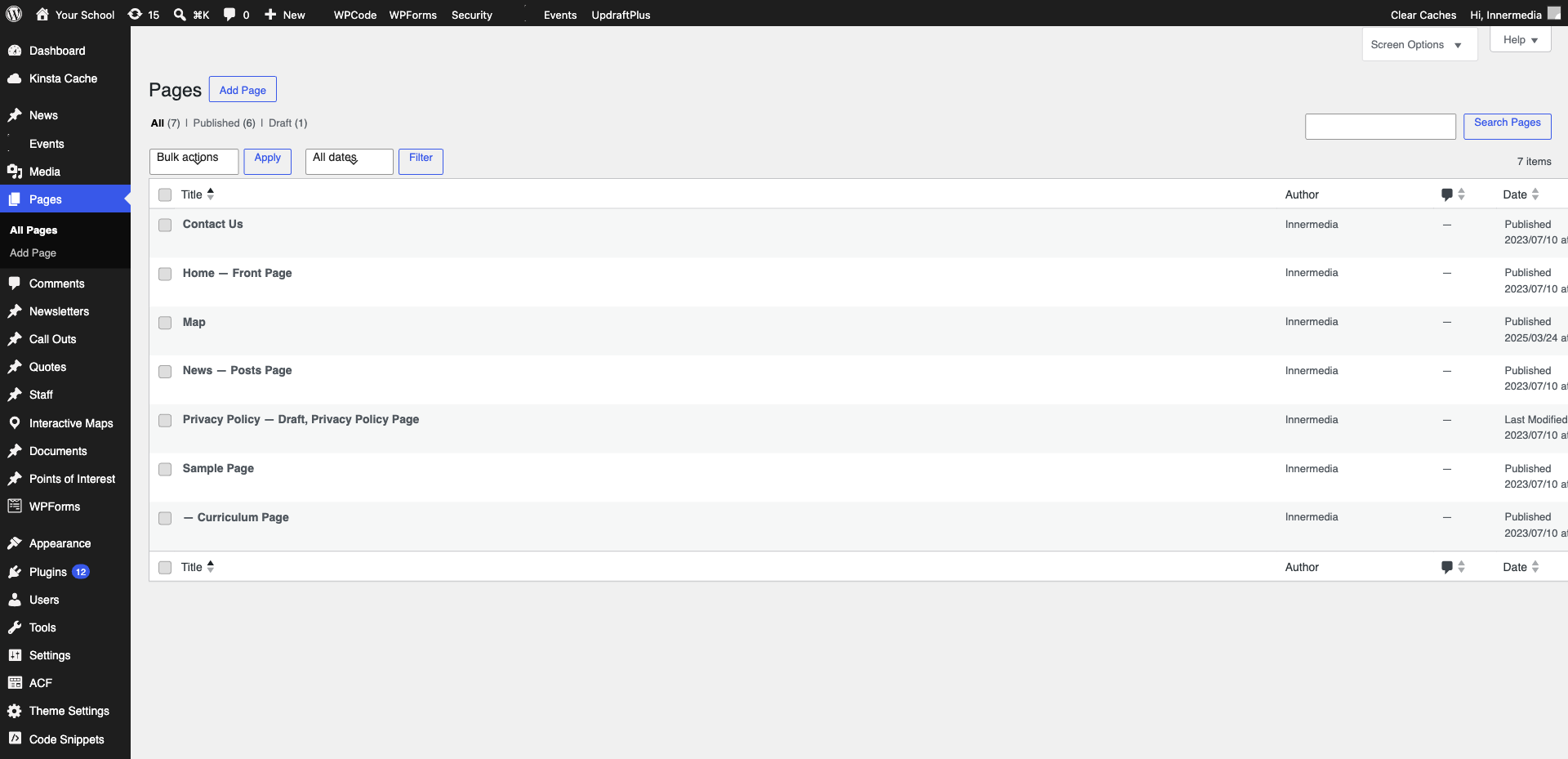
Go to Pages → Add New in the WordPress sidebar. Type your page title at the top.
2
Add Your Content
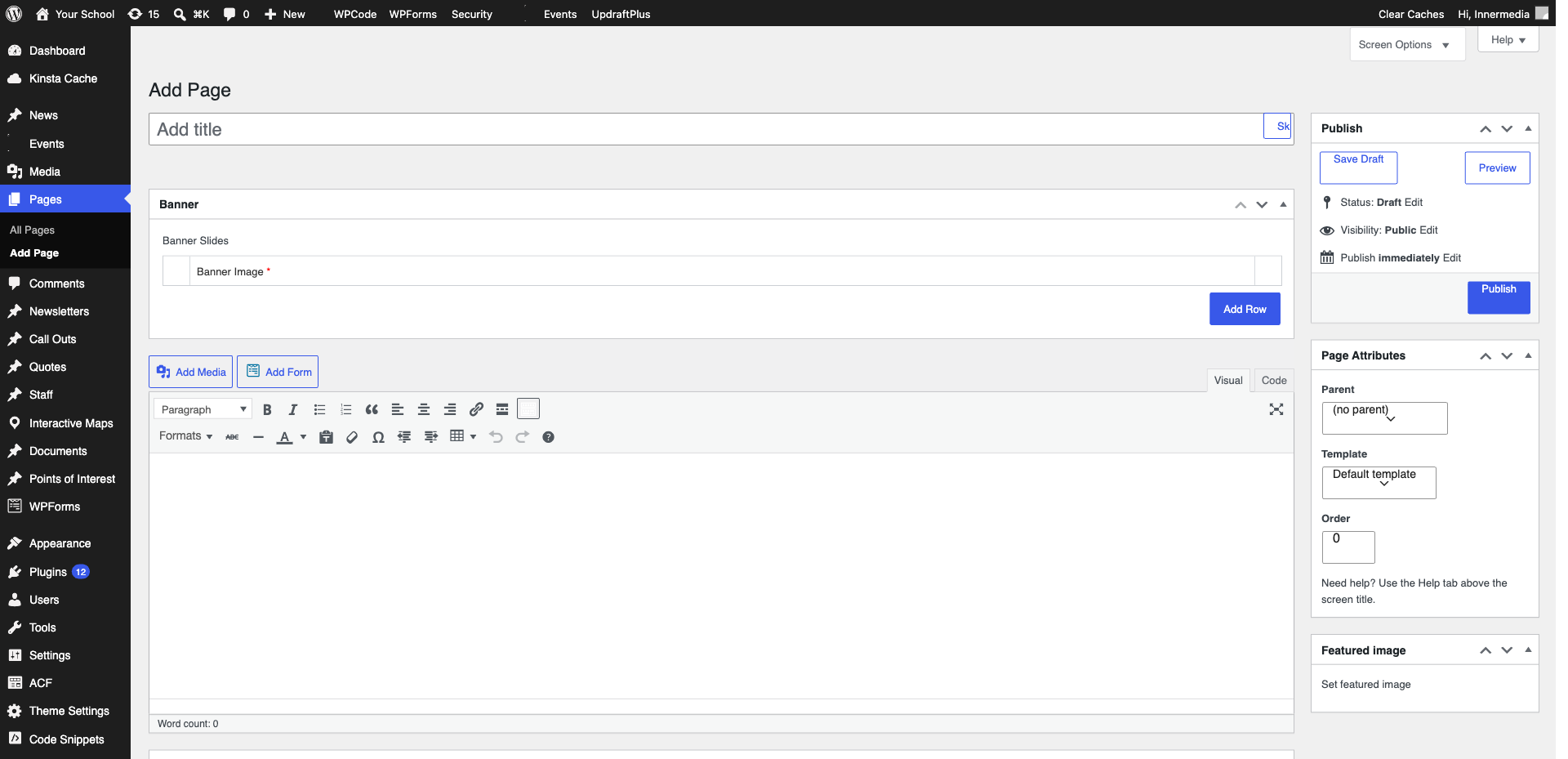
Click below the title and start typing or use the + button to add blocks like Paragraph, Heading, Image, and Buttons.
Pro Tip
Look at existing pages for reference. 3
Set the Page Template
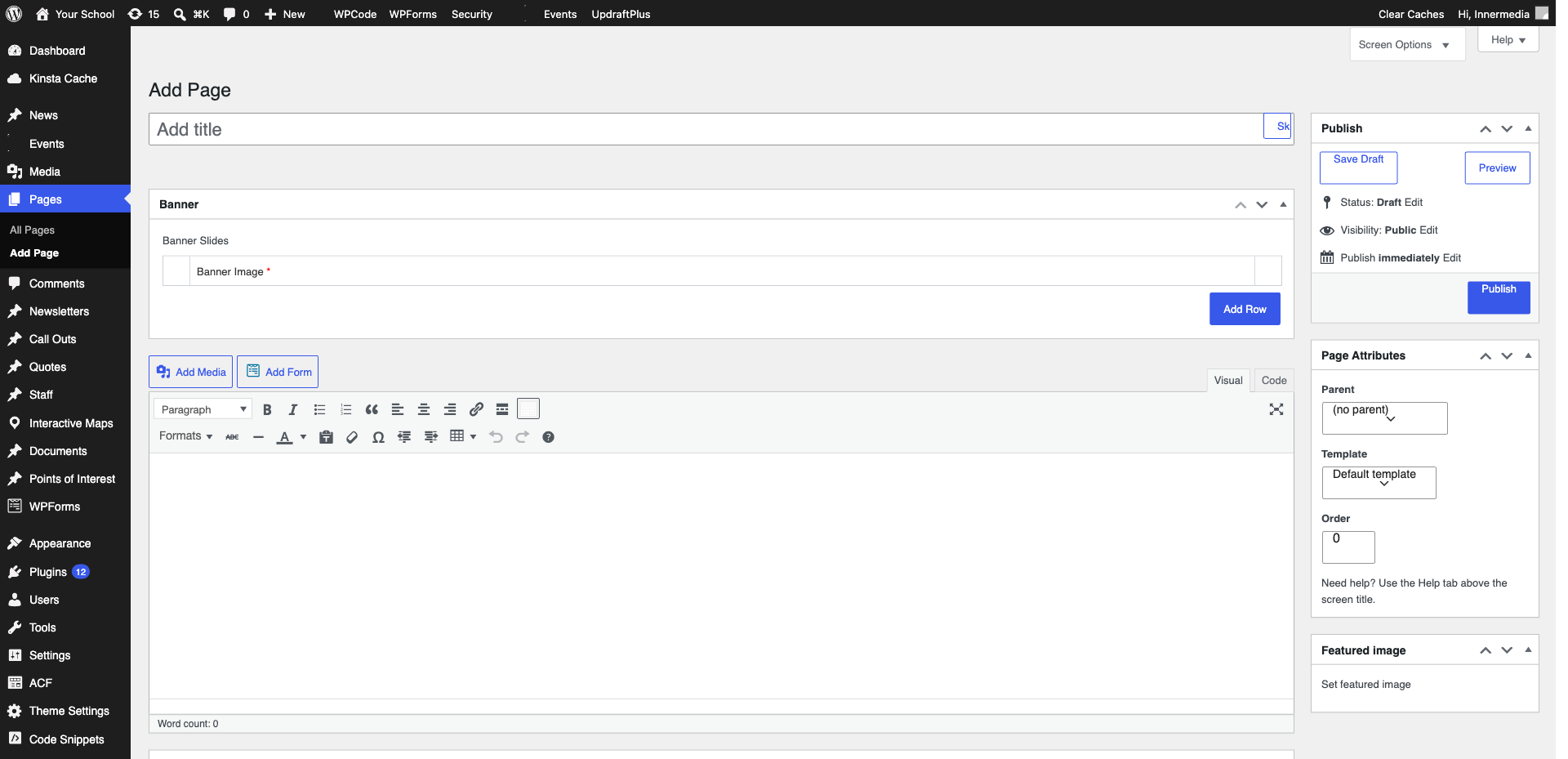
In the right sidebar under Page Attributes, select the appropriate template for your page type.
Pro Tip
If unsure which template, check a similar existing page and use the same one. 4
Publish the Page
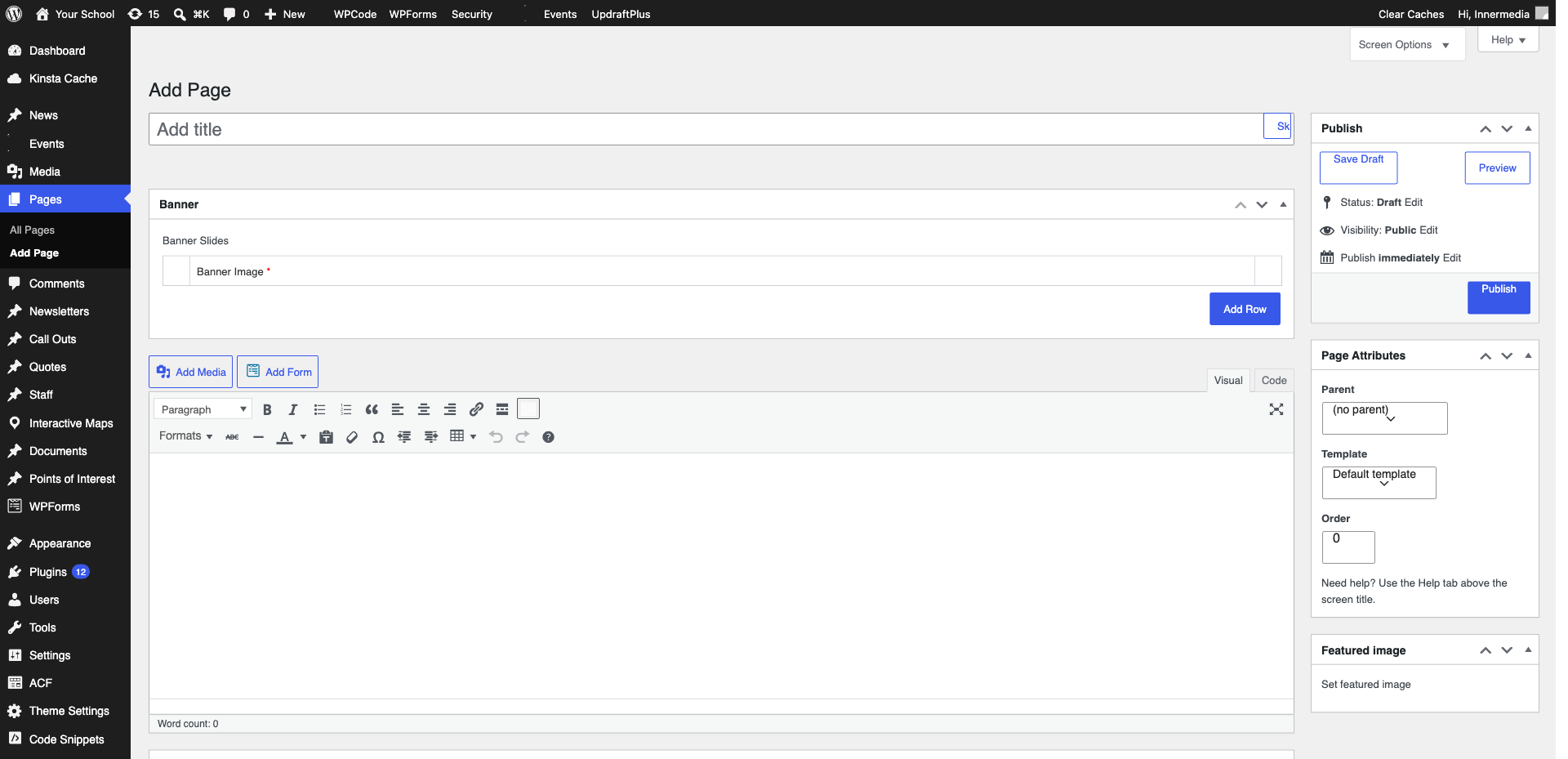
Click ‘Publish’ in the top right corner. Your new page is now live but won’t appear in navigation menus until added manually.
Completed
If you are still experiencing issues, our support team is here to help.
Was this article helpful?