INNERMEDIA
Contact Support
Support Base
Images & Media
Adding Image Galleries
Step 0 of 4 completed
1
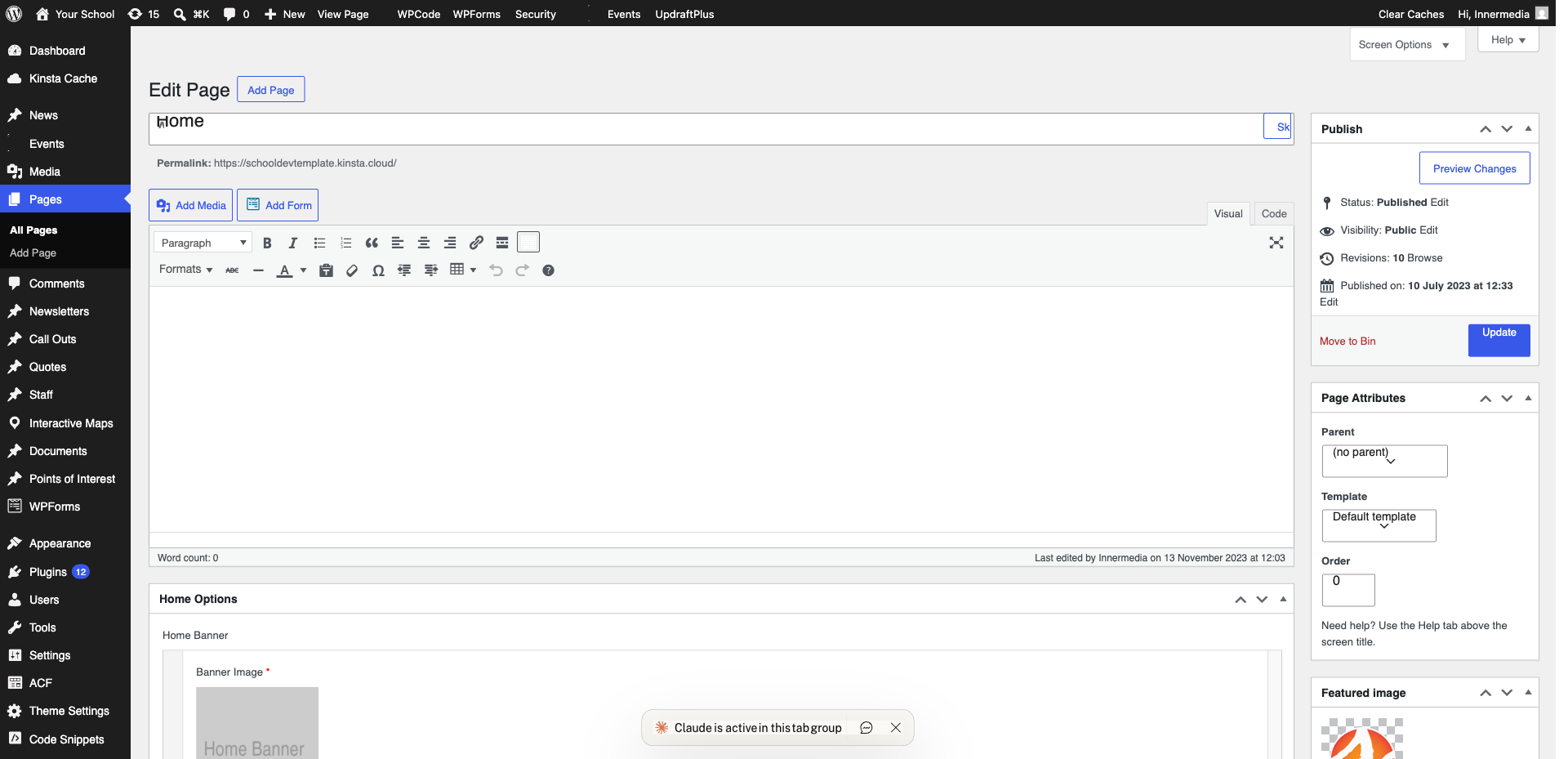
Insert a Gallery Block
Type /gallery or click + and search for ‘Gallery’.
2
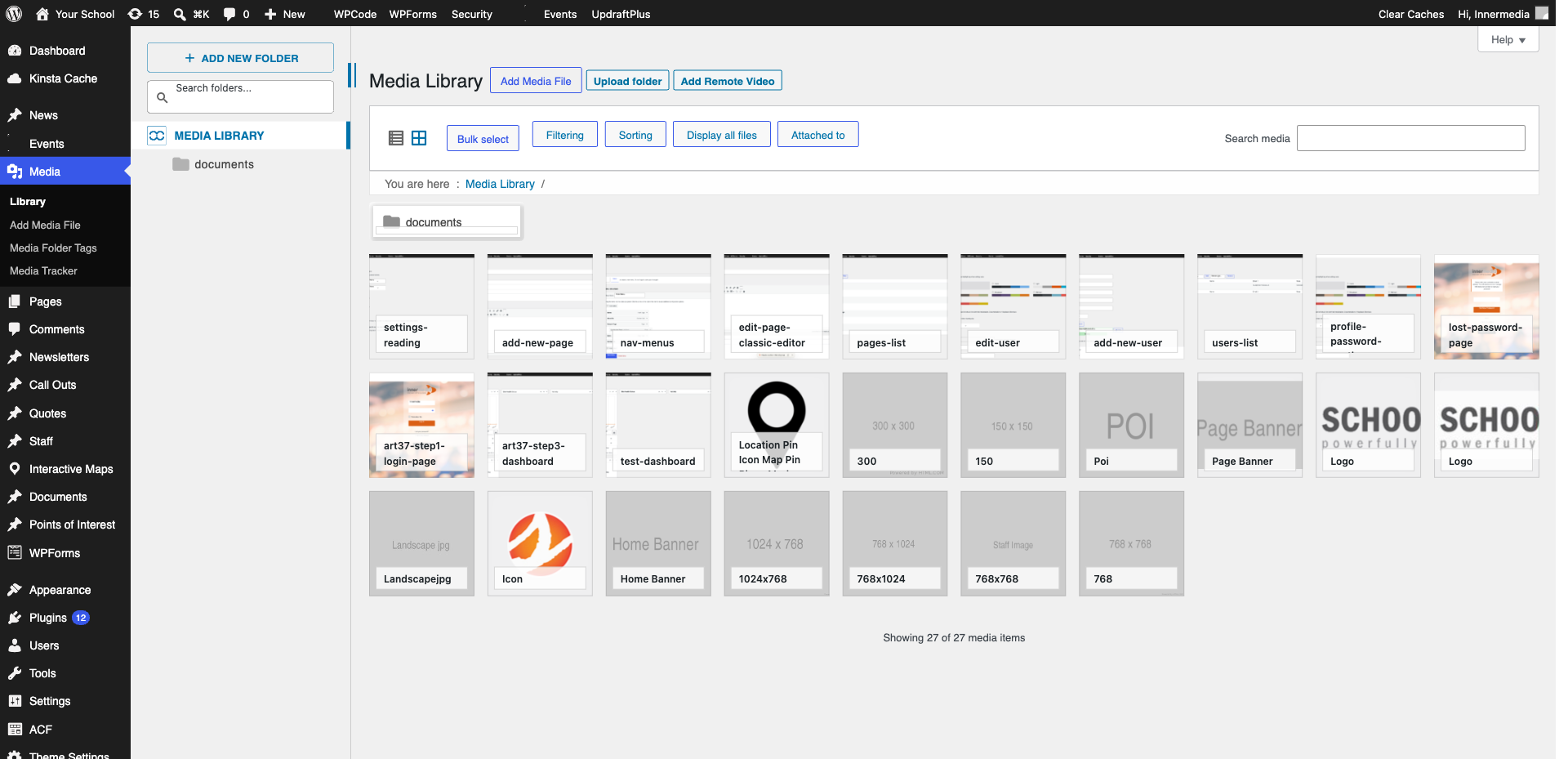
Add Images
Click ‘Upload’ or ‘Media Library’. Select multiple images with Ctrl+click.
Pro Tip
Use images with the same dimensions for best results. 3
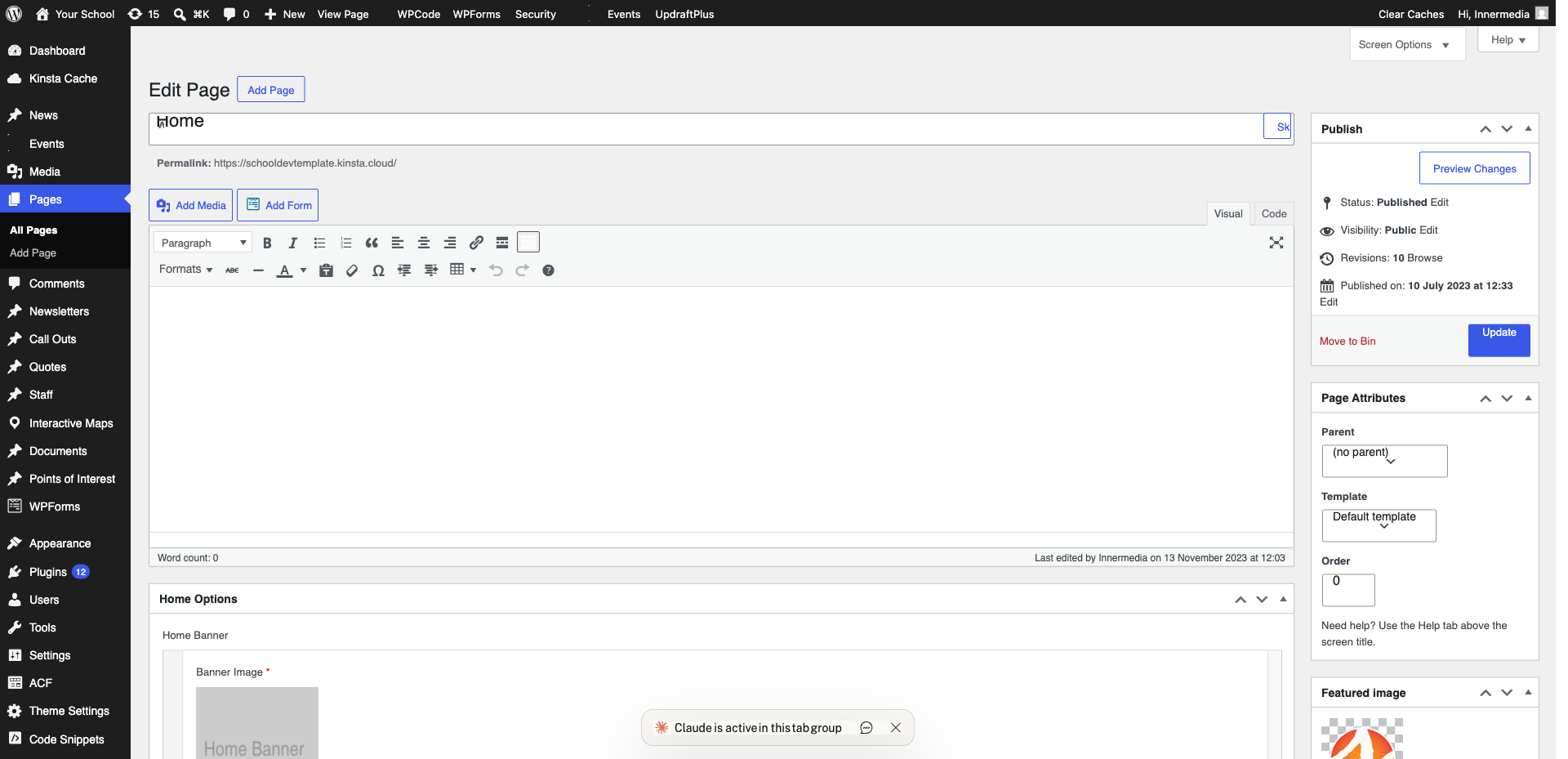
Arrange and Configure
Drag to reorder. Adjust columns (2–4 works best) and cropping in the sidebar.
4
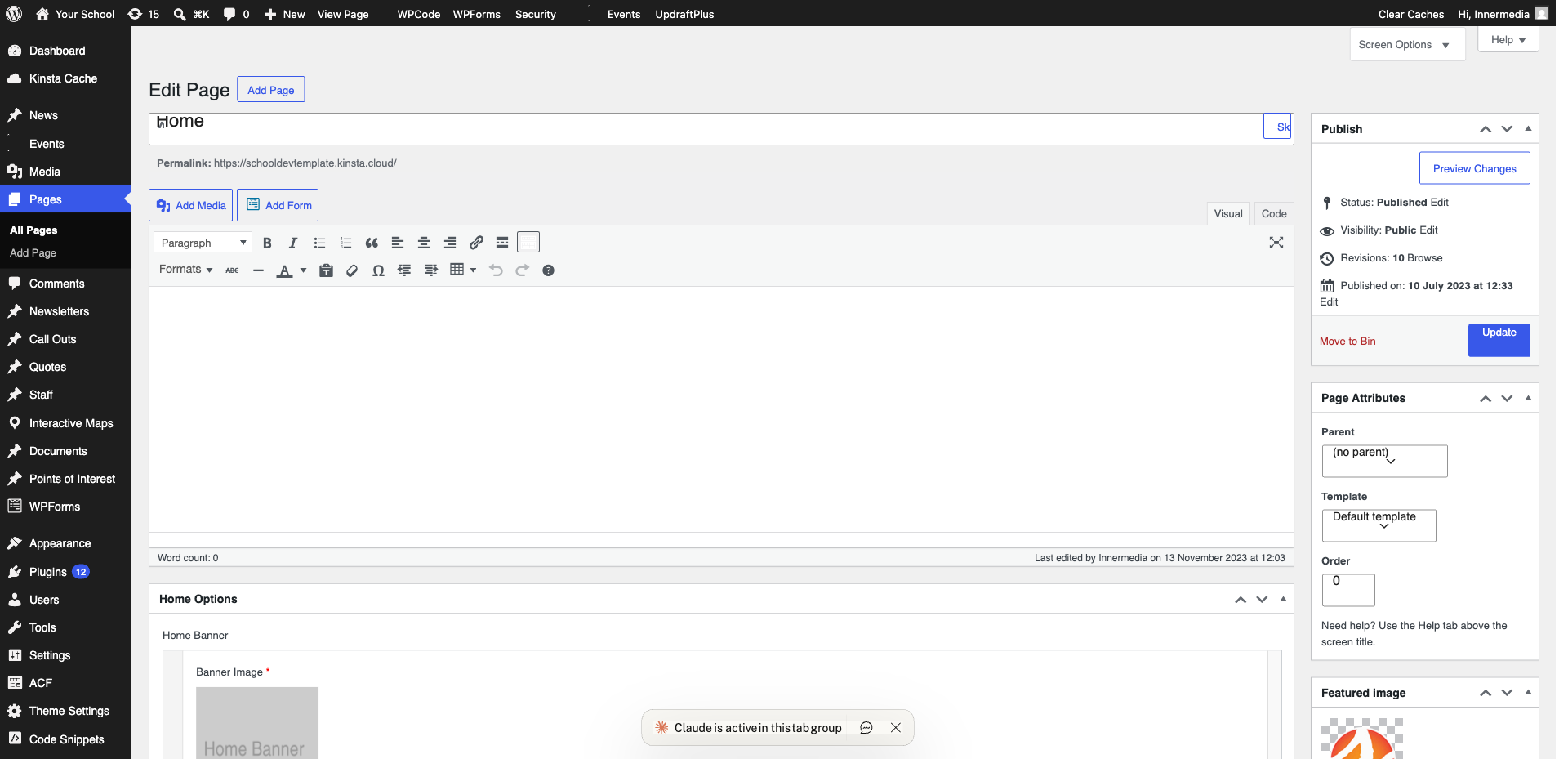
Add Captions
Click any image to add a caption below it.
Completed
If you are still experiencing issues, our support team is here to help.
Was this article helpful?