INNERMEDIA
Contact Support
Support Base
Pages & Content
Changing Header & Footer Content
Step 0 of 4 completed
1
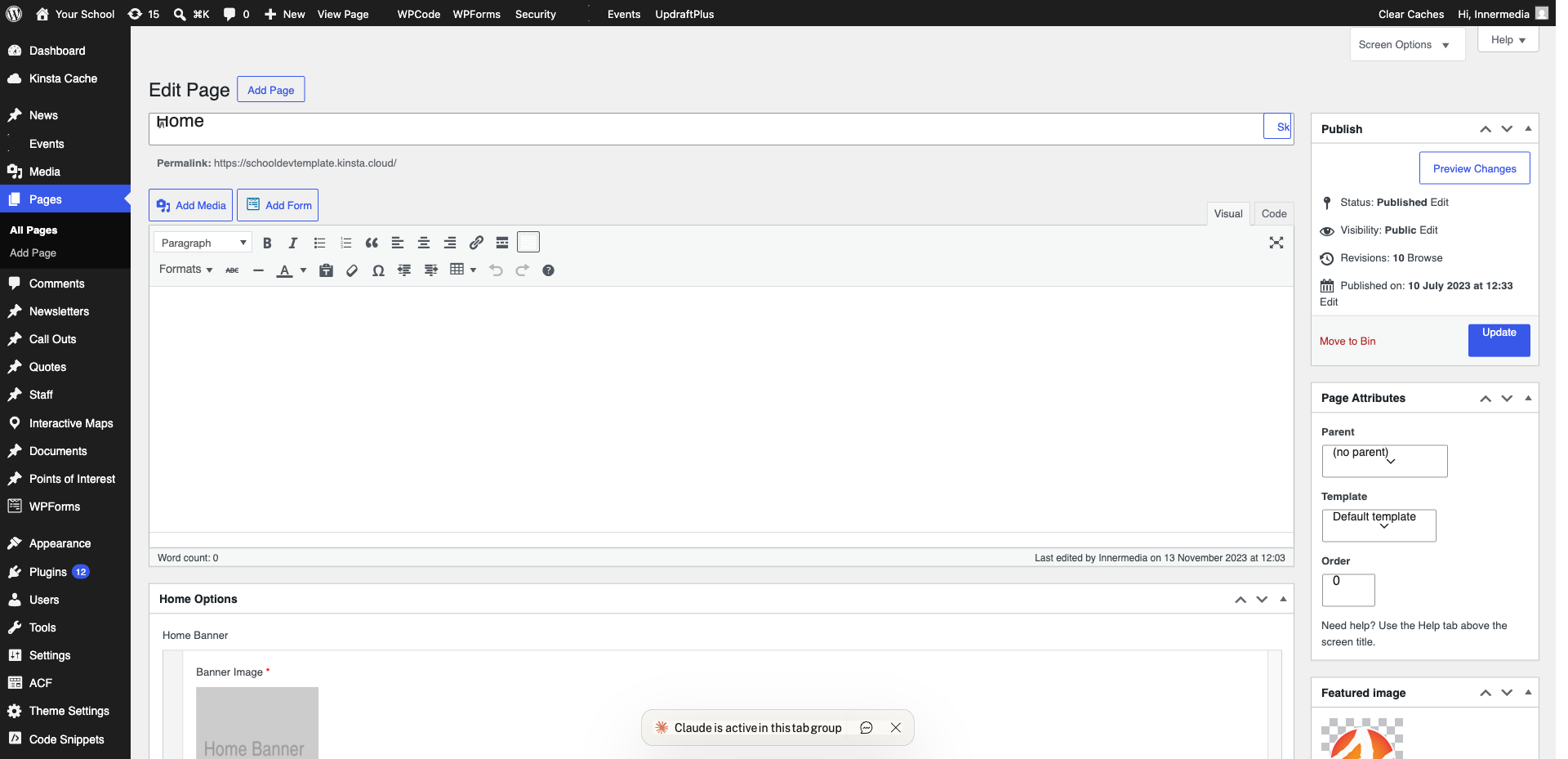
Access the Customiser
Go to Appearance → Customise from the WordPress sidebar. This opens a live preview editor.
2
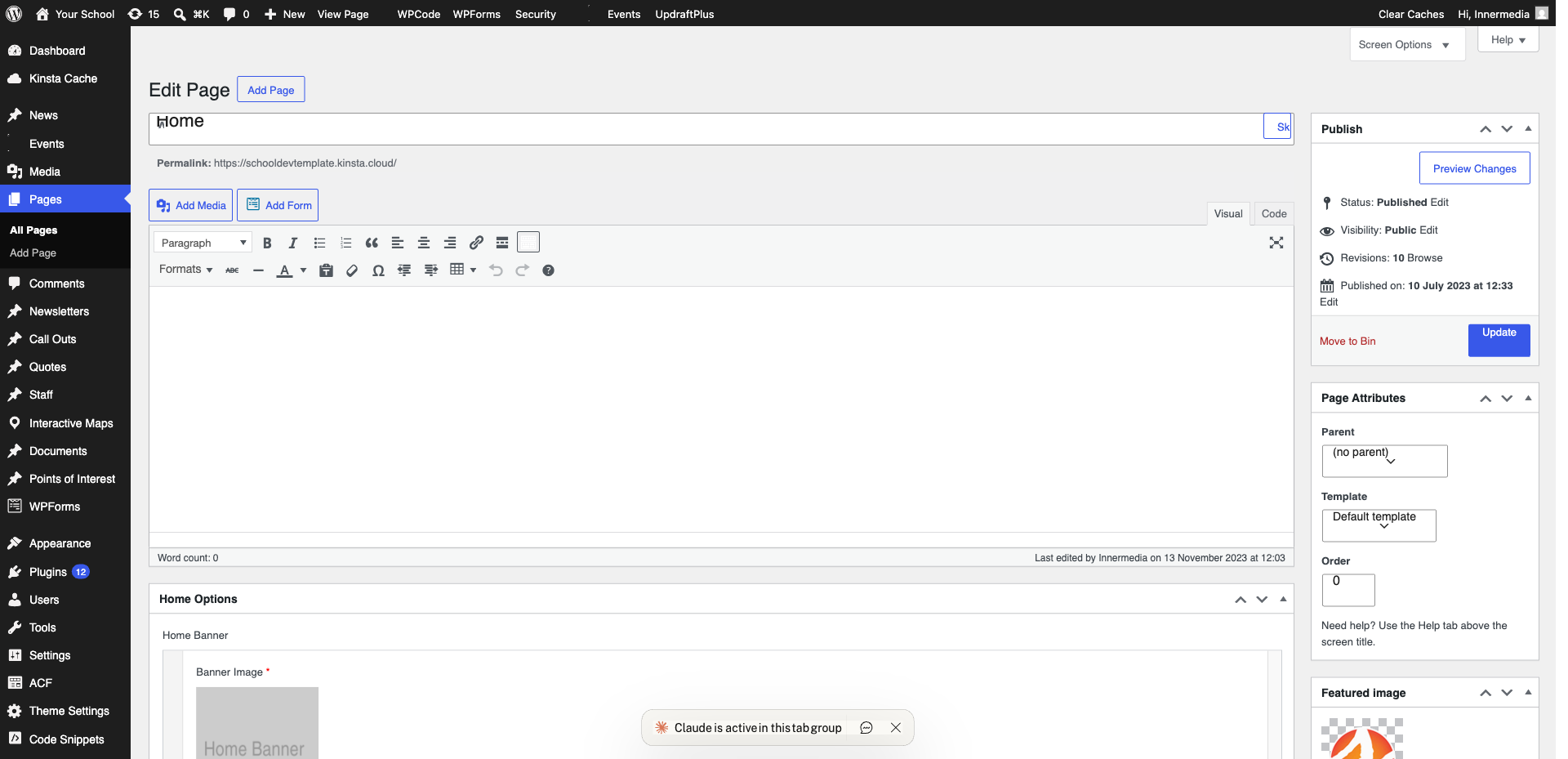
Edit the Header
Click on the Header section. Here you can change your logo, phone number, email address, and call-to-action buttons.
Pro Tip
If your header uses a custom layout, changes may need to be made via the page editor instead. Contact us if unsure. 3
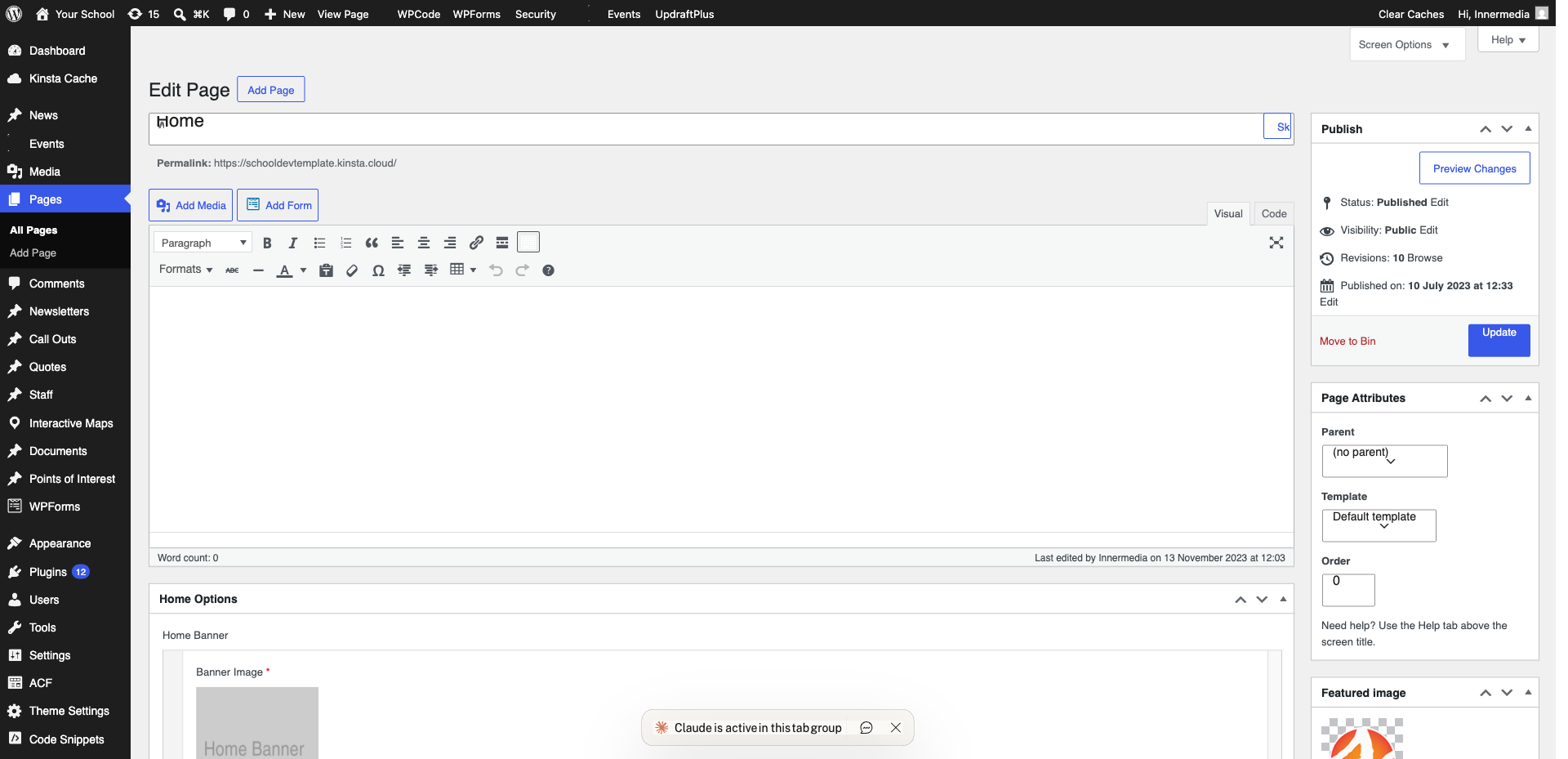
Edit the Footer
Click on the Footer section. Update your address, phone number, social media links, or copyright text.
4
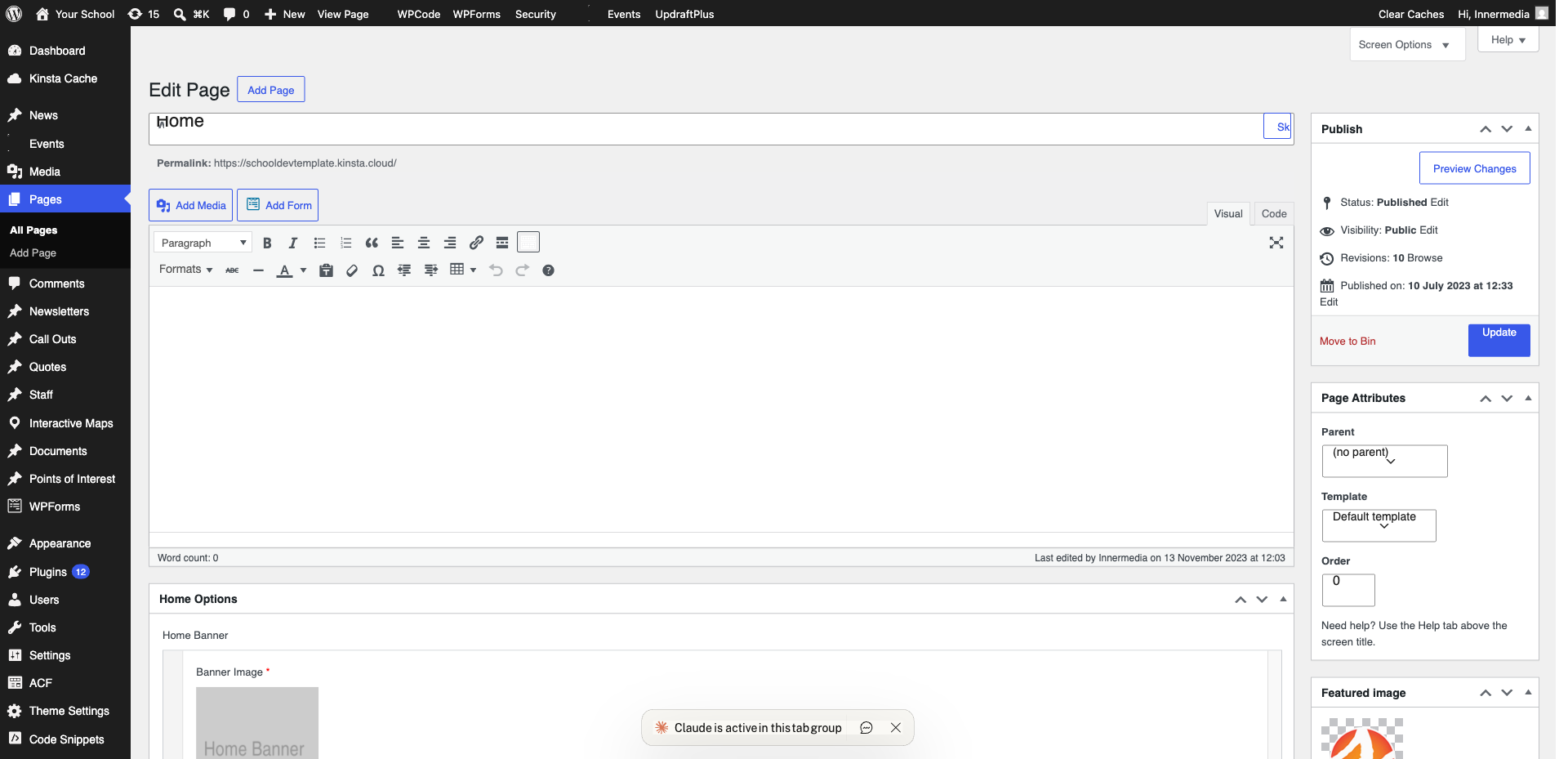
Publish Changes
Click the blue ‘Publish’ button. Your changes are now live across every page of your site.
Completed
If you are still experiencing issues, our support team is here to help.
Was this article helpful?