Fixing Mixed Content Warnings
Mixed content warnings occur when your site loads over HTTPS (secure) but some resources — images, scripts, or stylesheets — are still being loaded over HTTP (insecure). Browsers flag this with a warning, and some resources may be blocked entirely.
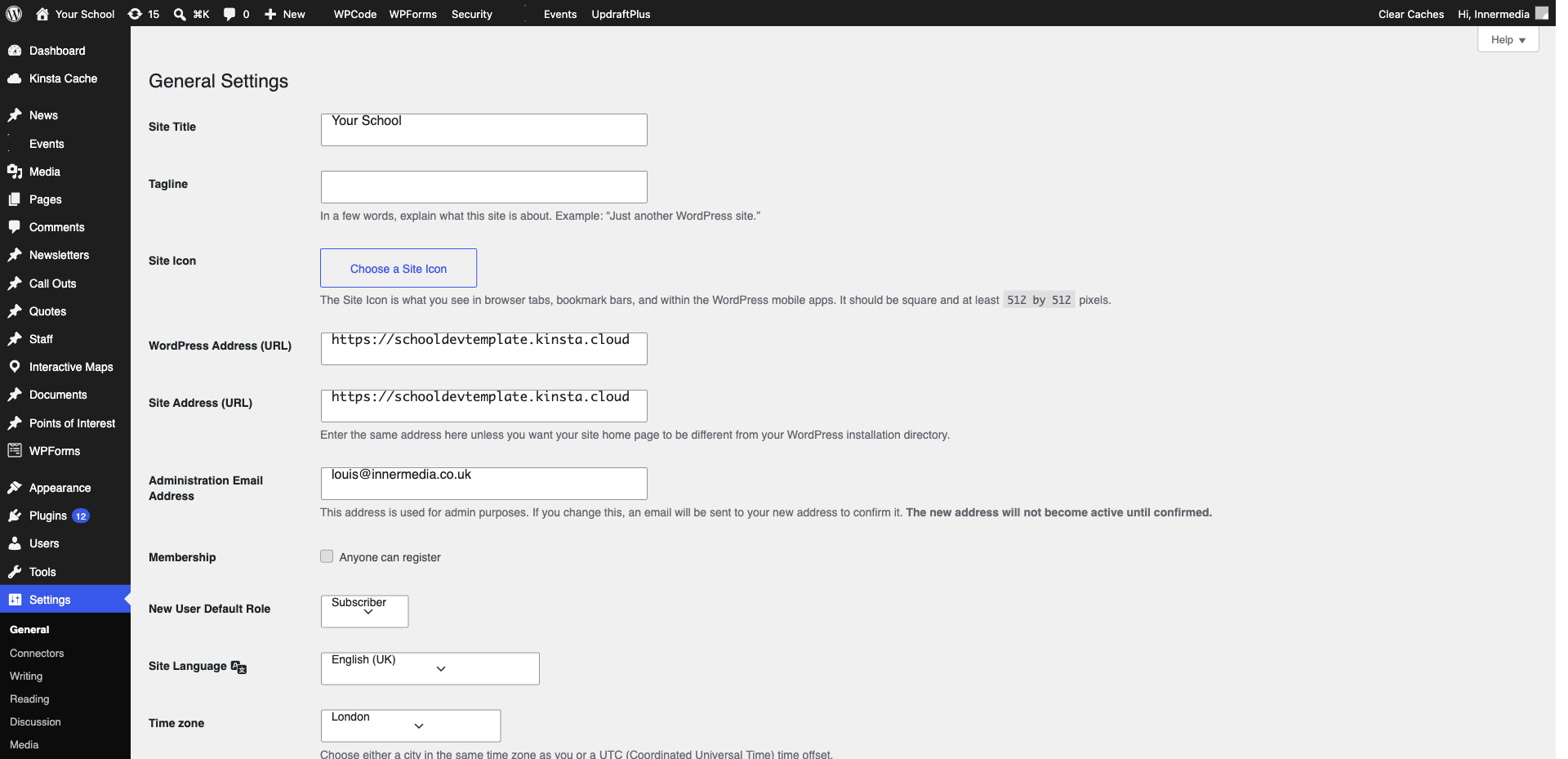
Open your site in Chrome and press F12 to open Developer Tools. Click the Console tab and look for warnings that say ‘Mixed Content’. These will tell you exactly which URLs are causing the problem.
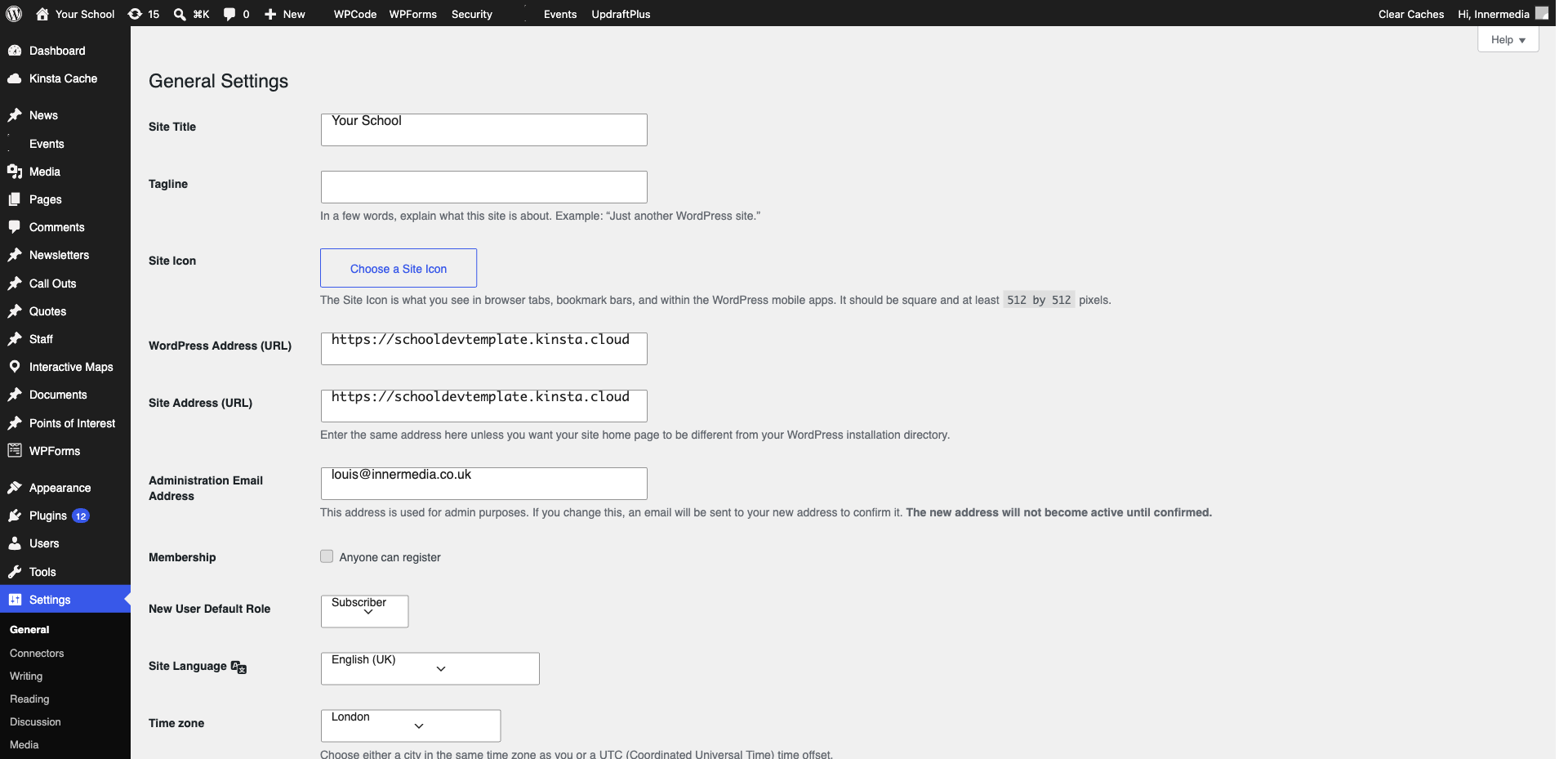
Most mixed content issues are caused by hardcoded HTTP URLs in your content. Go to the page in WordPress and edit any image or link URLs to use https:// instead of http://. For bulk fixes across many pages, we can run a search-and-replace on the database.
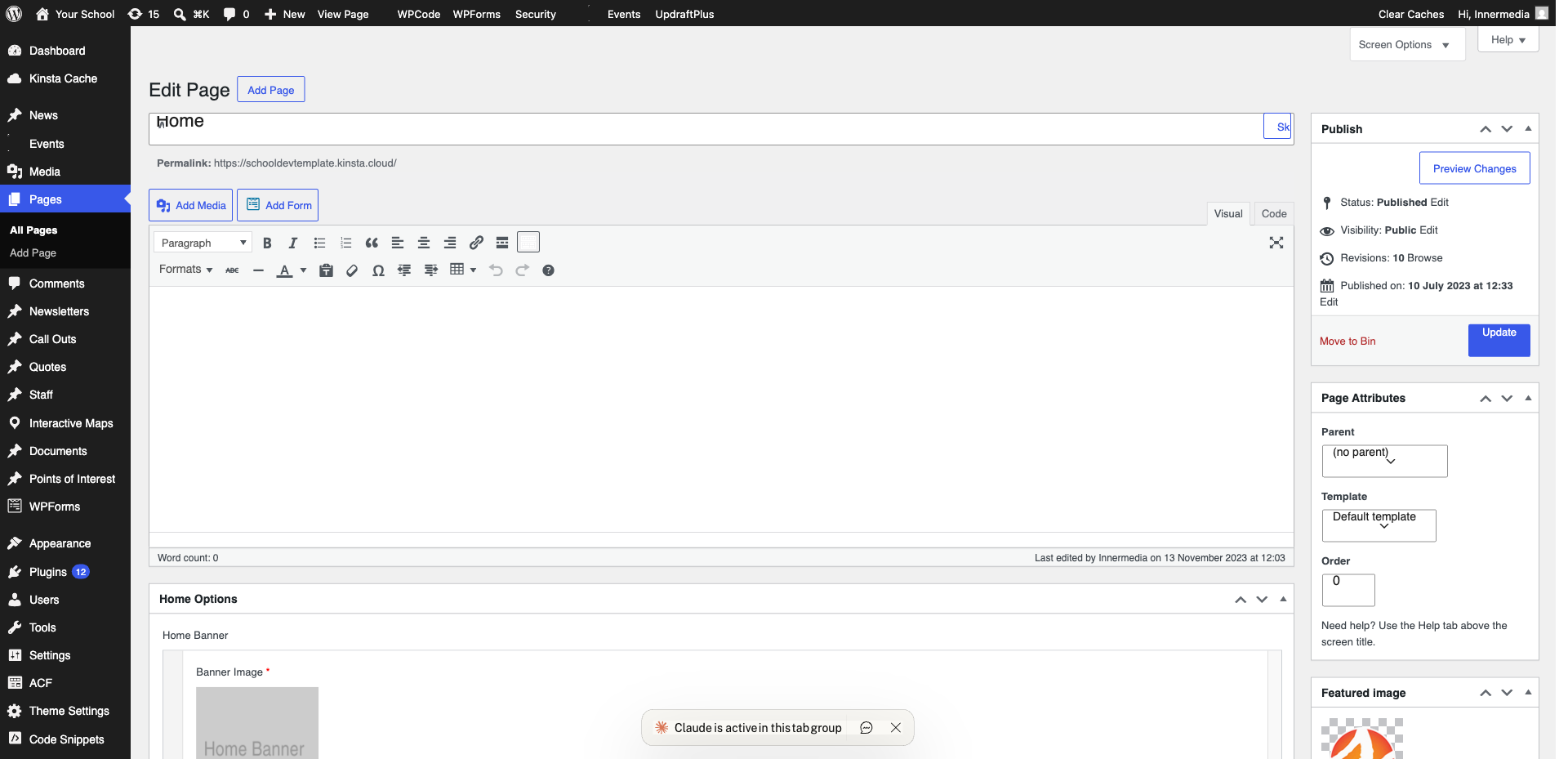
If mixed content warnings persist after checking your content, the issue may be in the theme, a plugin, or an external script. Contact Innermedia at support@innermedia.co.uk and we will investigate and fix it for you.
Completed
If you are still experiencing issues, our support team is here to help.
Was this article helpful?