INNERMEDIA
Contact Support
Support Base
Pages & Content
How to Fix a 404 Error From a Private Page
Step 0 of 4 completed
1
Open the page
Go to Pages, find the affected page, and click Edit.
2
Check Visibility
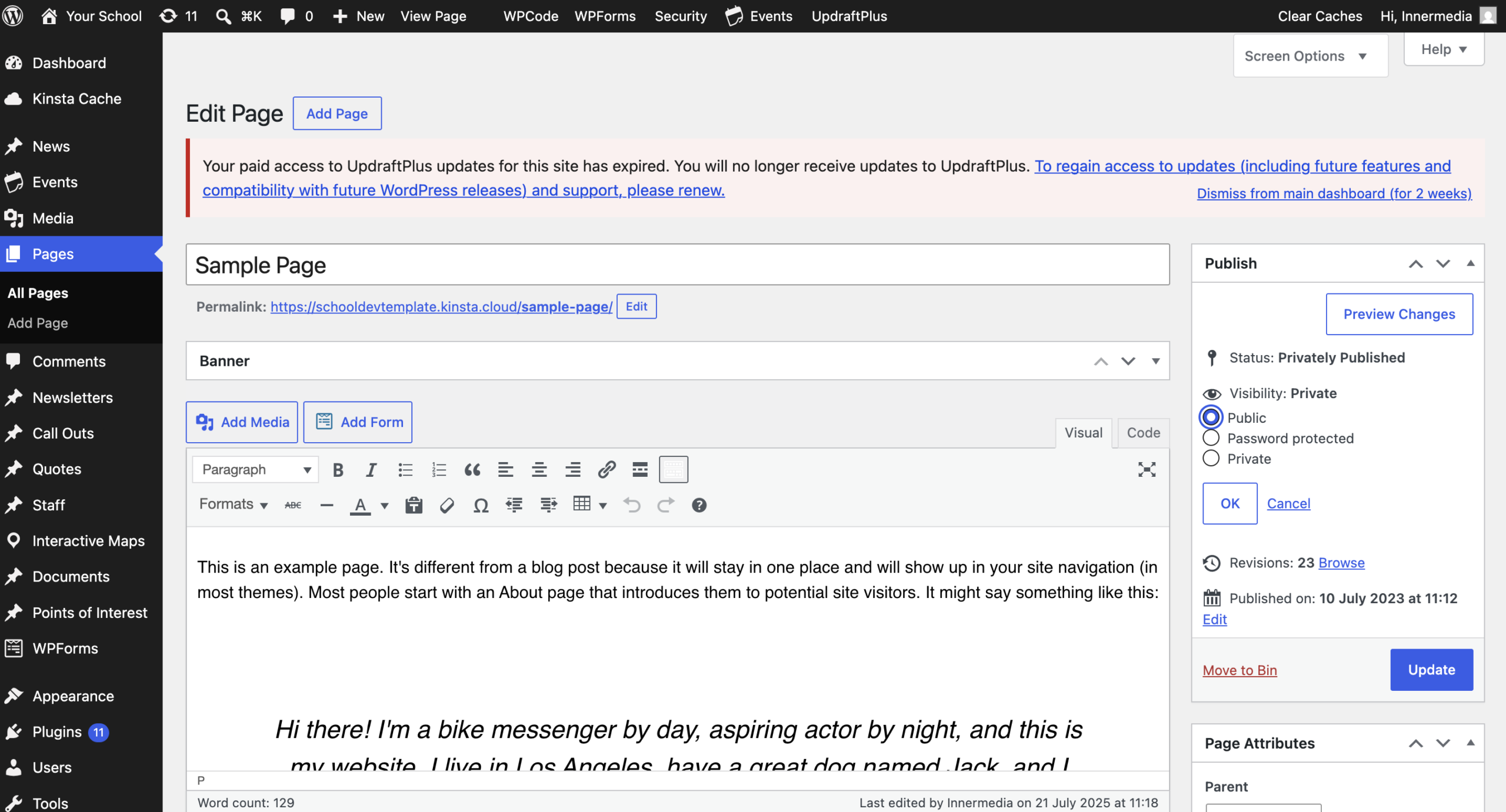
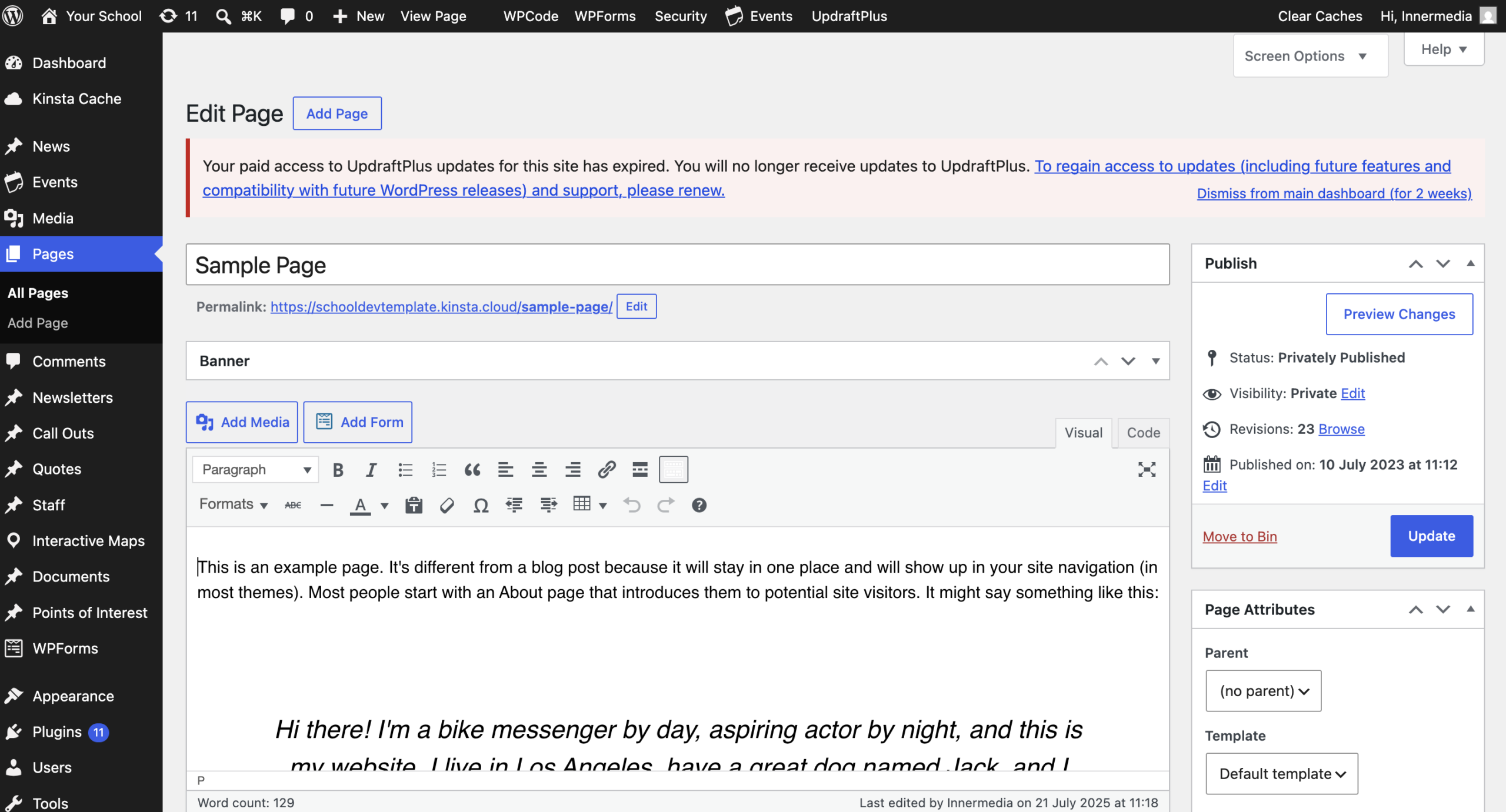
In the Status & Visibility panel, look at Visibility. If it says Private, click Edit next to it.
3
Change it to Public
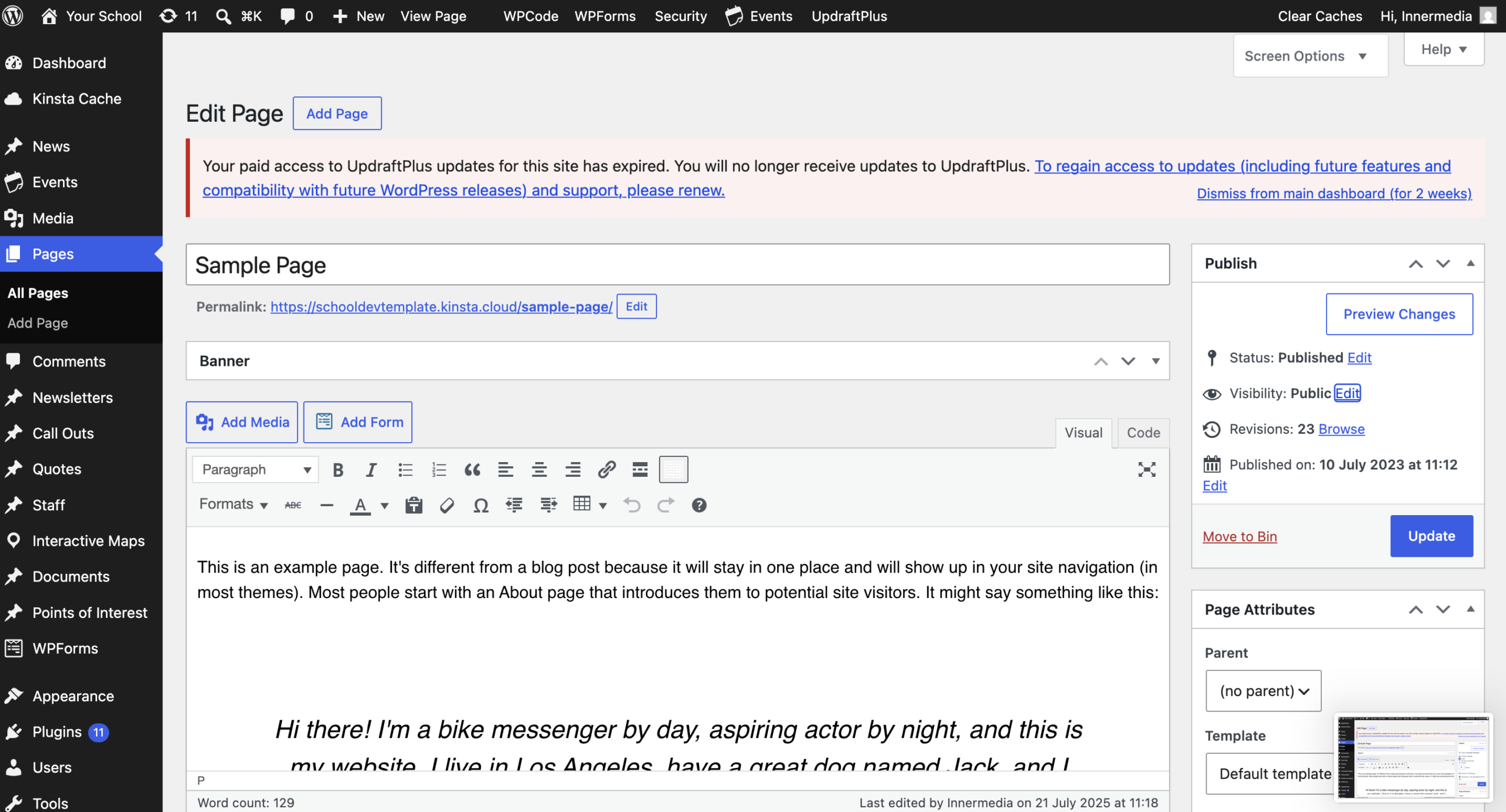
Select Public, click OK, then Update.
4
Test the live link
Open the page’s front-end URL in a private/incognito window to confirm it now loads instead of showing a 404.
Completed
If you are still experiencing issues, our support team is here to help.
Was this article helpful?