How to Edit Your Header Navigation Menu
In your WordPress admin menu, go to Appearance → Menus.
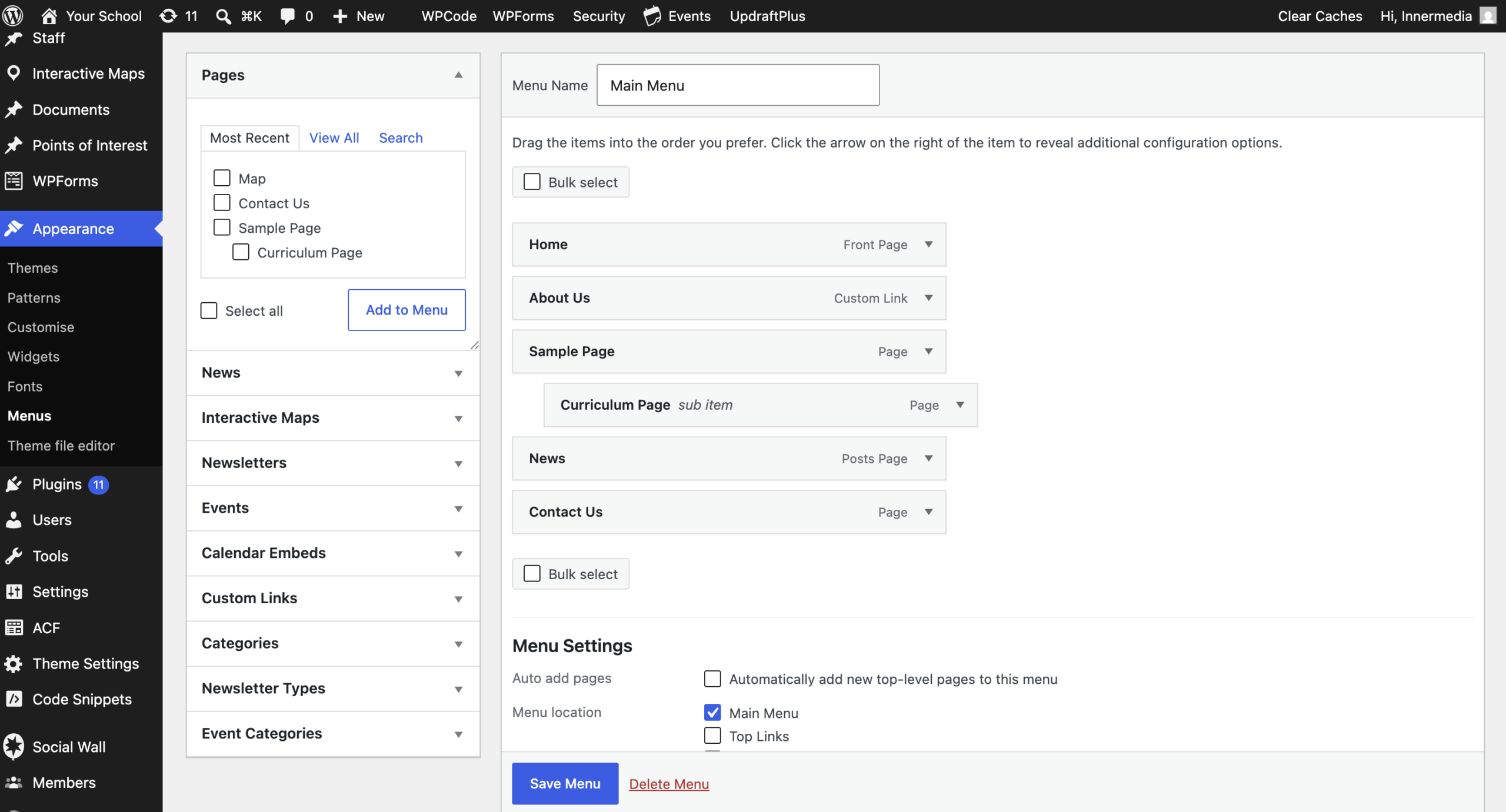
Use the Select a menu to edit dropdown near the top and make sure you’ve chosen your header/main menu specifically — not the Footer Menu — then click Select. Any changes you make only apply to whichever menu is selected here.
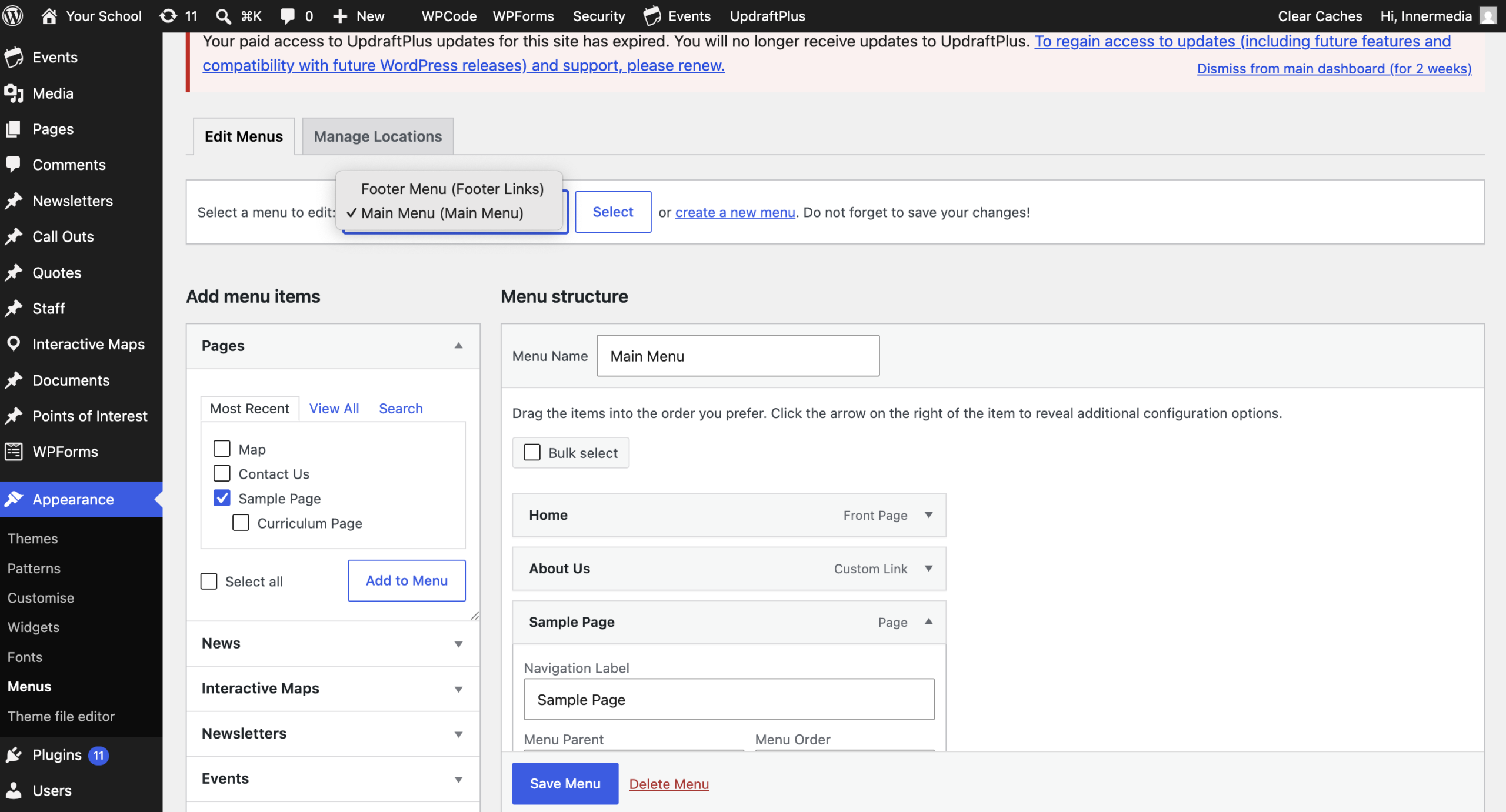
In the panel on the left (Pages, Custom Links, Categories, etc.), tick the page or link you want to add, then click Add to Menu. It will appear at the bottom of the Menu structure on the right, where you can drag it into position.
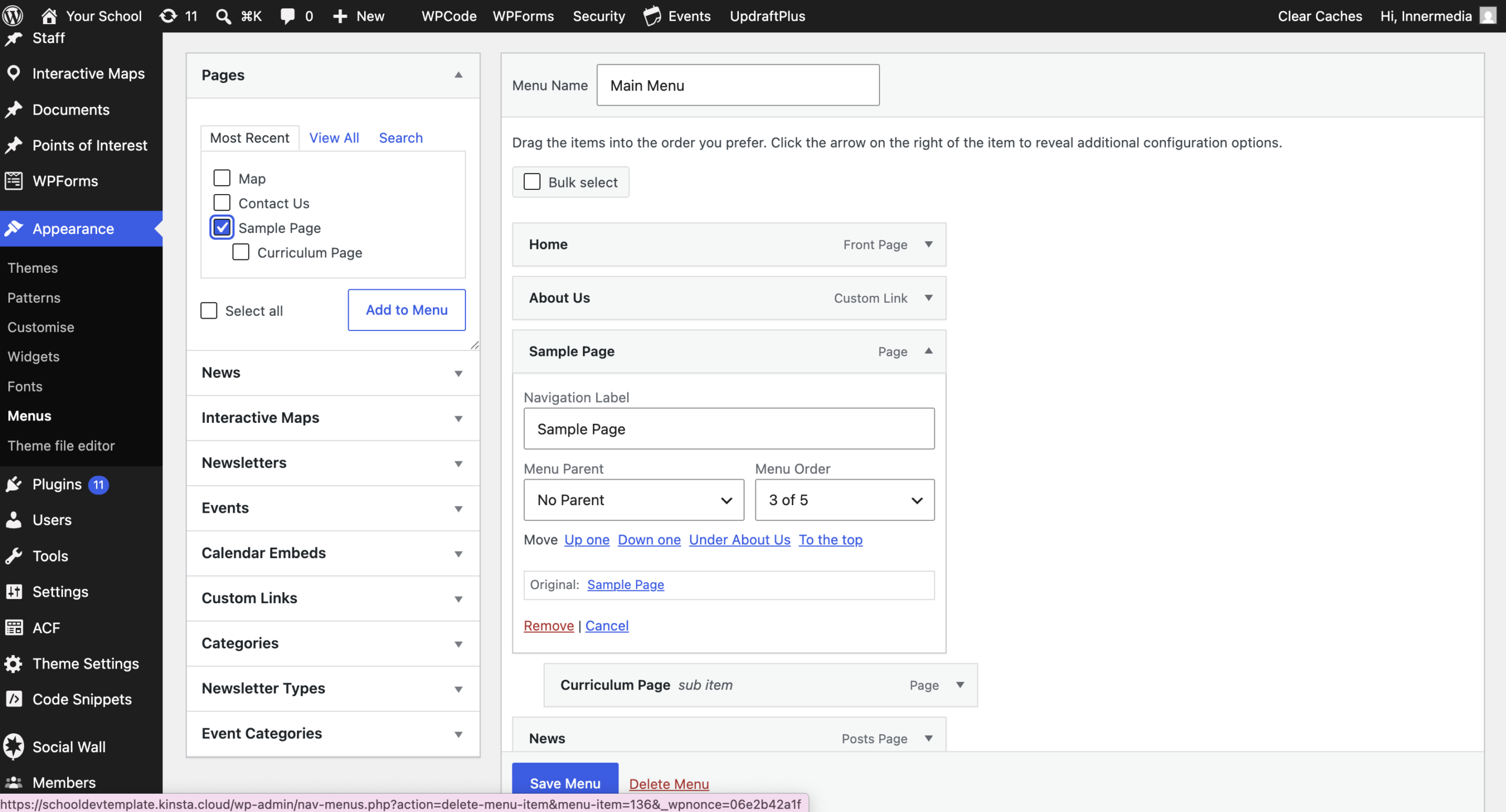
Click the arrow on the right of the menu item to expand it, then click Remove.
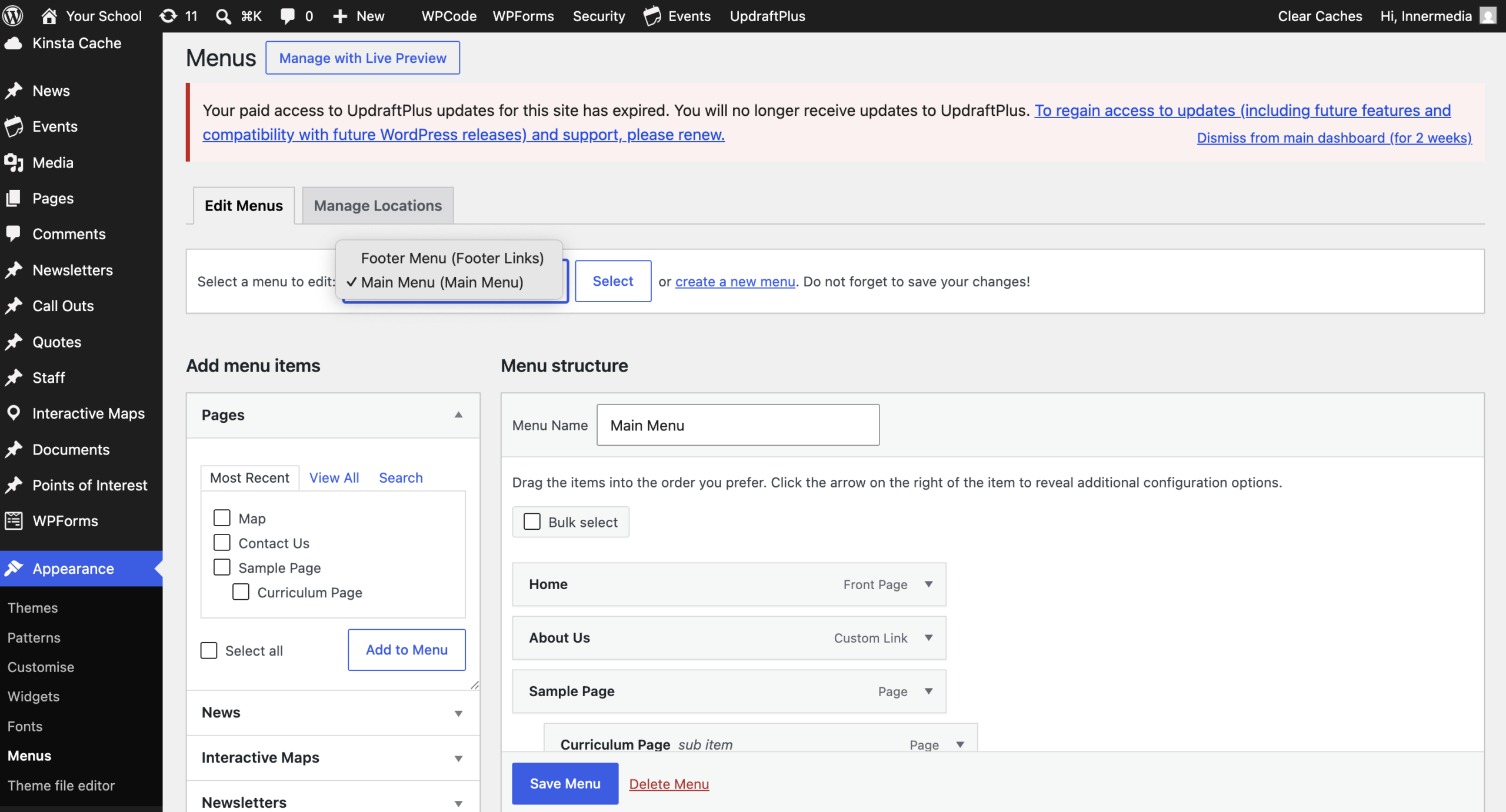
Click Save Menu, then refresh your live site to confirm your change has taken effect.
Completed
If you are still experiencing issues, our support team is here to help.
Was this article helpful?