Keeping WordPress Up to Date
WordPress releases regular updates that fix security vulnerabilities, patch bugs, and add new features. Running outdated software is the single biggest security risk for WordPress sites. Plugins and themes also release updates for the same reasons.
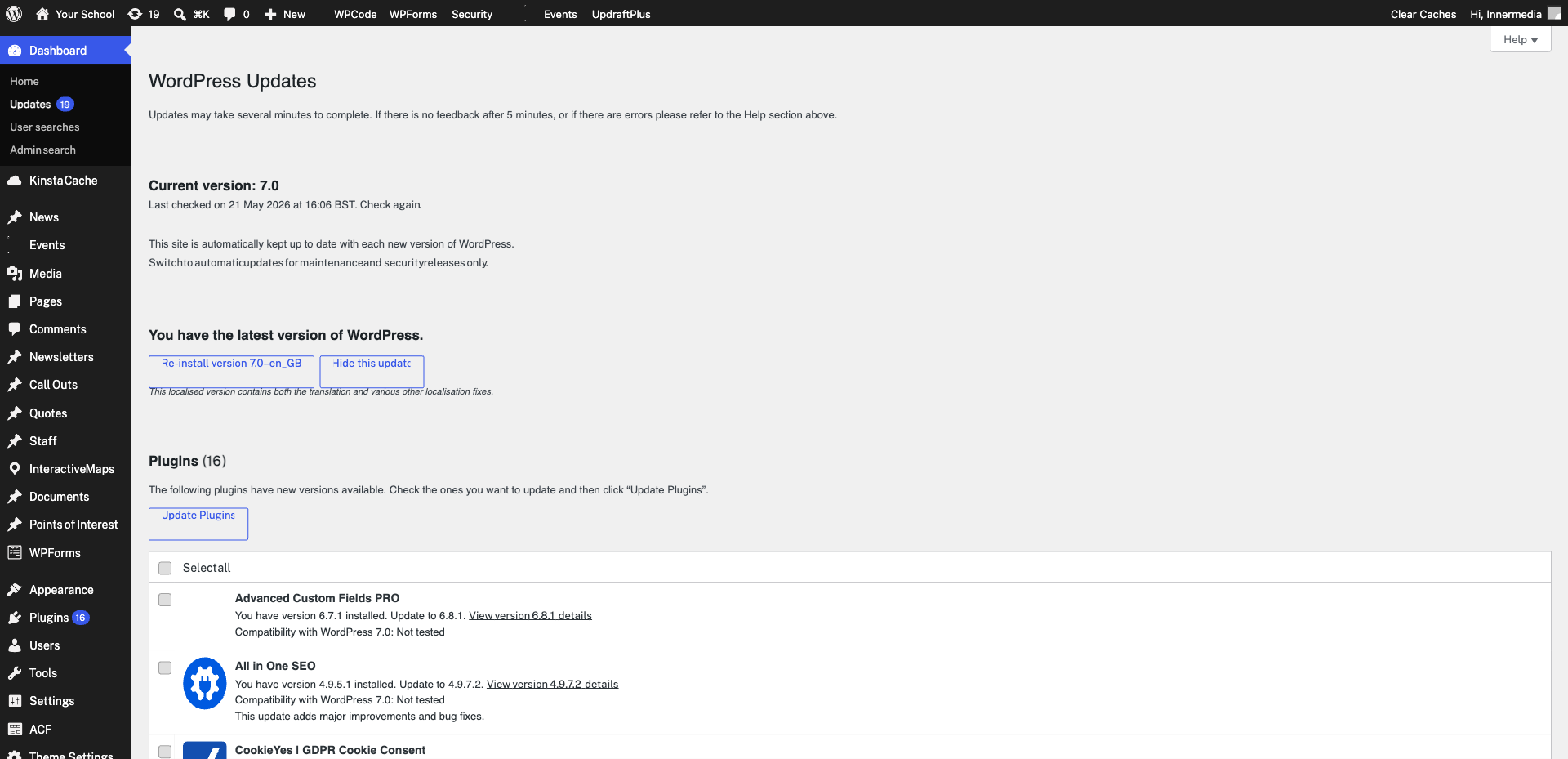
Log in to WordPress and look for the red notification badge next to ‘Updates’ in the left sidebar (or go to Dashboard → Updates). This page shows available updates for WordPress core, plugins, and themes.
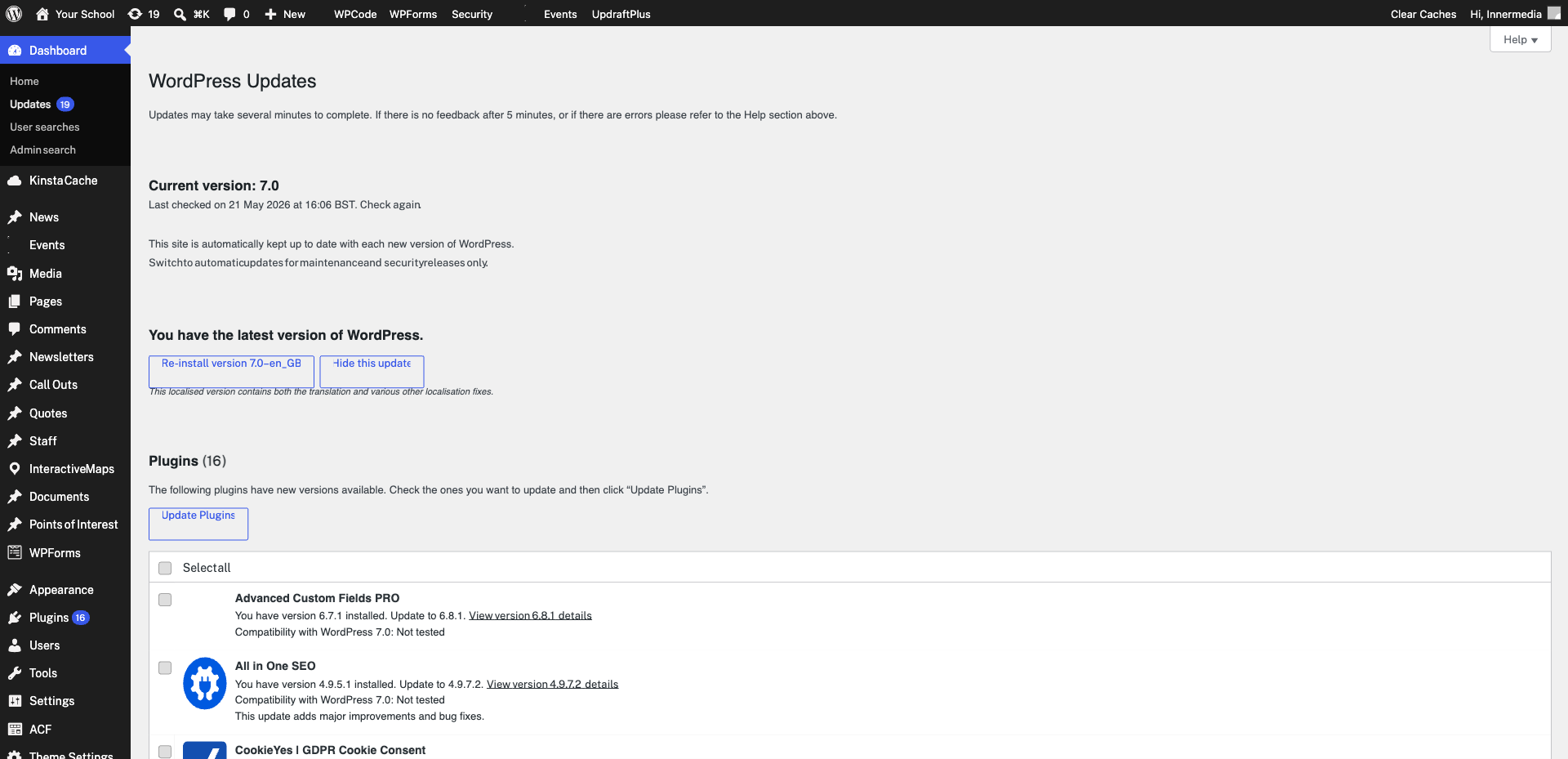
For Innermedia-managed sites, we handle all major updates as part of your hosting and support package. This includes WordPress core updates, plugin updates, and theme updates. We test updates on a staging environment first to catch any conflicts before applying them to your live site.
You are free to make content changes (editing pages, adding posts, uploading images) at any time. These do not affect the technical stability of your site. If you are ever unsure whether something is safe to change, just ask us.
Completed
If you are still experiencing issues, our support team is here to help.
Was this article helpful?