INNERMEDIA
Contact Support
Support Base
Pages & Content
Setting a Page as Your Homepage
Step 0 of 3 completed
1
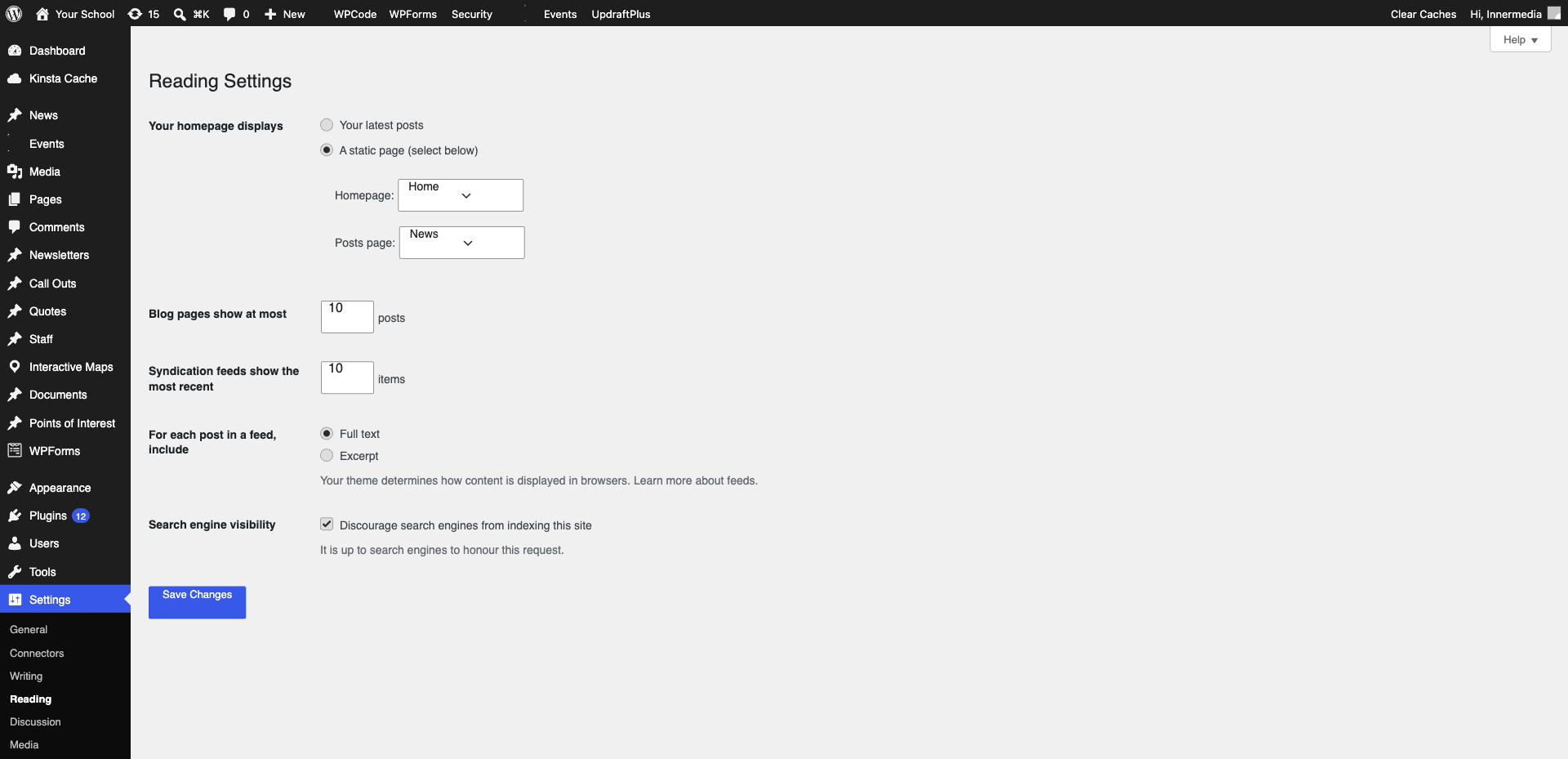
Go to Reading Settings
Navigate to Settings → Reading in the WordPress sidebar.
2
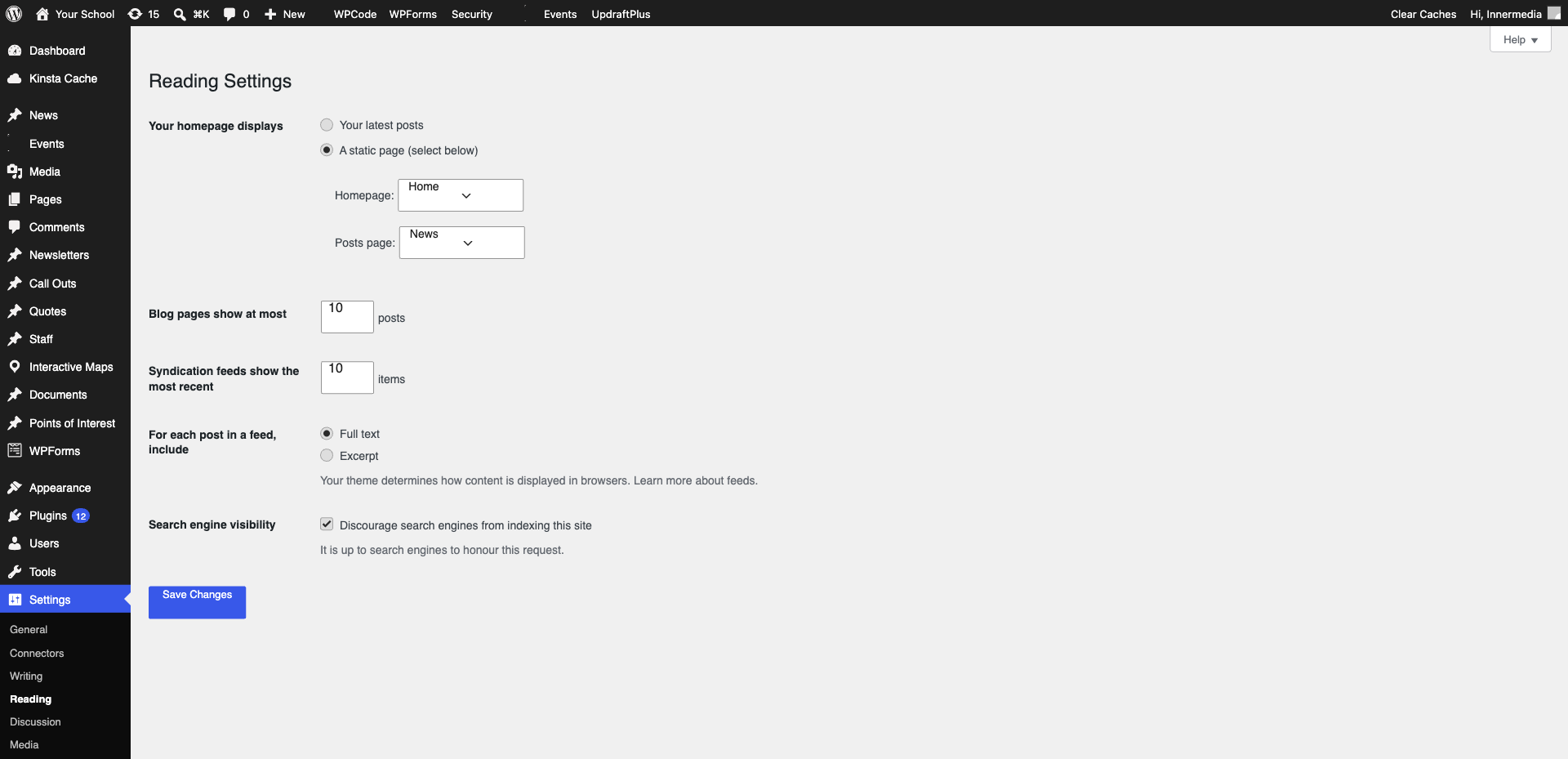
Select Your Homepage
Choose ‘A static page’ and select the page from the dropdown. Also set the ‘Posts page’ if you have a blog.
3
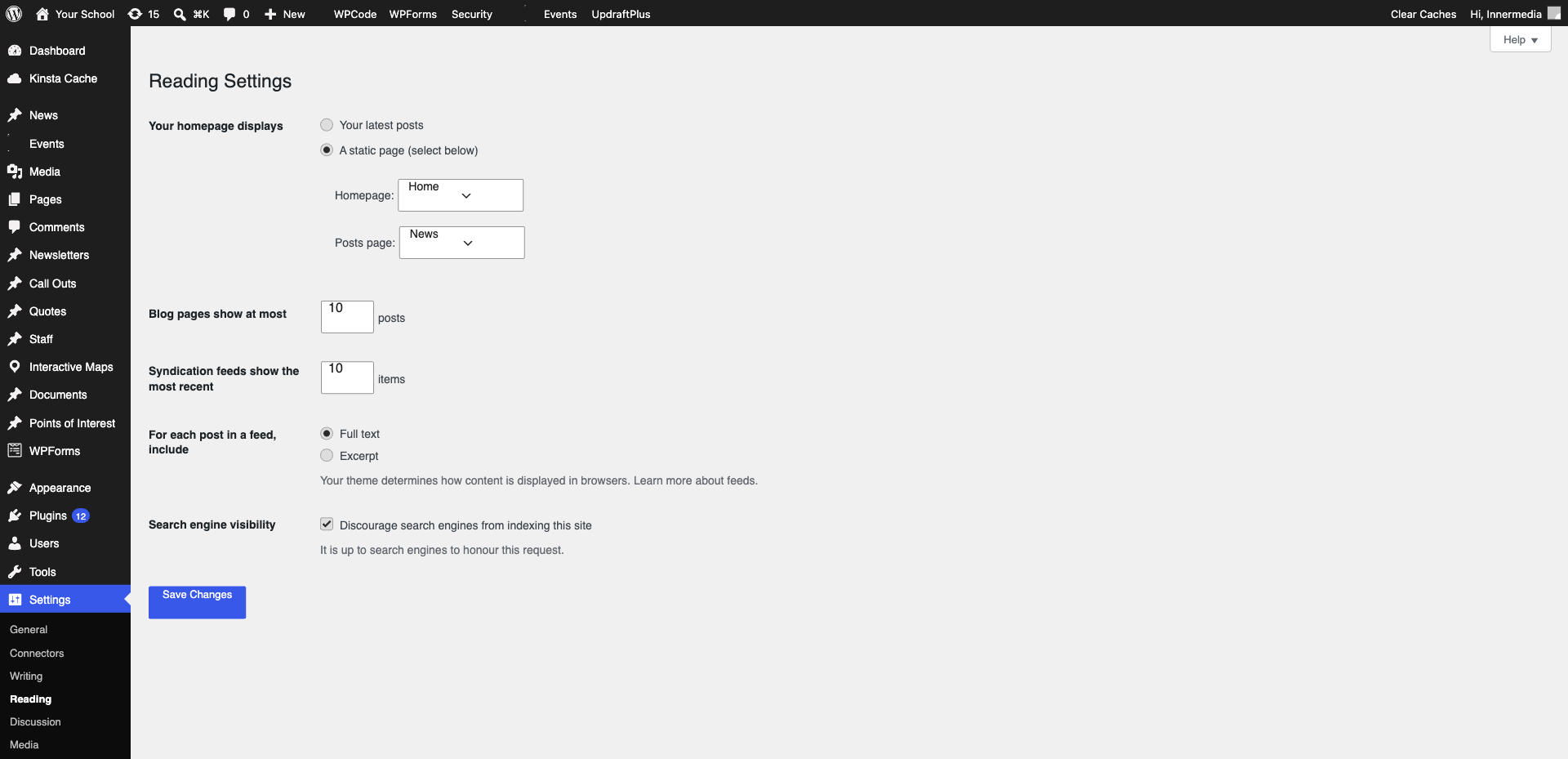
Save Changes
Click ‘Save Changes’ and visit your site to confirm.
Completed
If you are still experiencing issues, our support team is here to help.
Was this article helpful?